98
DISC mode
Video DVD playback
Skipping chapters forward/back
These two functions are also available in the
on-screen menu, see the section “Skipping
chapters forward/back” on page 107.
Briefly press the or button on
the steering wheel.
The system will execute the chapter
skip corresponding to the button
pressed.
Title list
This function is described in the section
“Native DVD menu”, see page 101.
Subtitle
This function is described in the section
“Native DVD menu”, see page 101.
Audio track
This function is described in the section
“Native DVD menu”, see page 101.
Viewing angle
This function is described in the section
“Native DVD menu”, see page 101.
Audio settings
Please see the section “Audio settings” on
page 33 for a description of the audio
settings.
Video settings
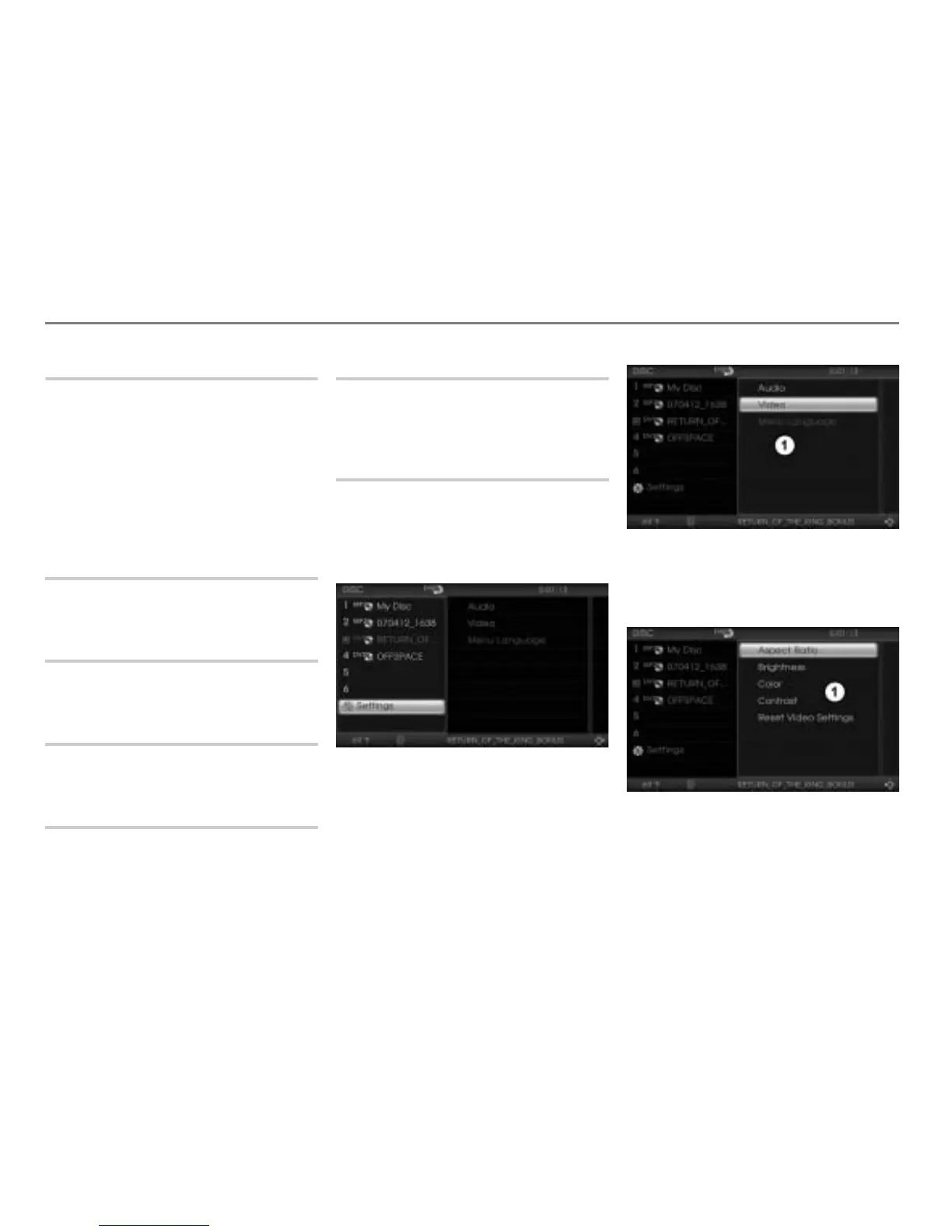
Open the Video Settings menu
During video playback, press and hold
the button until the DISC main
menu appears.
In the DISC main menu, select the
menu item
Settings.
A selection menu appears.
Selection menu
In the selection menu, select the menu
item
Video.
The Video Settings menu appears.
Video settings menu



 To Next Page