144
AUX mode
AUX playback
Opening/closing the AUX main
menu during playback
Opening the AUX main menu and
closing the AUX full-screen display
Press the button or the
controller
.
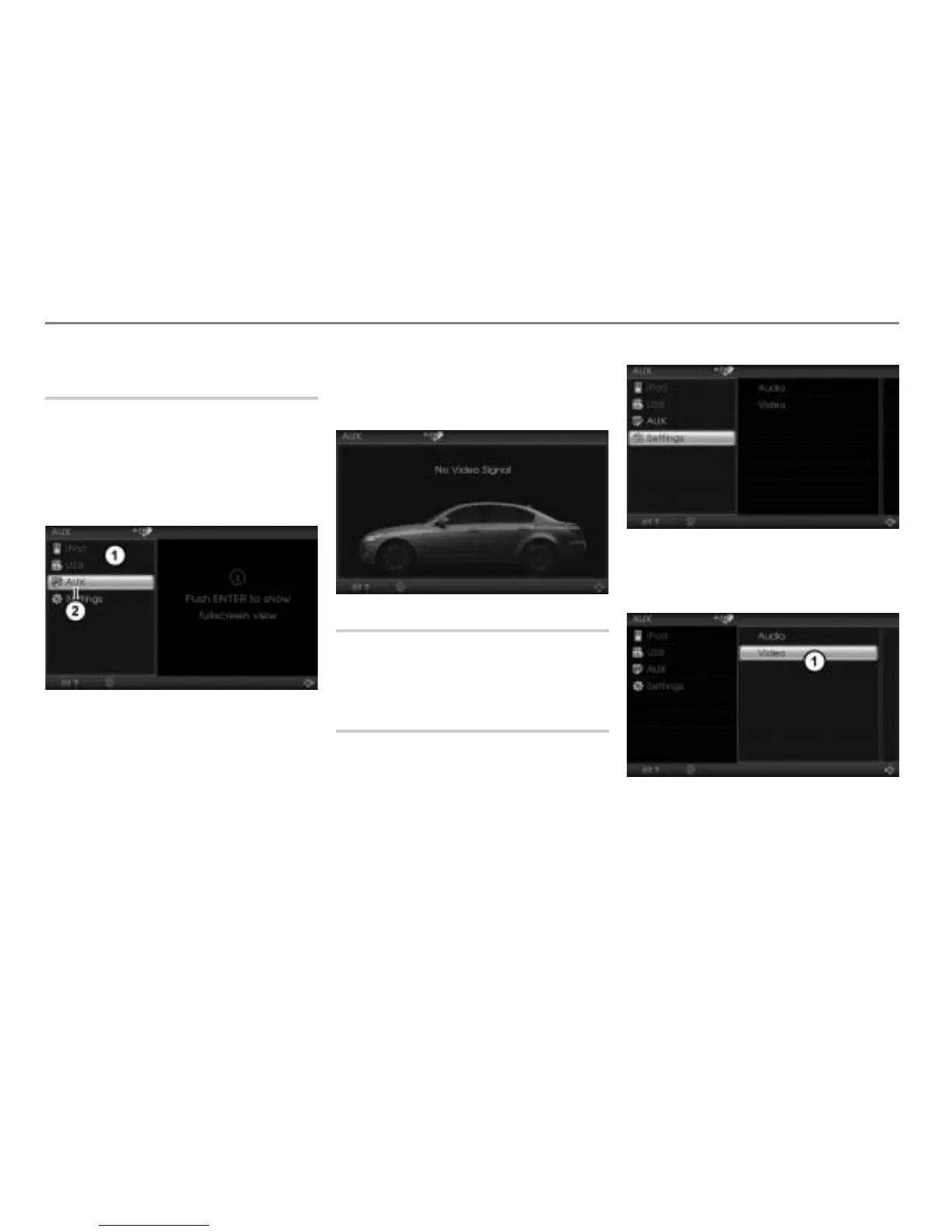
The AUX main menu appears.
AUX main menu
Menu item AUX
Closing the AUX main menu and
opening the AUX full-screen display
Option 1: Press the button.
Option 2: In the AUX main menu,
select the menu item
AUX.
The AUX full-screen display appears.
Audio settings
Please see the section “Audio settings” on
page 33 for a description of the audio
settings.
Video settings
Opening the Video Settings menu
During AUX video playback, press and
hold the button until the AUX main
menu appears.
In the AUX main menu, select the menu
item
Settings.
A selection menu appears.
Selection menu



 To Next Page