145
AUX mode
AUX playback
In the selection menu, select the menu
item
Video.
The Video Settings menu appears.
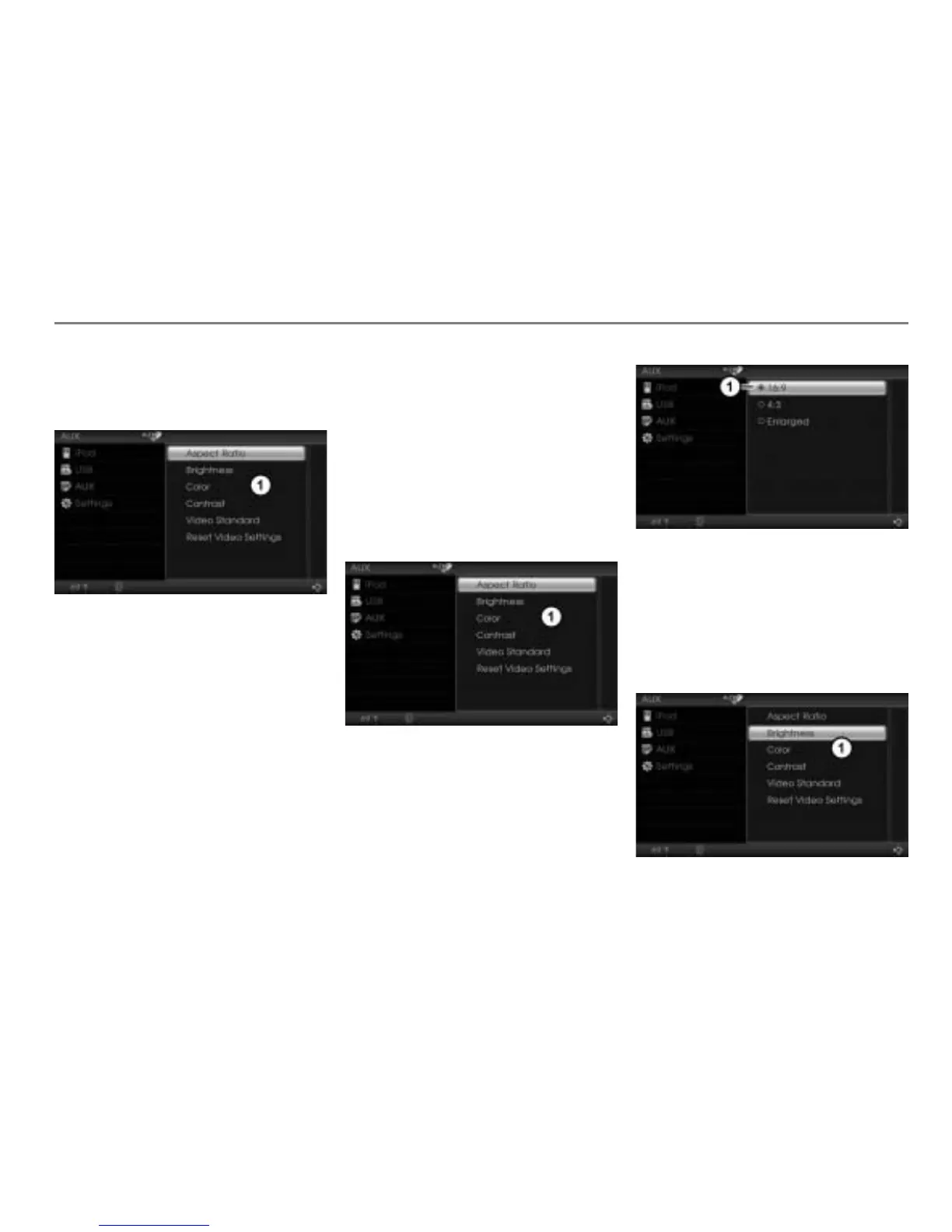
Video Settings menu
The Video Settings menu includes the
following functions:
Aspect ratio, see page 145
Brightness, color and contrast, see
page 145
AUX video standard, see page 146
Video reset, see page 147
Closing the Video Settings menu
Option 1: Push
the controller
once.
Option 2: Briefly press the
button.
Aspect ratio
Open the Video Settings menu, see
section “Opening the Video Settings
menu” on page 144.
Video Settings menu
To open the Aspect Ratio menu: In
the Video Settings menu, select the
menu item
Aspect Ratio.
The Aspect Ratio menu appears.
Icon for currently active setting
To set the aspect ratio: Select the
desired setting.
Brightness, color and contrast
Open the Video Settings menu, see
section “Opening the Video Settings
menu” on page 144.
Video Settings menu



 To Next Page