164
PHONE
Options
Connecting
Call up the device list, see the section
“Calling up the device list” on page 161.
Device list
Continue as described in the section
“Connecting a phone (Option 2)” on
page 157.
Disconnecting
Call up the device list, see the section
“Calling up the device list” on page 161.
Device list
Continue as described in the section
“Disconnecting a phone (Option 2)” on
page 159.
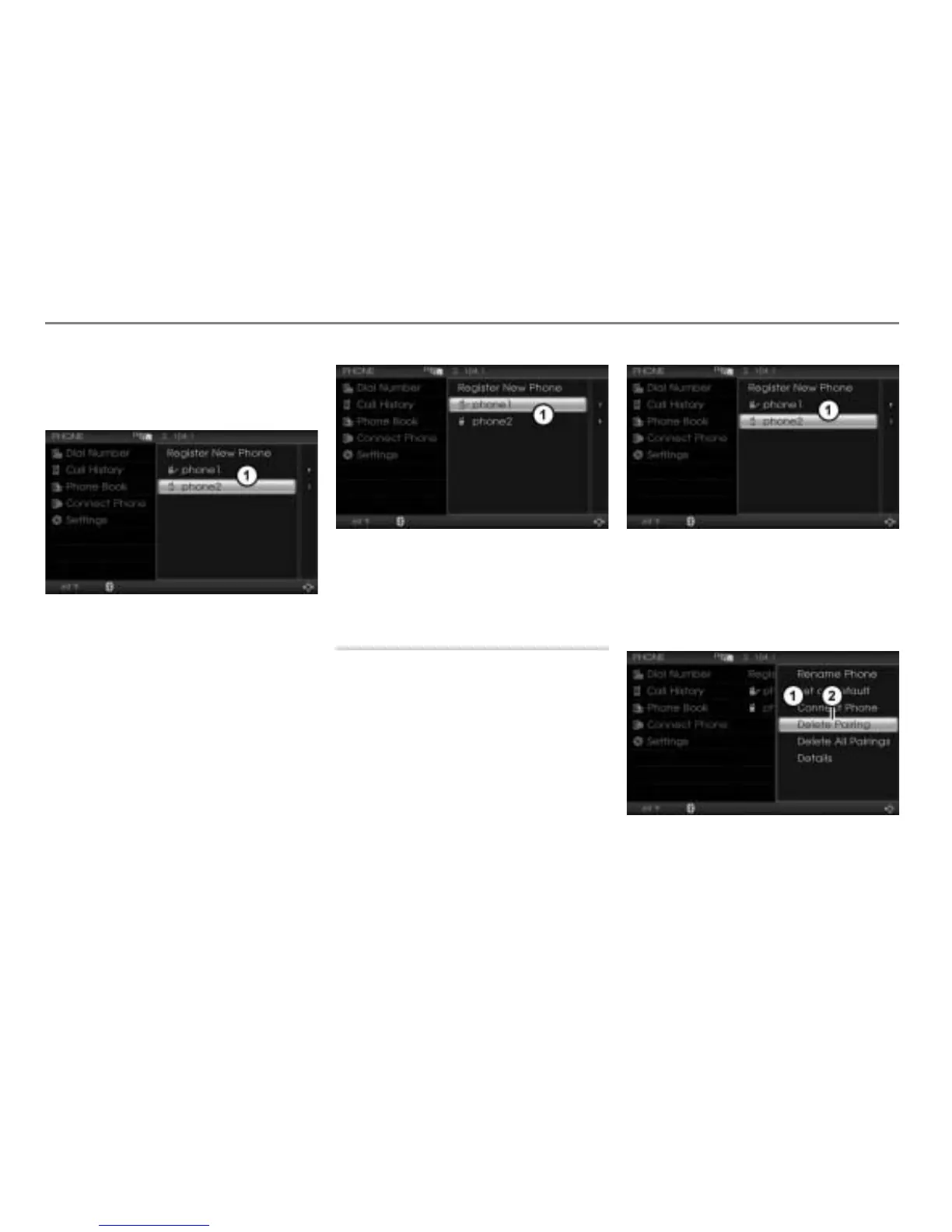
Deleting a pairing
This function deletes the pairing, the
phonebook data and the call history of a
mobile phone stored in the system, except
for the currently connected mobile phone.
If you want to delete this too, first you must
disconnect the mobile phone, see section
“Terminating a connection” on page 158.
Call up the device list, see the section
“Calling up the device list” on page 161.
Device list
Highlight the desired mobile phone in
the device list.
Push
the controller .
The Options menu appears.
Options menu
Menu item Delete Pairing



 To Next Page