239
Navigation
Functions during route guidance
Reroute
Select one of the following menu items:
Shortest Time
Shortest Distance
Minimize Freeway
Minimize Toll Road
The system calculates a new route.
Detour
Select one of the following menu items:
Detour 1 mi or Detour 1 km
Detour 2 mi or Detour 2 km
Detour 5 mi or Detour 5 km
Detour 10 mi or Detour 10 km
Depending on the menu item selected,
the relevant stretch in the route section
still be to travelled will be blocked and
the system will start to calculate the
route.
The labelling of the menu items (mi or km)
depends on the settings, see section “Map
display settings”, subsection “Function
Display Miles/Display Km” on page 259.
Switching the remaining distance/
journey time display
If the map display is in position mode, the
system can either show the remaining
distance/journey time to the main
destination or to the next waypoint. You can
use this function to switch the display.
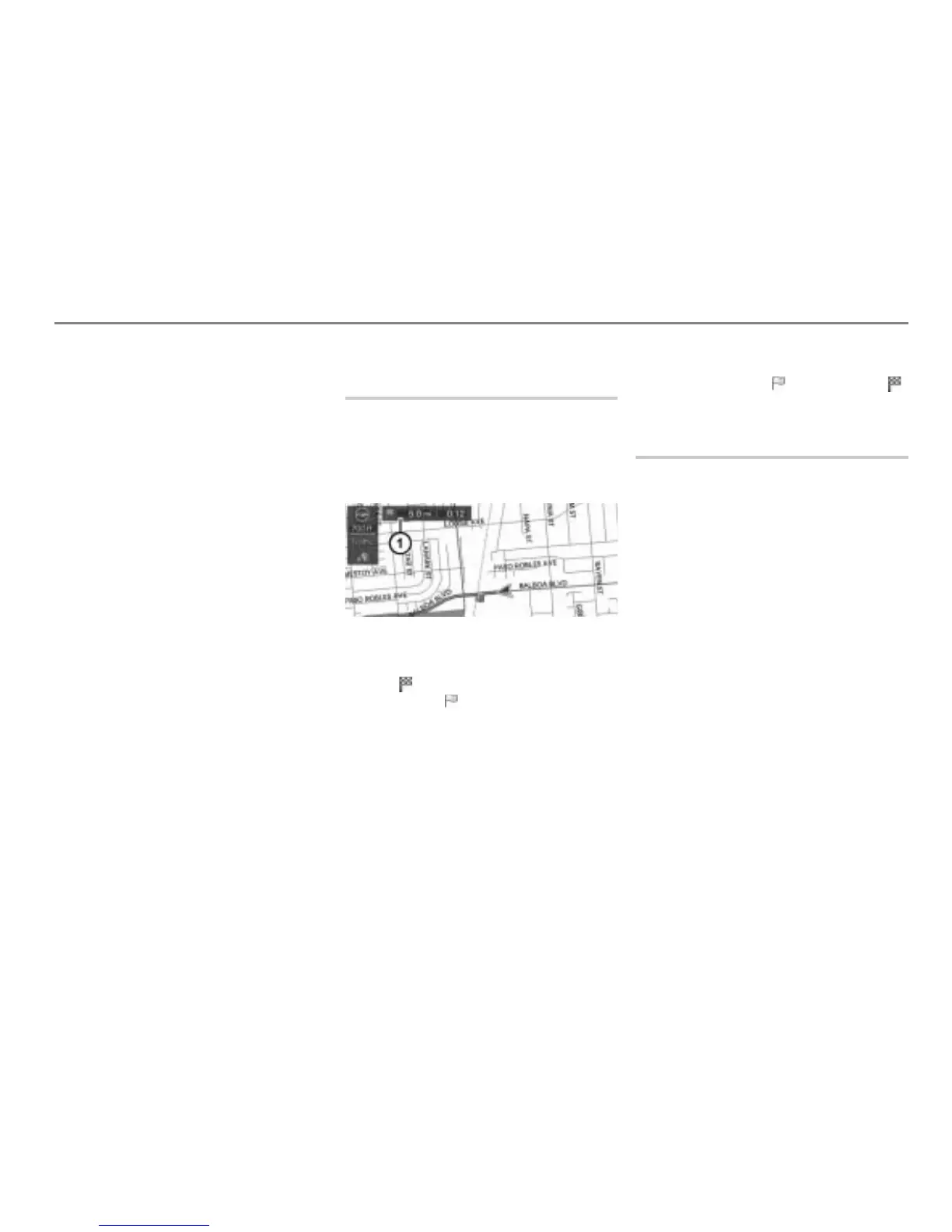
Map display shows day mode
Remaining distance/journey time
indicator
Icon = main destination
Yellow icon = waypoint
To call up the map display in
position mode: Briefly press the
button.
The map display appears.
To open the Options menu: Press the
controller
.
The Options menu appears.
In the Options menu, select the menu
item
Distance to or Distance to .
The display is switched.
Change route
The following waypoint functions are
available:
Opening/closing the waypoint menu,
see page 240
Adding waypoints, see page 240
Changing the order of the destinations,
see page 241
Showing destinations in the map, see
page 242
Deleting a waypoint or the main
destination, see page 242
Deleting all waypoints and the main
destination, see page 242



 To Next Page