58
XM Satellite Radio mode
Tuning to channels
For information on general system
operation, please refer to the chapter
“Functional introduction” from page 17.
Overview
The following options are available:
Tuning to a channel using the Tune &
Seek menu, see page 58
Tuning to a channel using the channel
presets, see page 59
Tuning to a channel using the Scan
function, see page 60
Tuning to a channel using the channel
list, see page 61
Tuning to a channel using the category
list, see page 61
Tuning to a channel using the Tune
& Seek menu
Tuning to a channel via the Tune & Seek
menu is restricted to channels you have
subscribed.
To request the channel number input
menu: Open the XM
®
Satellite Radio
main menu, see section “Switching to
XM
®
Satellite Radio mode” on page 57.
In the XM
®
Satellite Radio main menu,
select the menu item Tune & Seek.
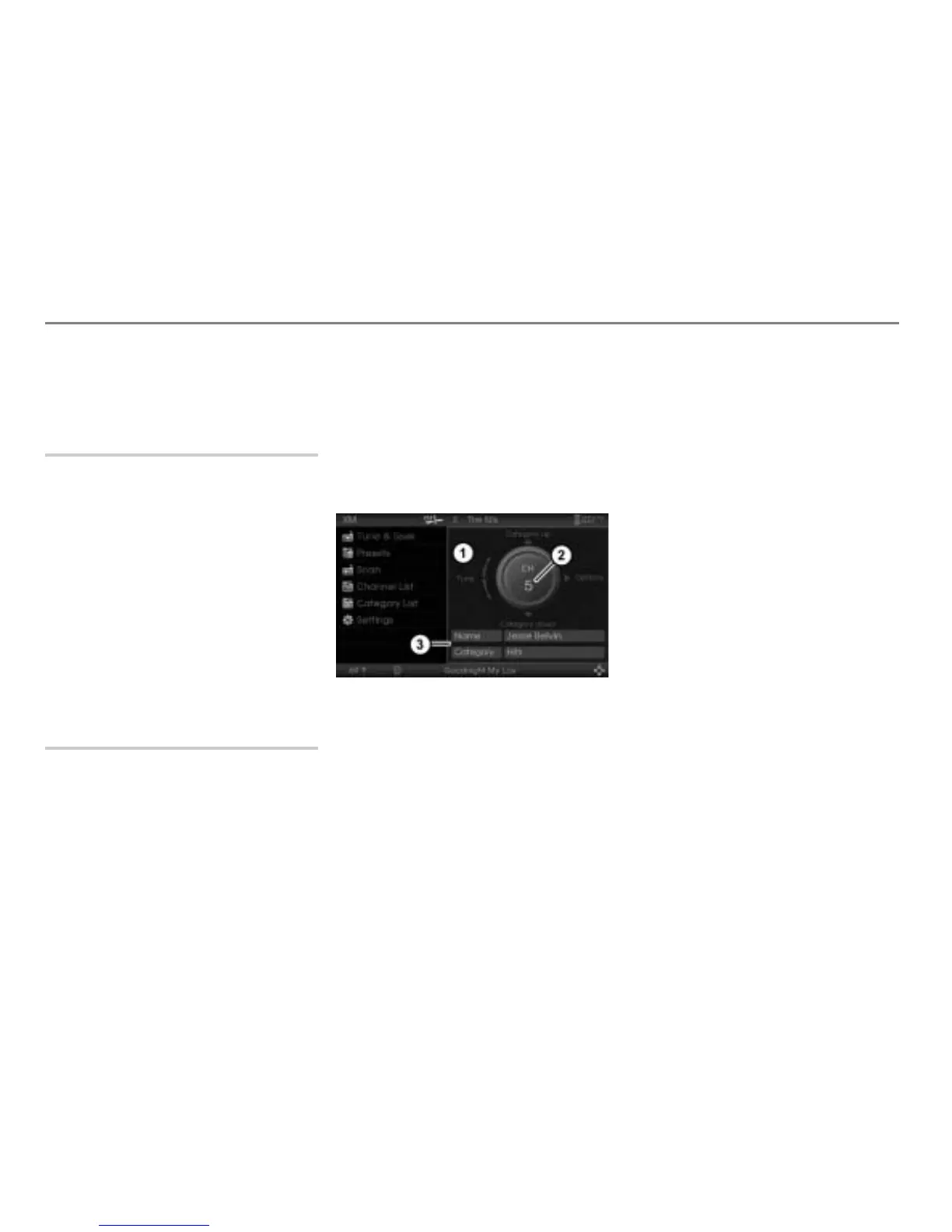
The Tune & Seek menu appears.
Tune & Seek menu
Currently tuned channel
Info display (Artist of the currently
played song and category of the
currently tuned channel)
To tune to a channel: Turn the
controller .
The system tunes to the next or to the
previous available subscribed channel,
depending on the direction of rotation.
To select another category:
Push
the controller .
The next or previous category will be
seleceted, depending on the direction
of pushing. The system tunes to the first
available subscribed channel of the
category.
Showing the Radio ID number
Tune to channel 0 by turning
the
controller
.
After tuning to channel 0, the info
display
shows the Radio ID number
instead of artist and category.
Showing details of the currently tuned
channel
Push the controller .
The Options menu appears.



 To Next Page