187
PHONE
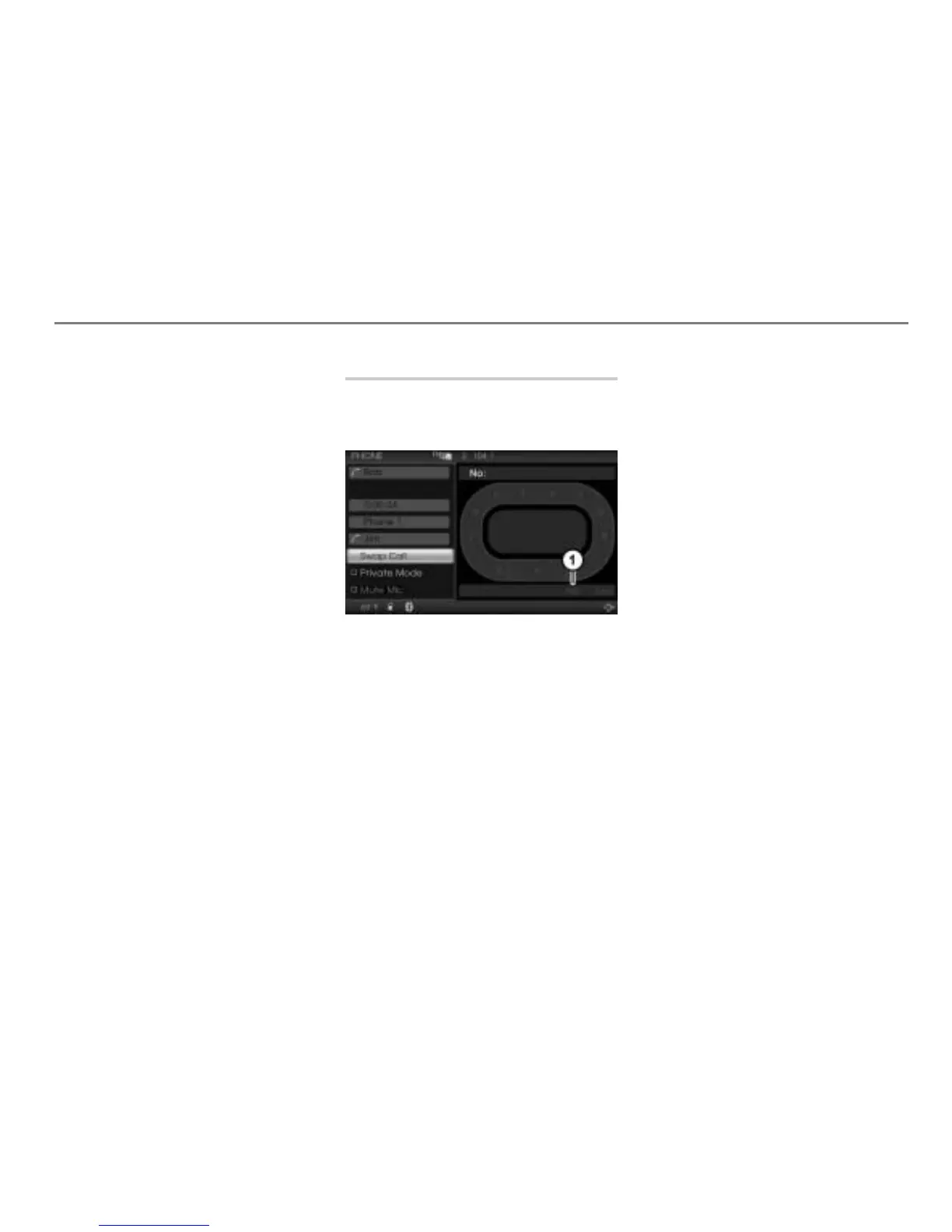
Special functions for two calls
If the other party transmits the phone
number and if it is exactly as transmitted
stored in the phonebook, the following is
valid:
The displays and are showing the
name stored in the corresponding
phonebook entry.
Additionally, the display shows the
phone number of the active party.
If the transmitted phone numbers are not
stored in the phonebook, the displays
and
are showing the phone numbers and
the display
is empty.
If no phone numbers are transmitted, the
displays
and are showing Unknown
and the display
is empty.
Option 1: Select the menu item Swap
Calls
.
Option 2: Briefly press the button
on the steering wheel.
In both cases, the previously active call
is now on hold and the previously call
on hold is now active. The displays
,
and change accordingly.
Ending the active call
Ending the active call activates the
previously call on hold, which can then also
be ended.
End Call menu item
Option 1: In the call display, select the
menu item
End Call.
Option 2: Press and hold the button
on the steering wheel until the call is
ended.



 To Next Page