298
INFO
Opening the INFO main menu
For information on general system
operation, please refer to the chapter
“Functional introduction” from page 17.
Press the button.
Either the PHONE main menu or the
INFO main menu appears.
If the PHONE main menu appears:
Press the button once more.
The INFO main menu appears.
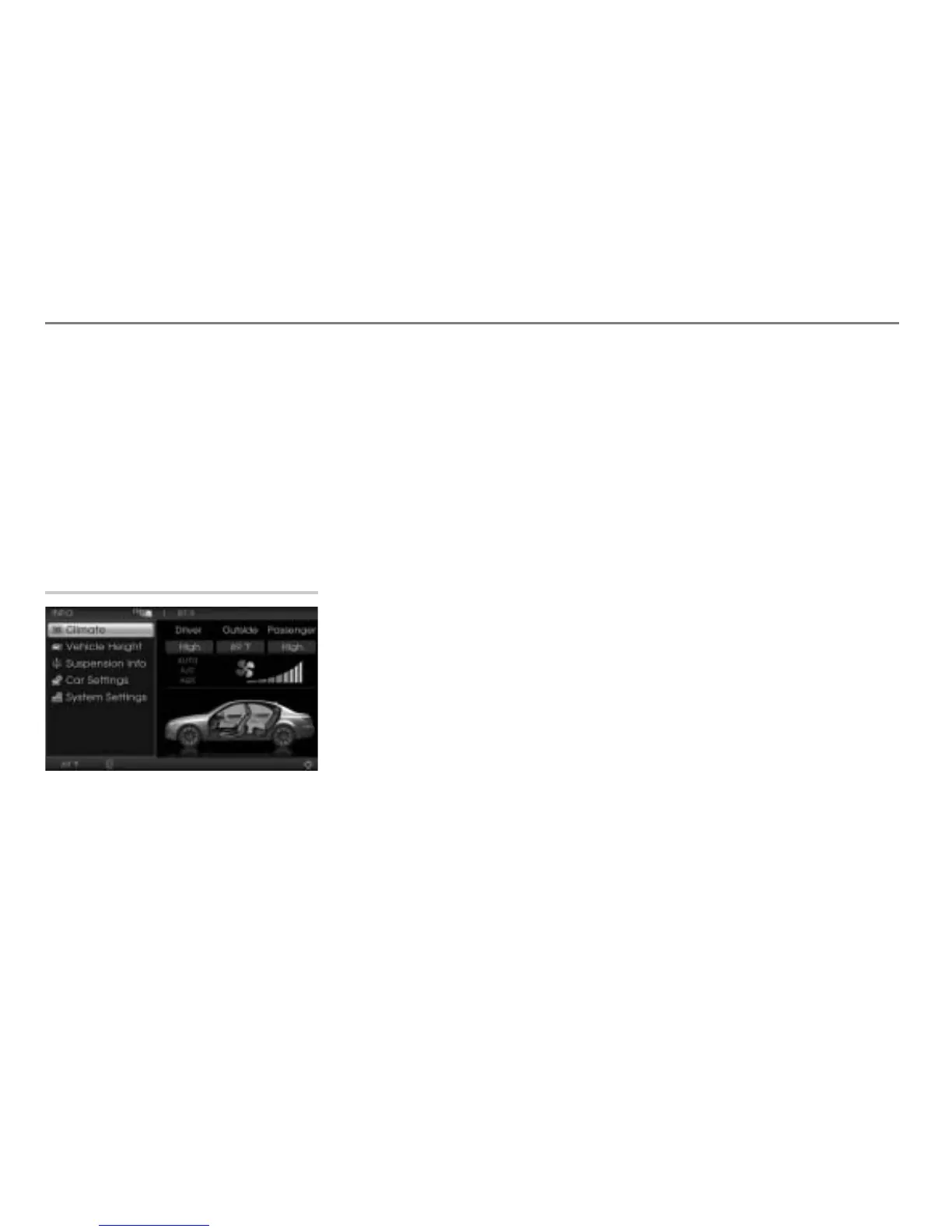
INFO main menu
Available functions
Climate, see page 299
Vehicle Height, page 299
Suspension Info, see page 299
Car Settings, see page 300
System Settings, see page 304



 To Next Page