176
PHONE
Call history list
For information on general system
operation, please refer to the chapter
“Functional introduction” from page 17.
General Information
The call history list contains the following:
Missed calls
Received calls
Dialed numbers
Each paired mobile phone has its own
independent call history list, but only the list
of the currently connected mobile phone
can be accessed. Each list contains a
maximum of 20 entries.
The call history list of a mobile phone will be
deleted automatically, as soon as the
pairing of the mobile phone is deleted.
The call history lists of the system are
independent of those of the mobile phones.
The system can only log calls or dialed
numbers in the call history list if the mobile
phone is connected with it and if the phone
functions are being used via the system.
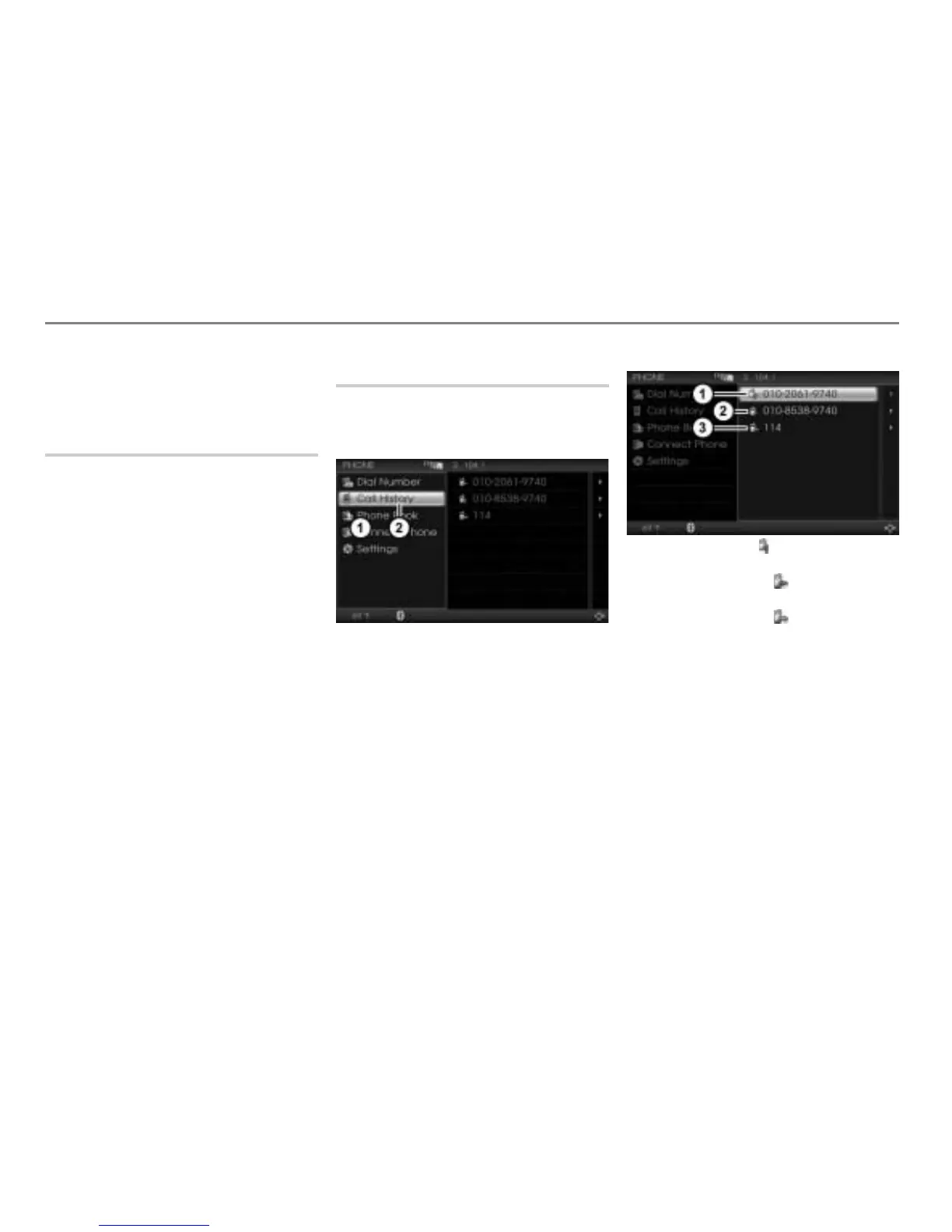
Calling up the call history list
Open the PHONE main menu, see the
section “Opening the PHONE main
menu” on page 152.
PHONE main menu
Call History menu item
In the PHONE main menu, select the
menu item
Call History.
The call history list appears. The entries
in the list are sorted in chronological
order, with the most recent at the top.
You will find an operating example for a list
in the section “Lists” on page 29 of the
chapter “Functional introduction”. There you
will also find the description of how to scroll
through a list.
Missed call (Icon / phone symbol with
question mark)
Incoming call (Icon / phone symbol
with left arrow)
Outgoing call (Icon / phone symbol
with right arrow)
Incoming and missed calls:
If the other party has transmitted the
phone number, the corresponding list
entry will show it.
If the phone number is exactly as
transmitted stored in the phonebook,
the name stored in the corresponding
phonebook entry will be shown instead
of the number.
If the other party has not transmitted the
phone number, the name
Unknown will
be shown.



 To Next Page