305
INFO
System Settings
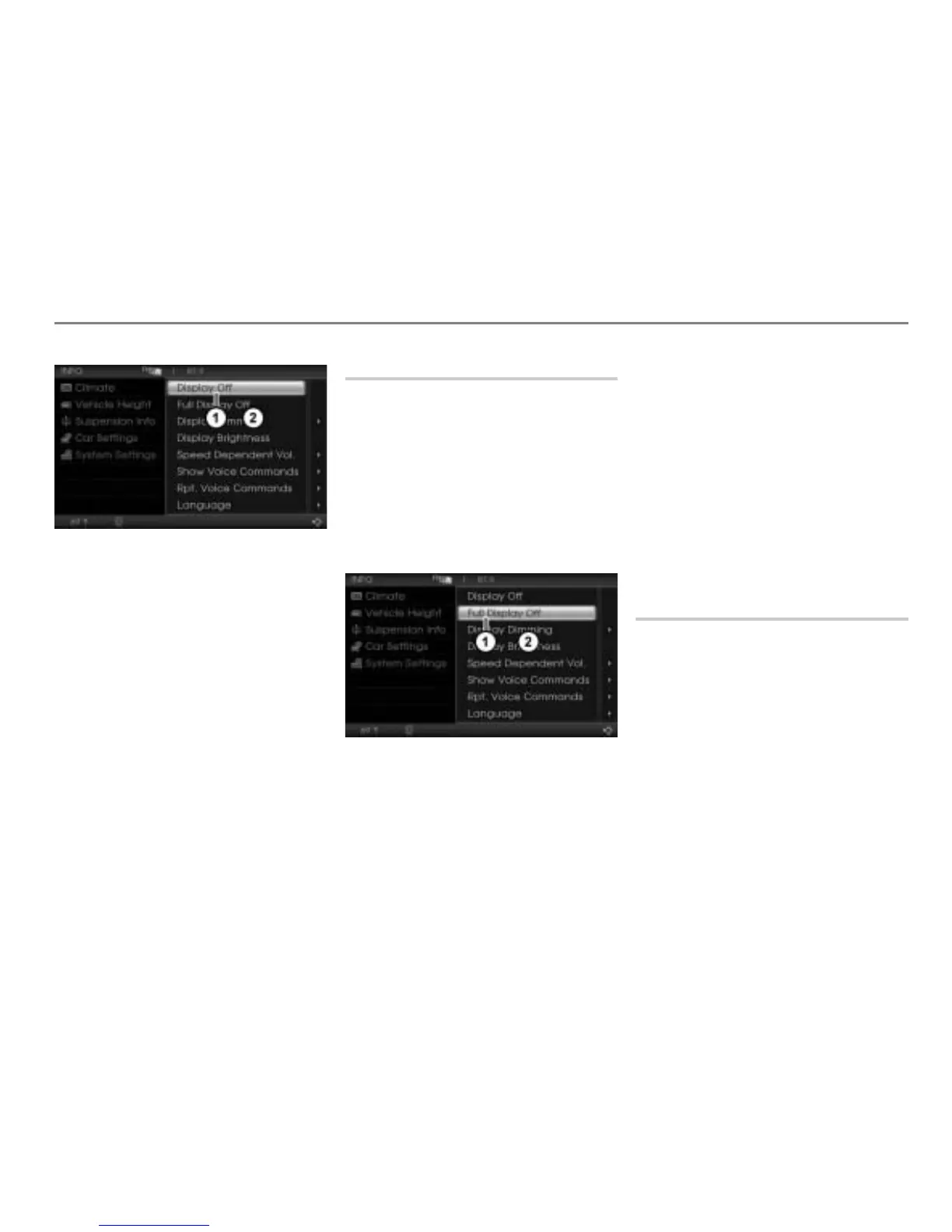
Display Off menu item
System Settings menu
In the System Settings menu, select the
menu item
Display Off.
The display switches off.
Switching the display on
Option 1: Press the controller
.
Option 2: Press one of the following
main function buttons:
or
or
or
Option 3: Press the button on the
steering wheel.
Full Display Off
Using this function, you can completely
switch off the display. In contrast to the
function “Display Off”, no information will be
displayed any longer when using this
function.
Switching the display off
Open the System Settings menu, see
section “Opening the System Settings
menu” on page 304.
Full Display Off menu item
System Settings menu
In the System Settings menu, select the
menu item
Full Display Off.
The display switches off.
Switching the display on
Option 1: Press the controller
.
Option 2: Press one of the following
main function buttons:
or
or
or
Option 3: Press the button on the
steering wheel.
Display Dimming
You can switch control of the display
dimming using this function.
Open the System Settings menu, see
section “Opening the System Settings
menu” on page 304.



 To Next Page