269
Voice control
General information
You can cancel a dialog at any time by
pressing and holding the button on the
steering wheel or by saying the command
“Cancel”.
The button on the steering wheel has no
function when there is a phone call in
progress.
You can also cancel dialogs by pressing
any button on your Driver Information
System. This does not apply to the volume
control, which can still be used to adjust the
volume when a dialog is active.
Please refer also to the sections “Activating
voice control” on page 269, “Deactivating
voice control” on page 269 and “Setting the
volume” on page 270.
Voice input
To ensure optimum voice recognition by
your voice control system, please observe
the following points:
Speak continuously and at normal
volume. Avoid long pauses and
excessive emphasis.
Reduce interference by closing
windows, doors and the sunroof.
Avoid ambient noise in the vehicle
when using the voice control system
(e.g. conversations between other
passengers going on at the same time).
The faster the vehicle is traveling, the
greater the ambient noise. You should
therefore speak more loudly at higher
speeds.
Do not enter voice commands while an
announcement is being made.
The hands-free microphone is directed
towards the driver's seat. The voice
control system should therefore be
operated by the driver.
General operation
Activating voice control
Briefly press the button on the
steering wheel.
After the Ping
% sounds, the voice control
system is ready to receive commands. If
you do not enter a command, the voice
control system will prompt you for one by
saying “Pardon?”.
It is not possible to activate the voice control
system while making or receiving a phone
call.
Deactivating voice control
You can quit the voice control system at any
time, even during a dialog.
Option 1: Press and hold the button
on the steering wheel for several
seconds.
Option 2: Say the command “Cancel”.
The voice control system confirms with
“Cancel” and switches off.
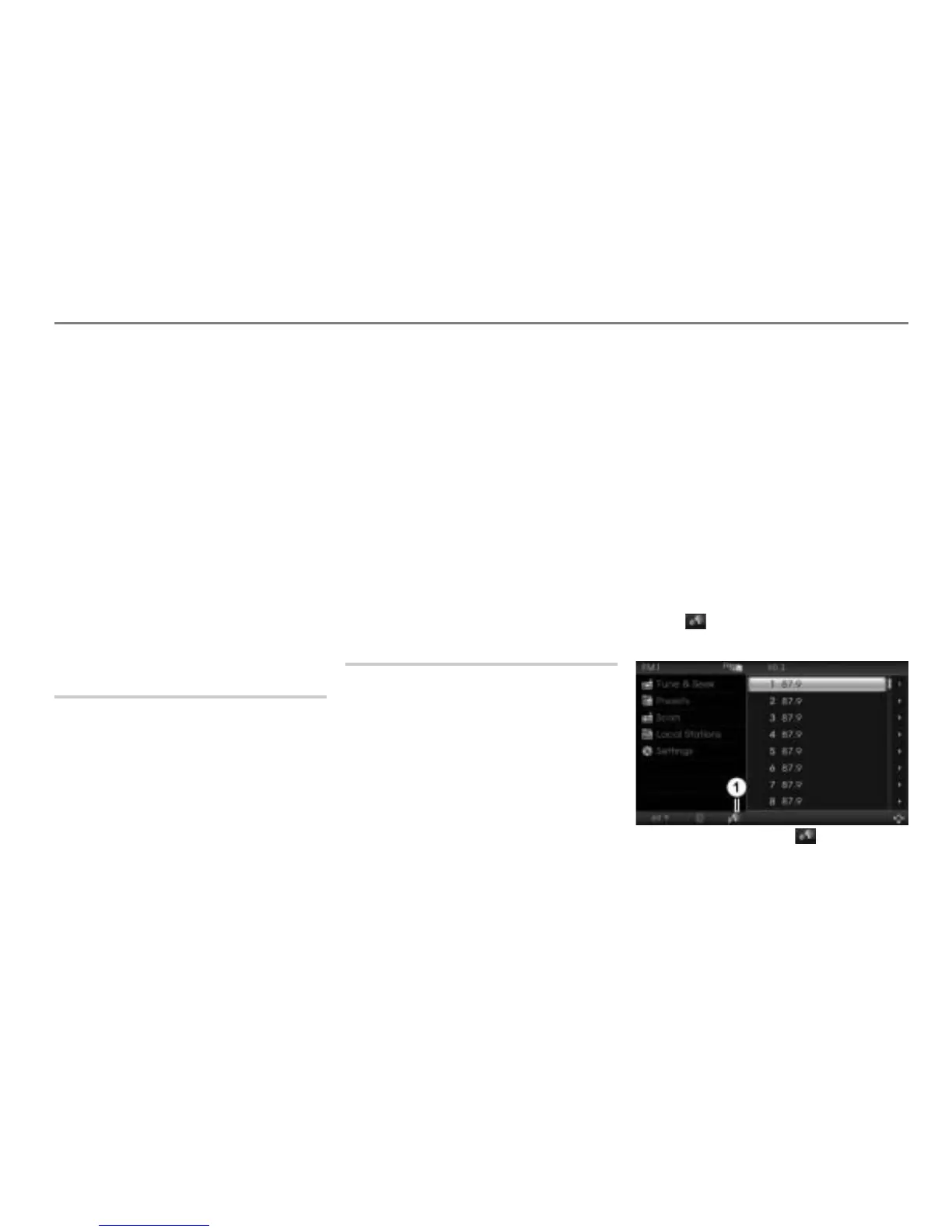
On-screen symbol
As soon as the voice control system is
activated and the ping has sounded, the
symbol appears in the bottom status
line or in the navigation map.
Voice control symbol in the bottom
status line



 To Next Page