83
DISC mode
Ejecting the disc changer magazine
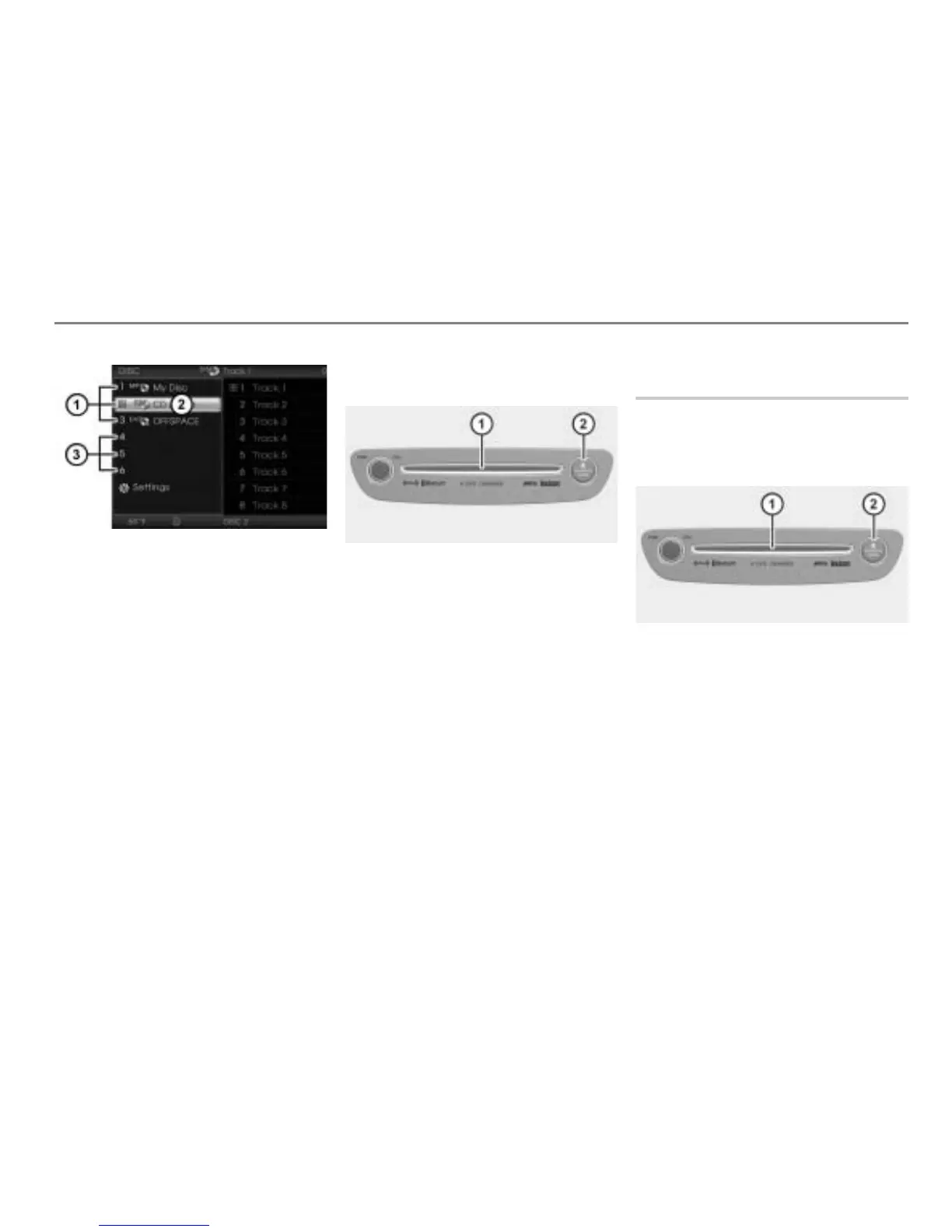
Occupied magazine compartments
DISC main menu
Empty magazine compartments
Selecting the magazine compartment to
eject
Highlight an occupied magazine
compartment in the DISC main menu.
If you highlight a magazine compartment
that is already empty, then the system will
eject the disc currently playing.
Ejecting the selected magazine
compartment
Disc slot
button
Briefly press the button.
The system will eject the disc.
Remove the disc from the slot
.
If you wait too long before removing the disc,
the system will automatically pull it back in
after a certain time.
Ejecting all magazine
compartments
You can also eject all magazine
compartments in modes other than DISC
mode, for example it also works in PHONE
mode.
Disc slot
button
Press and hold the button until the
first disc will be ejected.
Remove the disc from the slot
.
The system will eject the next disc.
If you wait too long before removing the disc,
the system will automatically pull it back in
after a certain time and abort ejecting of the
magazine compartments.
Repeat the last step until the magazine
is empty.



 To Next Page