275
Voice control
Tuner mode (FM, AM and XM Satellite Radio)
Scan function (FM and AM tuner
mode only)
The Scan function searches through the
selected band, stops at a receivable station,
plays the station for five seconds and goes
to the next receivable station. It will not
search for FM HD Radio
TM
sub channels.
You can use the command “Scan” to start
the Scan function.
To start the Scan function: Press the
button on the steering wheel and
say the command “Scan” after the
signal tone.
The Scan function starts.
The Scan function will stop automatically, if
the frequency from where it has been
started is reached again.
It will also stop automatically, if you switch to
another audio/video source. After switching
back to AM/FM again, the system tunes to
the frequency from where the Scan function
has been started.
You can also stop the Scan function
manually.
Operating examples
Setting the waveband
Press the button on the steering
wheel.
# Ping %
! “FM.”
# “FM.”
The corresponding waveband is set.
Tuning to a radio station by specifying
the frequency (FM or AM tuner mode
only)
Press the button on the steering
wheel.
# Ping %
! “FM ...(87.7-107.9).”
# “FM ...(87.7-107.9).”
The unit tunes to the specified radio
station.
Selecting a channel (XM
®
tuner mode
only)
Press the button on the steering
wheel.
# Ping %
! “Channel by name.”
# “Channel by name.”
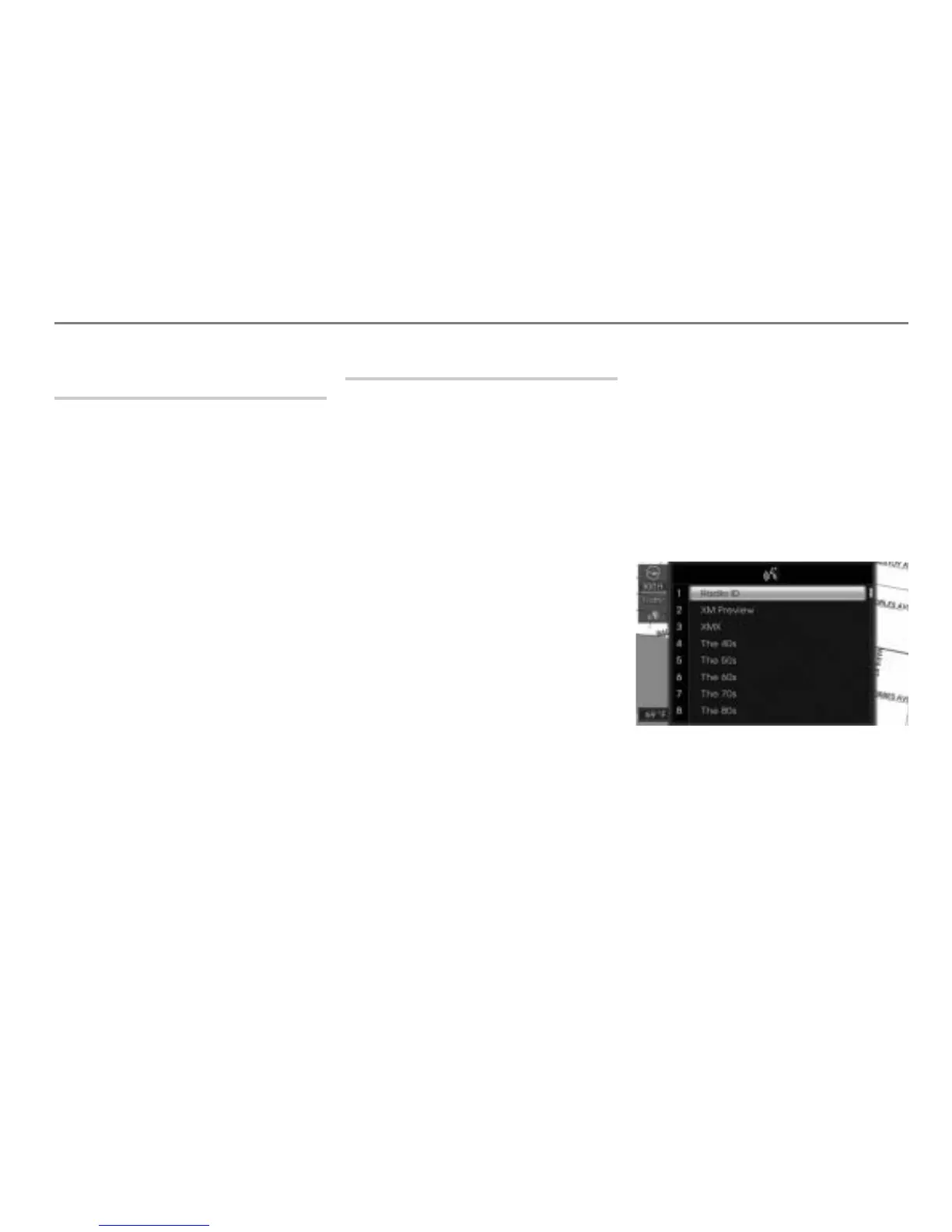
$ The first page of the channel list is
displayed.
# “Please say the channel name”
Ping
%
! “...* ”
# “...* ”
The unit tunes to the selected channel.



 To Next Page