20
Functional introduction
System components
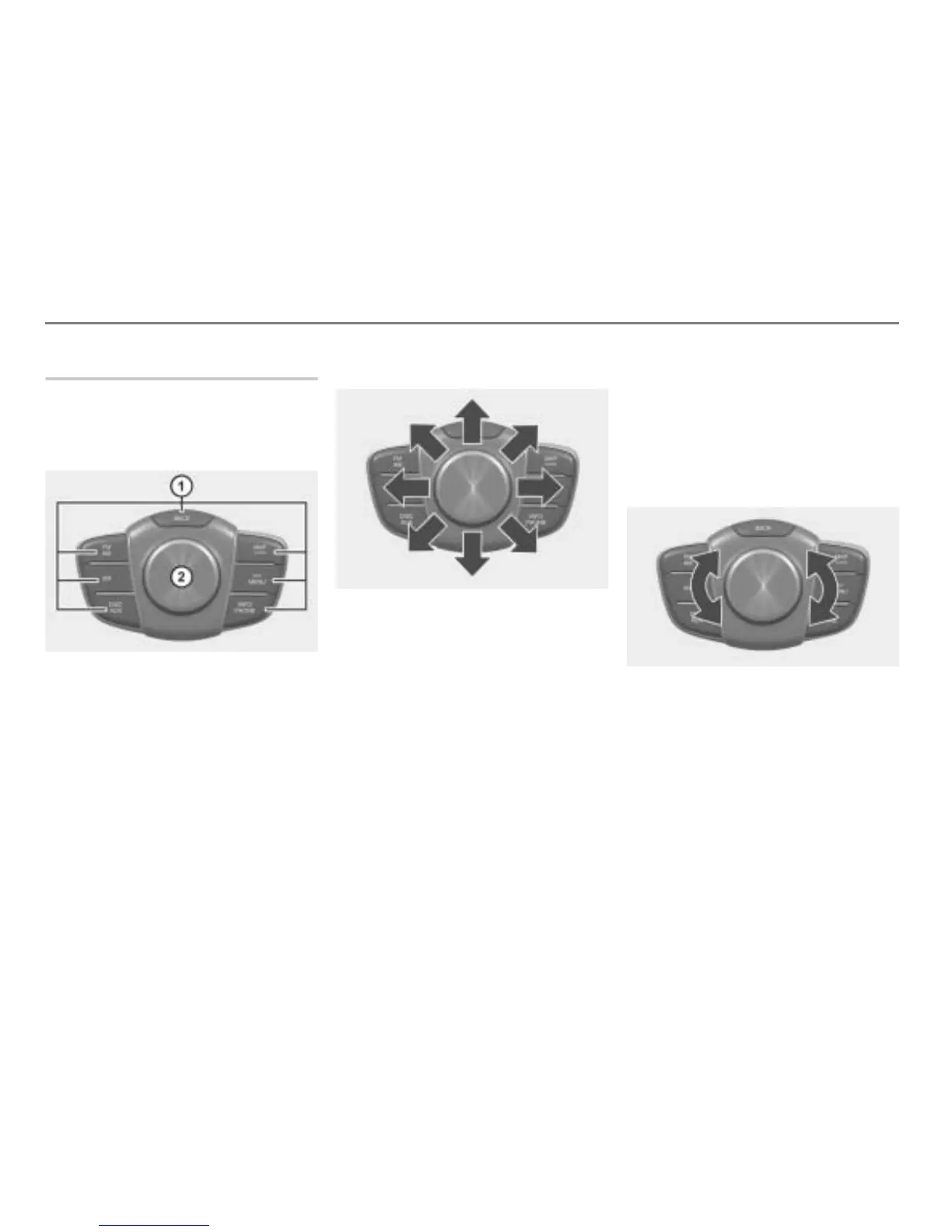
Central control panel
The central control panel is located in the
front in the vehicle center console. It
comprises the controller and the main
function buttons.
Main function buttons
Controller
Controller
You can push, turn and press the
controller , see the following
descriptions.
Pushing the controller
Push to the left or right
:
Switching between different menu
areas, see page 29 in this chapter.
Push forwards or backwards
:
Scrolling through a list page by
page, see page 29 in this chapter.
Highlighting a menu item, see
page 28 in this chapter.
Push forwards or backwards
, push
to the left or right
, push diagonally
:
Moving the map, see chapter
“Navigation”, section “Moving the map/
setting the map scale” on page 206.
Turning the controller
Turn to the left or right :
Highlighting a menu item, see page 28 in
this chapter.



 To Next Page