60
XM Satellite Radio mode
Tuning to channels
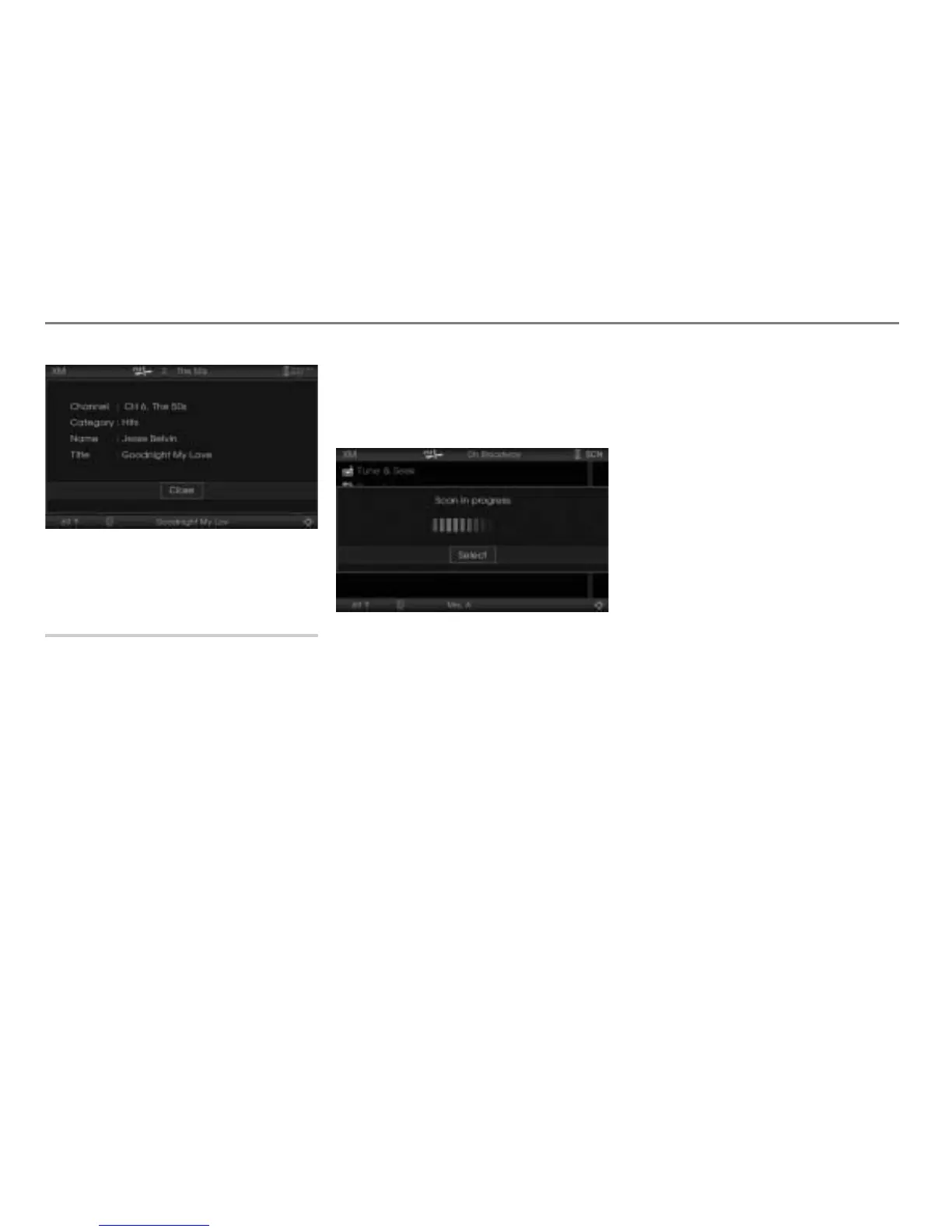
To close the details screen: Press the
controller .
Tuning to a channel using the Scan
function
The Scan function searches through the
subscribed channels, stops at a receivable
channel, plays the channel for five seconds
and goes to the next channel.
The Channel 0 is not covered by the Scan
function.
In the settings, see section “Settings” on
page 66, you can set a category filter for the
Scan function.
Starting the Scan function
Open the XM
®
Satellite Radio main
menu, see section “Switching to XM
®
Satellite Radio mode” on page 57.
In the XM
®
Satellite Radio main menu,
select the menu item
Scan.
The Scan function starts, a
corresponding message is displayed.
The Scan function will stop automatically, if
the channel from where it has been started
is reached again.
It will also stop automatically, if you switch to
another audio/video source. After switching
back to XM
®
Satellite Radio again, the
system tunes to the channel from where the
Scan function has been started.
You can also stop the Scan function
manually.
Stopping the Scan function manually
Option 1: Press the controller
.
The system will stop the Scan function.
Option 2: Briefly press the or
button on the steering wheel.
The system will stop the Scan function.
Button was pressed: The system
will tune to the channel stored in the
preset 16.
Button was pressed: The system
will tune to the channel stored in the
preset 1.
Option 3: Press and hold the or
button on the steering wheel until the
Scan message disappears.
The system will stop the Scan function.
Button was pressed: The system
will tune to the previous channel in the
channel list.
Button was pressed: The system
will tune to the next channel in the
channel list.



 To Next Page