182
PHONE
Functions during a call
Mute the microphone
When the microphone is muted, the other
party cannot hear you although you can still
hear them.
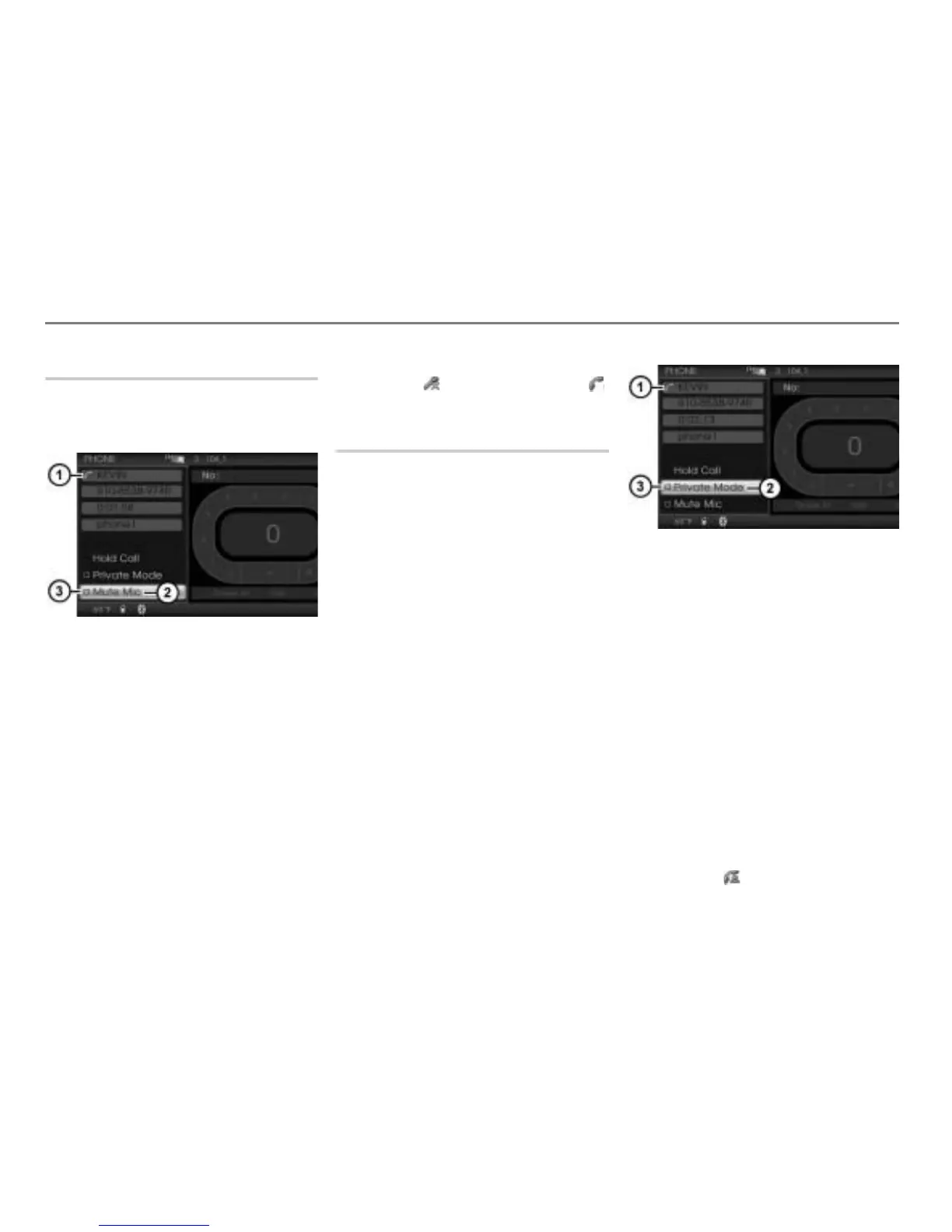
Call status display
Menu item Mute Mic
Microphone status display
In the call display, select the menu item
Mute Mic.
Depending on the previous status, the
microphone will be muted or not. The
microphone status display
will
change accordingly.
Display
= microphone muted
Display
= microphone not muted
Further, the call status display
will
change to (microphone muted) or
(microphone not muted).
Switching private mode on/off
Private mode allows you to transfer the call
back and forth between the hands-free unit
and the mobile phone. This function is not
possible with all mobile phones. Some
mobile phones disconnect the Bluetooth
®
connection between the system and mobile
phone when private mode is switched on.
Private mode is automatically switched off
when you end the last active call.
When private mode is switched off you
conduct the call over the hands-free unit
(vehicle), when private mode is switched on
you conduct the call over the mobile phone.
Even when private mode is switched on,
the sound of the active audio or video
source is muted.
Call status display
Private Mode menu item
Private mode status display
Option 1: Before or during the call,
select the menu item
Private Mode in
the PHONE main menu.
Option 2: During the call, press the
button on the steering wheel.
Depending on the previous status,
private mode will be switched on or off.
The private mode status display
will
change accordingly.
Display
= private mode switched
on
Display
= private mode switched
off
Further, the call status display
changes to .



 To Next Page