64
XM Satellite Radio mode
Storing channels
Storing a channel using the channel
presets
To tune to the desired channel: See
section “Tuning to channels” on
page 58.
To request the presets: Open the XM
®
Satellite Radio main menu, see section
“Switching to XM
®
Satellite Radio
mode” on page 57.
In the XM
®
Satellite Radio main menu,
select the menu item Presets.
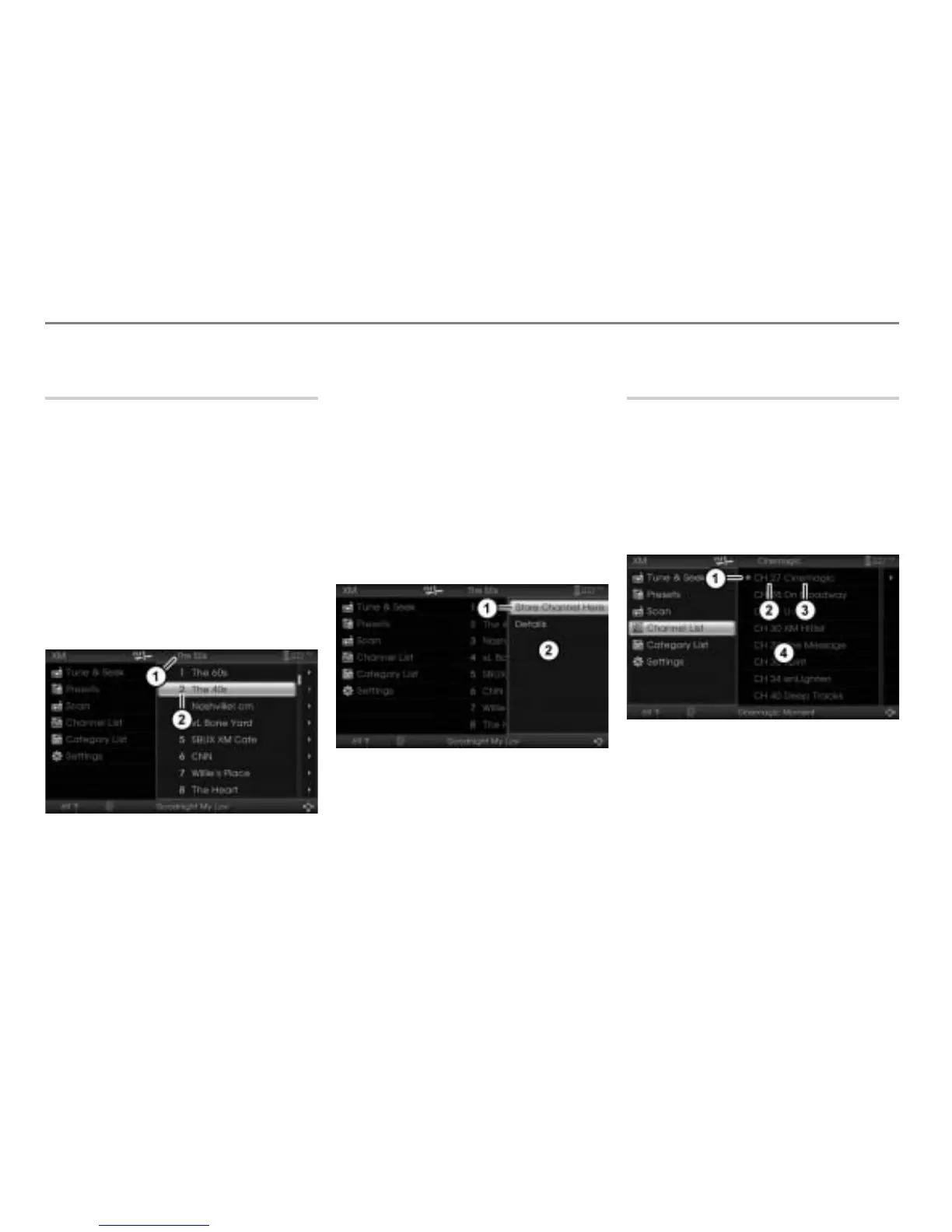
The presets appear in the form of a list.
The currently tuned channel is
displayed in the top status line.
Currently tuned channel
Preset number 2
To select a preset (e.g. preset
number 2): Highlight the preset
number 2.
Option 1 to store the currently tuned
station in the preset number 2: Press
and hold the controller
until the
channel is stored.
Option 2 to store the currently tuned
station in the preset number 2:
Push
the controller .
The Options menu appears.
Menu item Store Channel Here
Options menu
In the Options menu, select the menu
item
Store Channel Here.
The channel is stored.
Storing a channel using the channel
list
To request the channel list: Open the
XM
®
Satellite Radio main menu, see
section “Switching to XM
®
Satellite
Radio mode” on page 57.
In the XM
®
Satellite Radio main menu,
select the menu item
Channel List.
The channel list appears.
Icon for the currently tuned channel
Channel number
Channel name
Channel list



 To Next Page