216
Navigation
Entering destinations
In selection list, select the menu item
Intersection.
Now you can enter the first street.
To enter the first street: Proceed as
previously when entering a street, see
section “Entering a street” on page 212.
After entering the first street, you can
enter the second street.
To enter the second street: Proceed
as previously when entering a street,
see section “Entering a street” on
page 212.
If the intersection is unambiguous, entry
of the destination is complete and you
see the corresponding destination on
the map. Further options are now
available, see the section “Options after
entering the destination” on page 230.
If the intersection is ambiguous, you
must enter the city.
To enter the city: Proceed as
previously described in section
“Entering a city” on page 213.
After entering the city, entry of the
destination is complete and you see the
corresponding destination on the map.
Further options are now available, see
the section “Options after entering the
destination” on page 230.
Entering a POI destination via POI
name
Opening the POI name input menu
Open the Navigation main menu, see
section “Opening the Navigation main
menu” on page 209.
In the Navigation main menu, select the
menu item
Destination.
A selection list appears.
In the selection list, select the menu
item
Point of Interest.
The POI main menu appears.
POI main menu
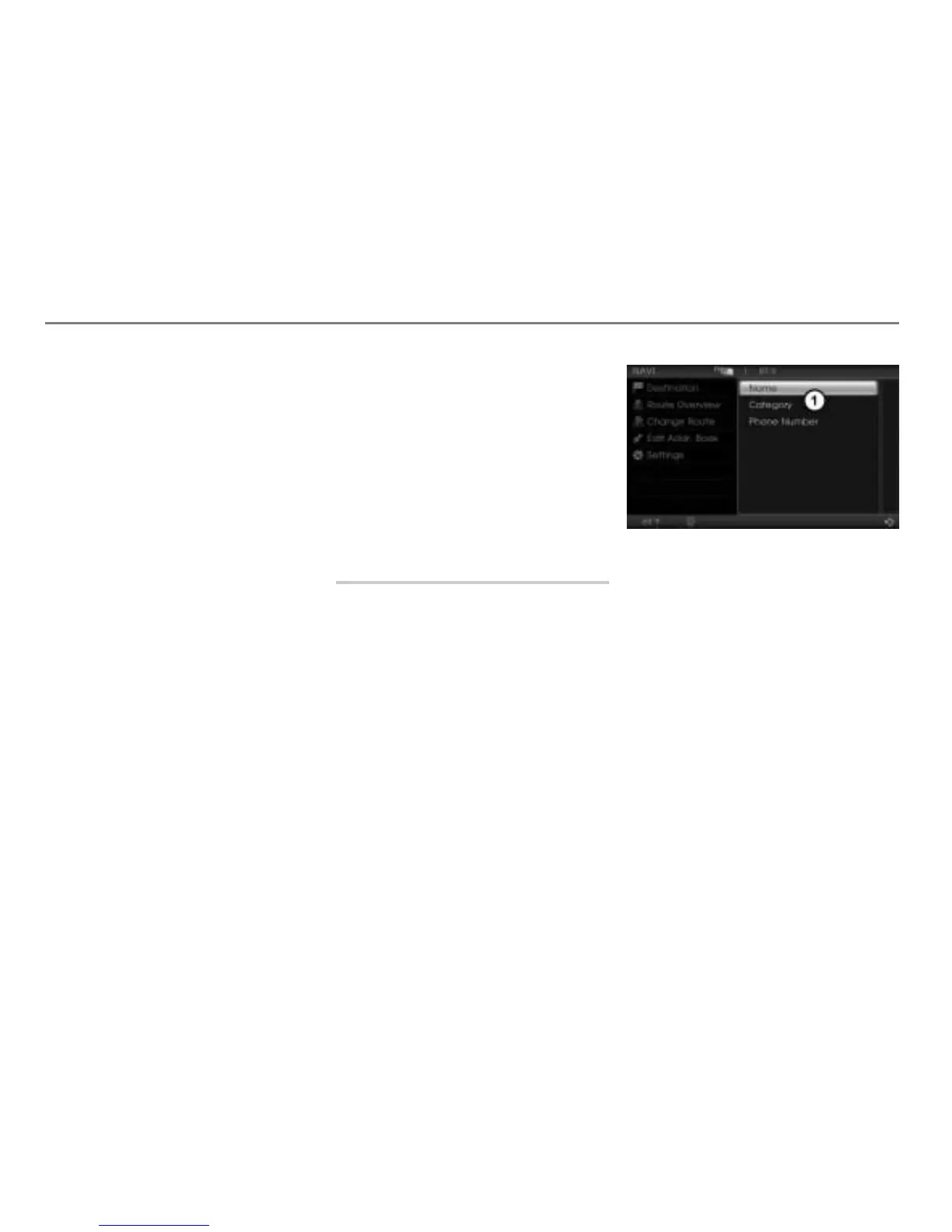
In the POI main menu, select the menu
item
Name.
The POI name input menu appears.



 To Next Page