304
INFO
System Settings
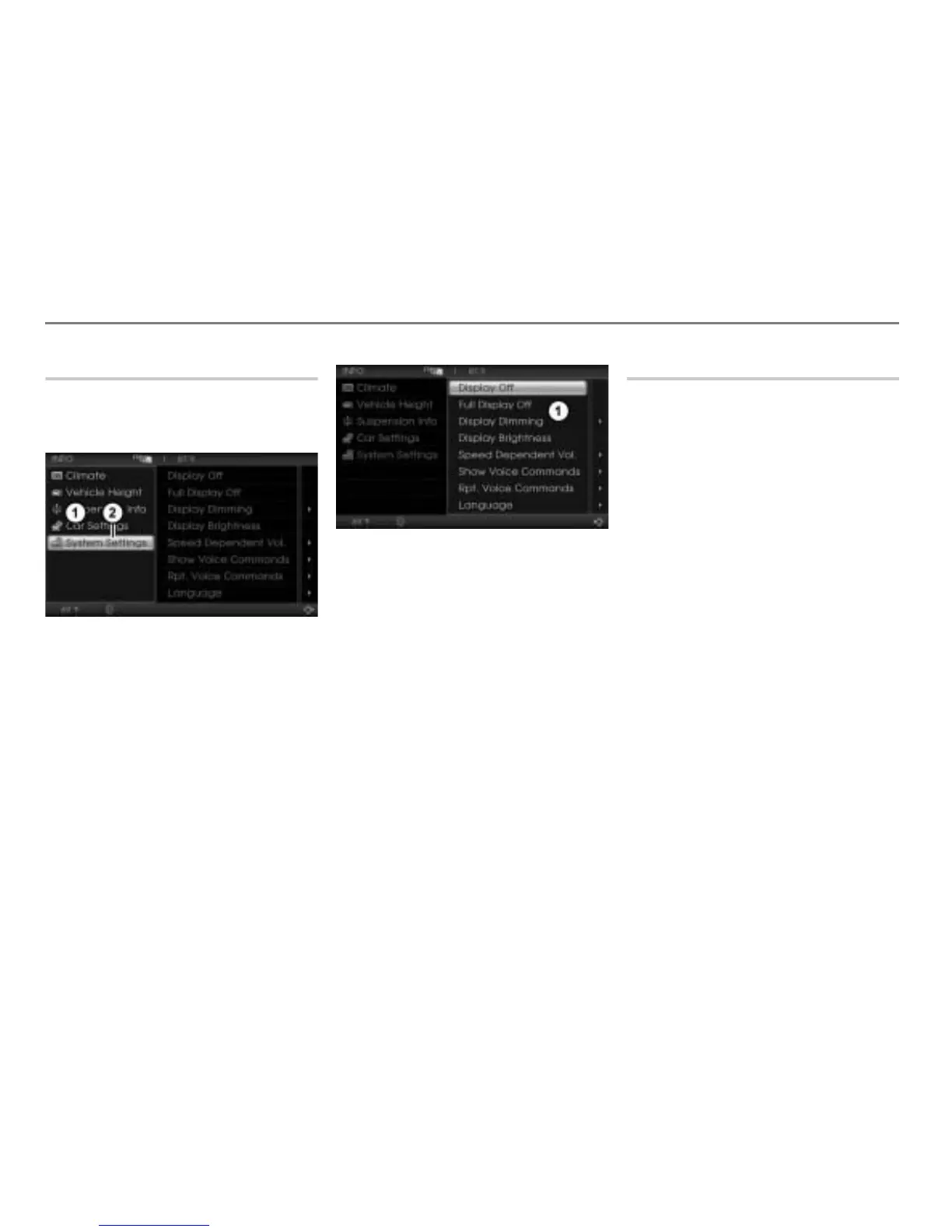
Opening the System Settings menu
Open the INFO main menu, see section
“Opening the INFO main menu” on
page 298.
INFO main menu
System Settings menu item
In the INFO main menu, select the
menu item System Settings.
The System Settings menu appears.
System Settings menu
The following functions are available:
Display Off, see page 304
Full Display Off, see page 305
Display Dimming, see page 305
Display Brightness, see page 306
Language, see page 307
Speed Dependent Vol., Show Voice
Commands (Teleprompter) and
Rpt. Voice Commands, see section
“All other functions” on page 307.
Display Off
You can switch off the display using this
function. Certain vehicle-specific
information will continue to be displayed
even when the display is switched off.
Certain events or the initiation of certain
functions will also result in corresponding
displays that automatically disappear after
a certain time.
Switching the display off
Option 1
Press and hold the rotary knob
on
the headunit until the display switches
off.
Option 2
Open the System Settings menu, see
section “Opening the System Settings
menu” on page 304.



 To Next Page