105
DISC mode
Video DVD playback
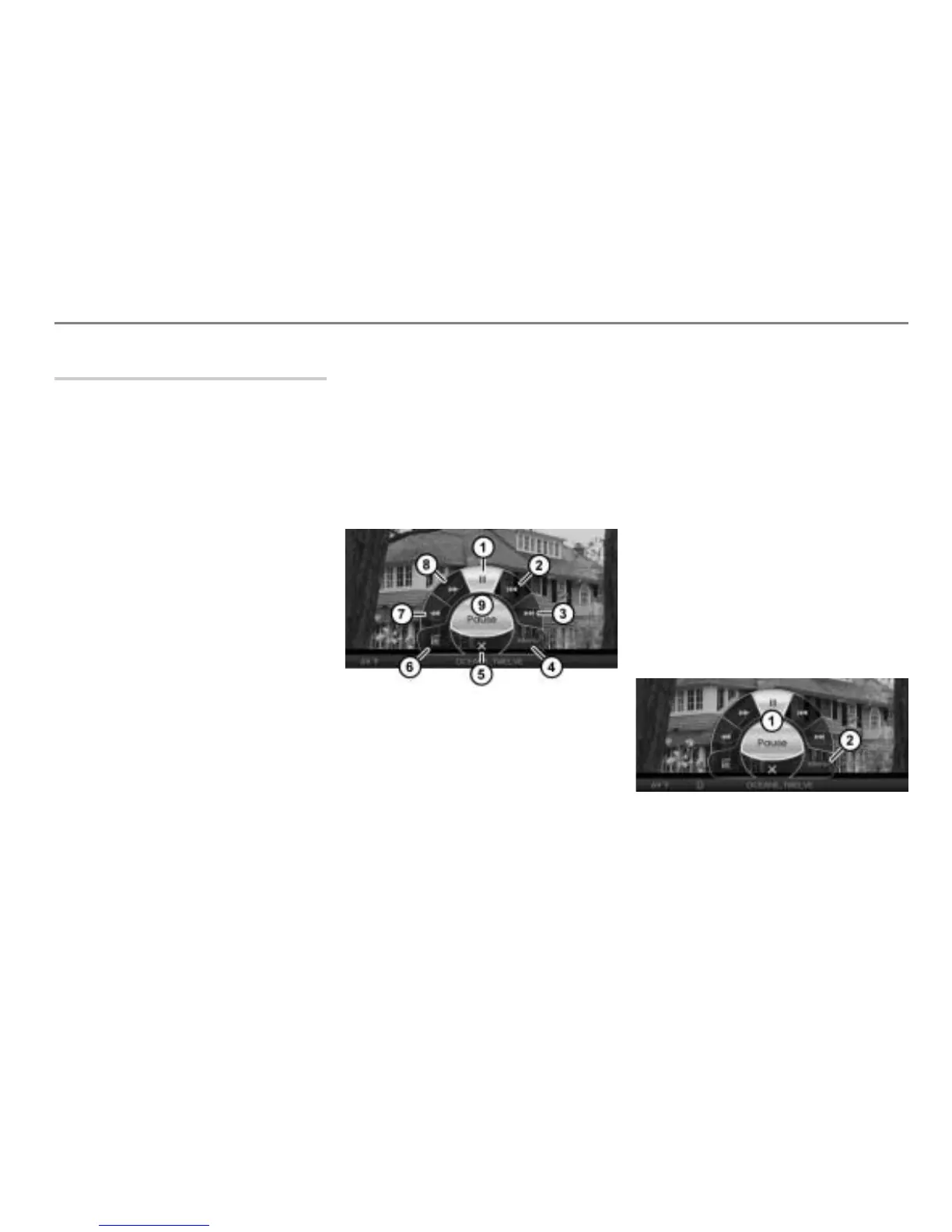
On-screen menu
You can call up the following in the
on-screen menu:
The native DVD menu, see page 105.
The chapter list, see page 106.
In addition you can control the following
playback functions:
Pausing or resuming playback, see
page 106
Skipping chapters forward/back, see
page 107
Fast forwarding/reversing, see
page 107
Depending on the content of the DVD
currently playing, certain menu items may
have no function even though they are
displayed.
Opening the on-screen menu
You cannot open the on-screen menu if the
DVD top menu or DVD menu stored on the
DVD is open.
During video playback, press the
controller .
The on-screen menu will be shown over
the video currently playing.
Pause/resume playback
Skip chapter back
Skip chapter forward
Open the native DVD menu
Close the on-screen menu
Call up the chapter list
Fast reverse
Fast forward
Shows the selected menu item -
Closing the on-screen menu
Option 1: In the on-screen menu,
select the menu item
.
Option 2: Briefly press the
button.
Option 3: Do nothing and wait until the
on-screen menu is automatically
closed.
Opening the native DVD menu
This function is also available outside the
on-screen menu, see the section “Opening
the native DVD menu” on page 101.
Open the on-screen menu, see section
“Opening the on-screen menu” on
page 105.
On-screen menu
Menu item



 To Next Page