106
DISC mode
Video DVD playback
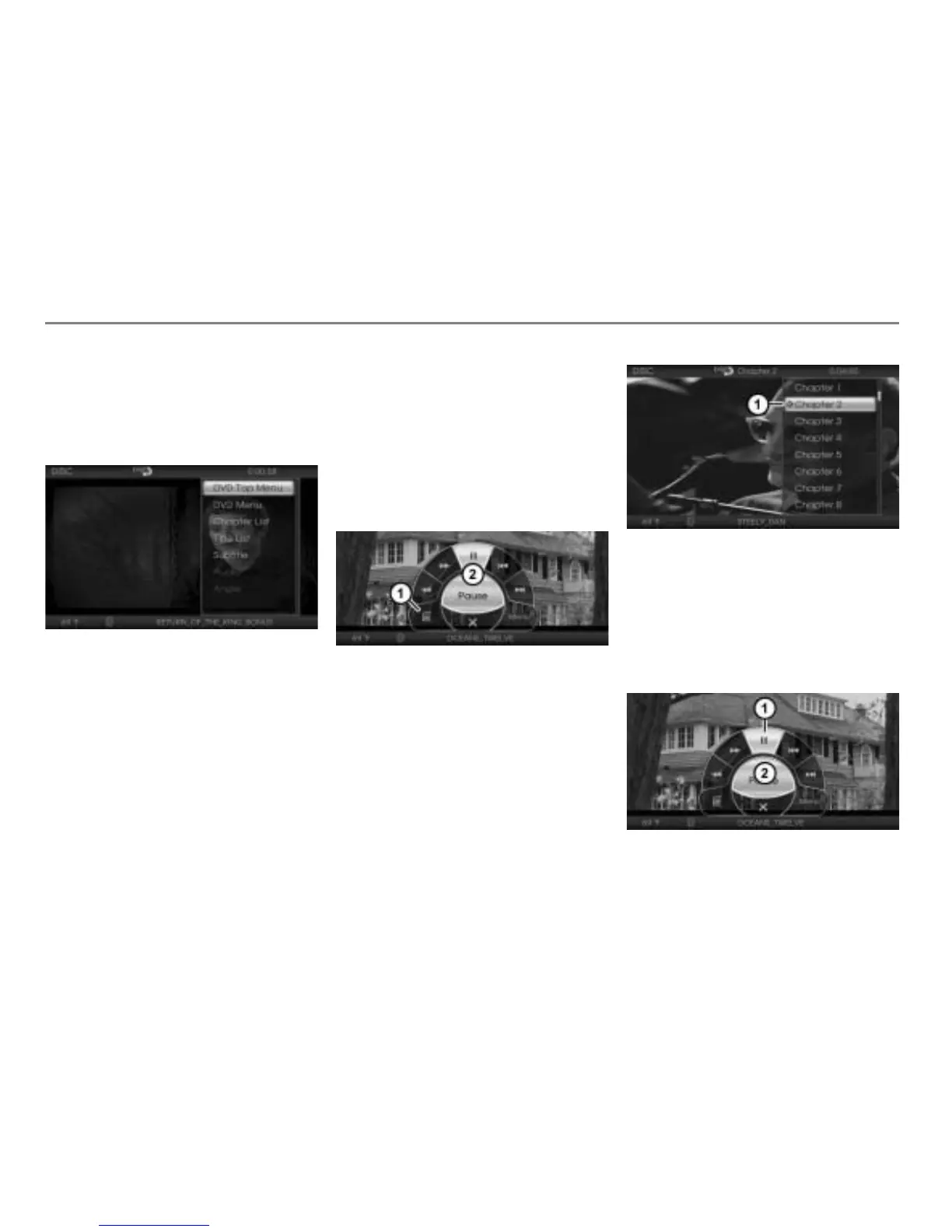
To open the native DVD menu: In the
on-screen menu
, select the menu
item .
The native DVD menu will be shown
over the video currently playing.
Please see the section “Native DVD
menu” on page 101 for a description of
the menu functions.
The menu item Return to Screen described
on page 101 is not part of the native DVD
menu displayed on-screen over the video
currently playing.
To close the native DVD menu: Briefly
press the button or do nothing and
wait until the menu is automatically
closed.
Calling up the chapter list
Open the on-screen menu, see section
“Opening the on-screen menu” on
page 105.
Menu item
On-screen menu
To call up the chapter list: In the on-
screen menu
, select the menu item
.
The chapter list will be shown over the
video currently playing.
Chapter currently playing (icon )
To play a chapter: Select the desired
chapter from the chapter list.
Pausing or resuming playback
Open the on-screen menu, see section
“Opening the on-screen menu” on
page 105.
Menu item
On-screen menu



 To Next Page