107
DISC mode
Video DVD playback
To pause or resume playback: In the
on-screen menu
, select the menu
item .
The system will pause or resume
playback, depending on the previous
status.
Skipping chapters forward/back
These two functions are also available on
the steering wheel, see the section
“Skipping chapters forward/back” on
page 98.
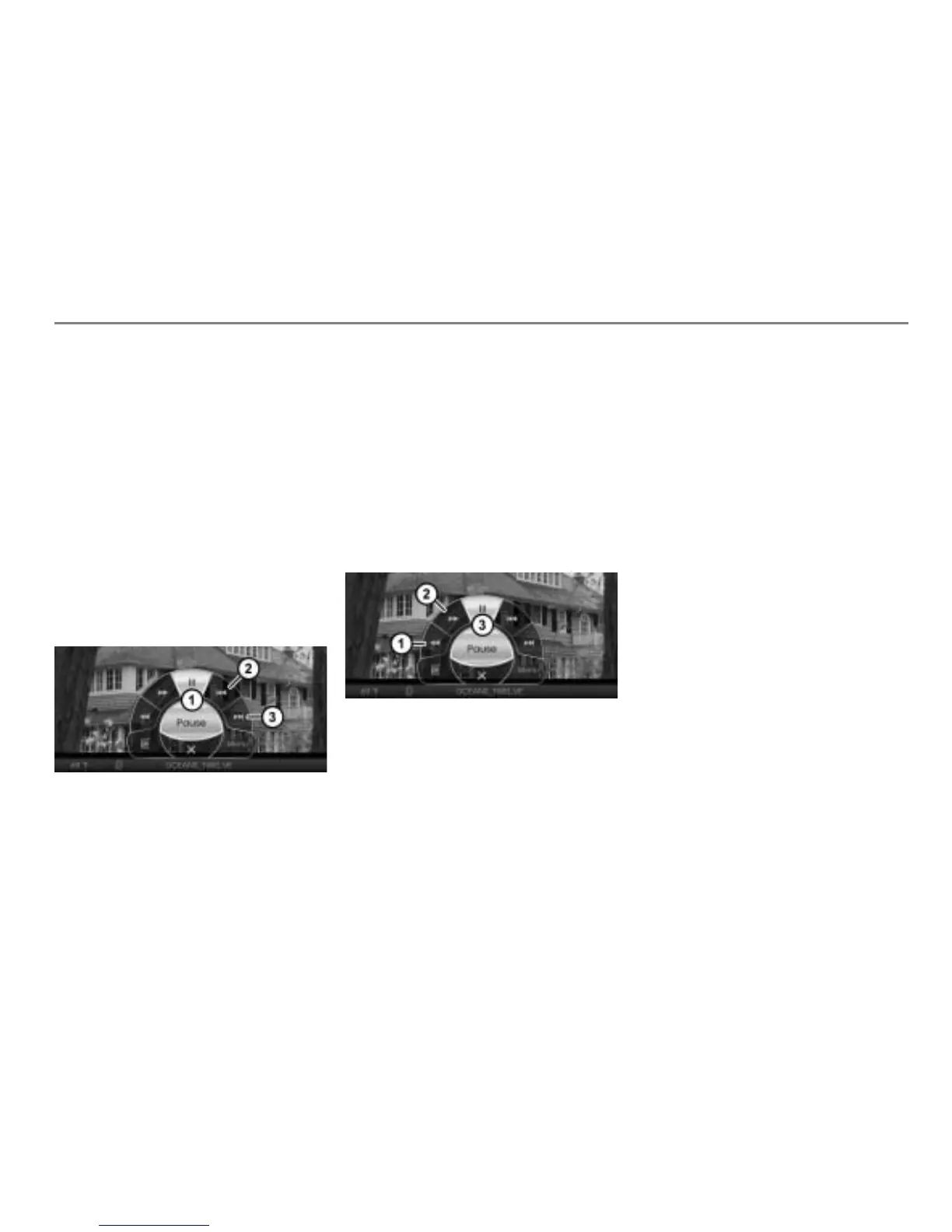
Open the on-screen menu, see section
“Opening the on-screen menu” on
page 105.
On-screen menu
Skipping chapters back
Skipping chapters forward
To skip chapters: In the on-screen
menu
, select the menu item or
.
The system will execute the chapter
skip corresponding to the menu item
selected.
Fast forwarding/reversing
Open the on-screen menu, see section
“Opening the on-screen menu” on
page 105.
Fast reversing
Fast forwarding
On-screen menu
To start fast forwarding/reversing: In
the on-screen menu
, select the
menu item or and press and hold
the controller .
The system will start fast forwarding
or fast reversing depending on the
selection. The sound is muted during
this.
To terminate fast forwarding/
reversing: Release the controller
.



 To Next Page