276
Voice control
DISC and AUX mode
Calling up DISC or AUX mode
To call up DISC mode: Press the
button on the steering wheel and say
the command “Disc” after the signal
tone.
DISC mode is called up and the
appropriate main menu appears on
the display.
If there is a disc inserted or there is a
disc in the magazine of the changer,
playback of the last track played will
start.
To call up the last selected AUX
mode: Press the button on the
steering wheel and say the command
“External device” after the signal tone.
The last selected AUX mode (iPod
®
,
USB or AUX signal source mode) is
called up and the appropriate main
menu appears on the monitor.
To call a specific AUX mode: Press
the button on the steering wheel
and say one of the following commands
after the signal tone:
“iPod”
“USB”
“AUX”
The corresponding AUX mode is called
up and the appropriate main menu
appears on the monitor.
DISC/AUX mode help
You can use the command “Media
commands” to listen to all the commands
available for DISC/AUX mode.
Press the button on the steering
wheel and say the command “Media
commands” after the signal tone.
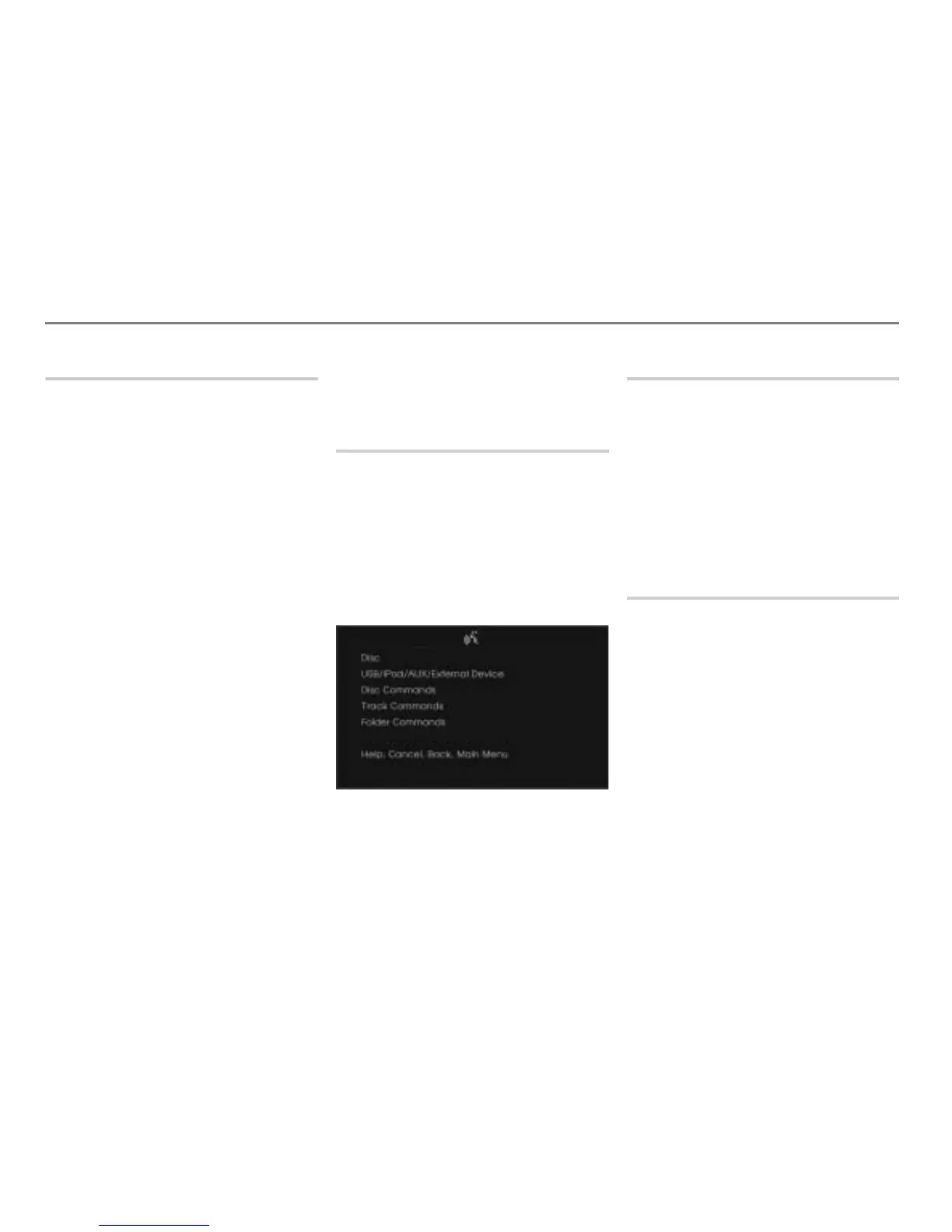
The teleprompter is opened with the
possible commands.
Next/previous disc
You can use the command “Next disc” or
“Previous disc” to skip to the next or
previous disc and automatically start
playback.
Press the button on the steering
wheel and say the desired command
after the signal tone.
The system starts playback of the
corresponding disc.
Selecting a disc directly
You can use the command “Disc ...(1-6)” to
skip to the selected disc and automatically
start playback.
See also “Selecting a disc” on page 277 in
the section “Operating examples”.



 To Next Page