280
Voice control
PHONE mode
Calling a phonebook entry
You can use the command “Call...*
1
” or
“Call by name” to place a call to a party
directly from your phonebook.
See also “Calling a number stored in the
phonebook” on page 280 in the section
“Operating examples”.
Operating examples
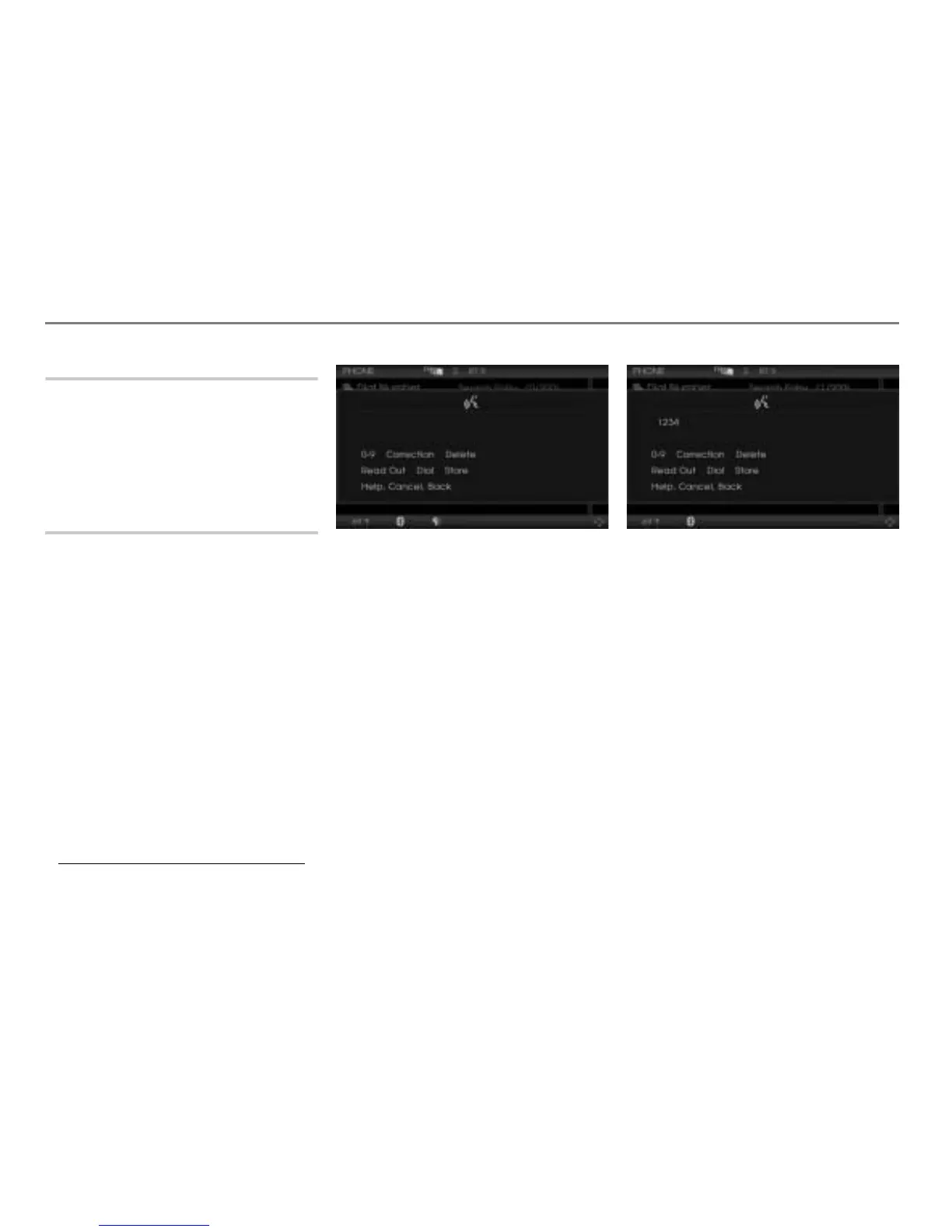
Dialing a phone number
Press the button on the steering
wheel.
# Ping %
! “Dial number.”
# “Dial number.”
Ping %
$ A number speller is displayed for
entering the phone number.
# “Please say the number in groups of
digits.”
Ping
%
! “1234”
# “1234”
Ping %
$ The teleprompter is opened with the
recognized phone number (1234) in
the first line and the number speller
with some options for numbers.
! “Dial.”
The phone number is dialed.
Calling a number stored in the
phonebook
There are three options available. Using
option 1, you can select a phonebook entry
from a picklist. Using option 2 and 3, you
can directly place a call without a picklist.
Option 1
Press the button on the steering
wheel.
1. Name of the phonebook entry



 To Next Page