281
Voice control
PHONE mode
# Ping %
! “Call by name.”
# “Call by name.”
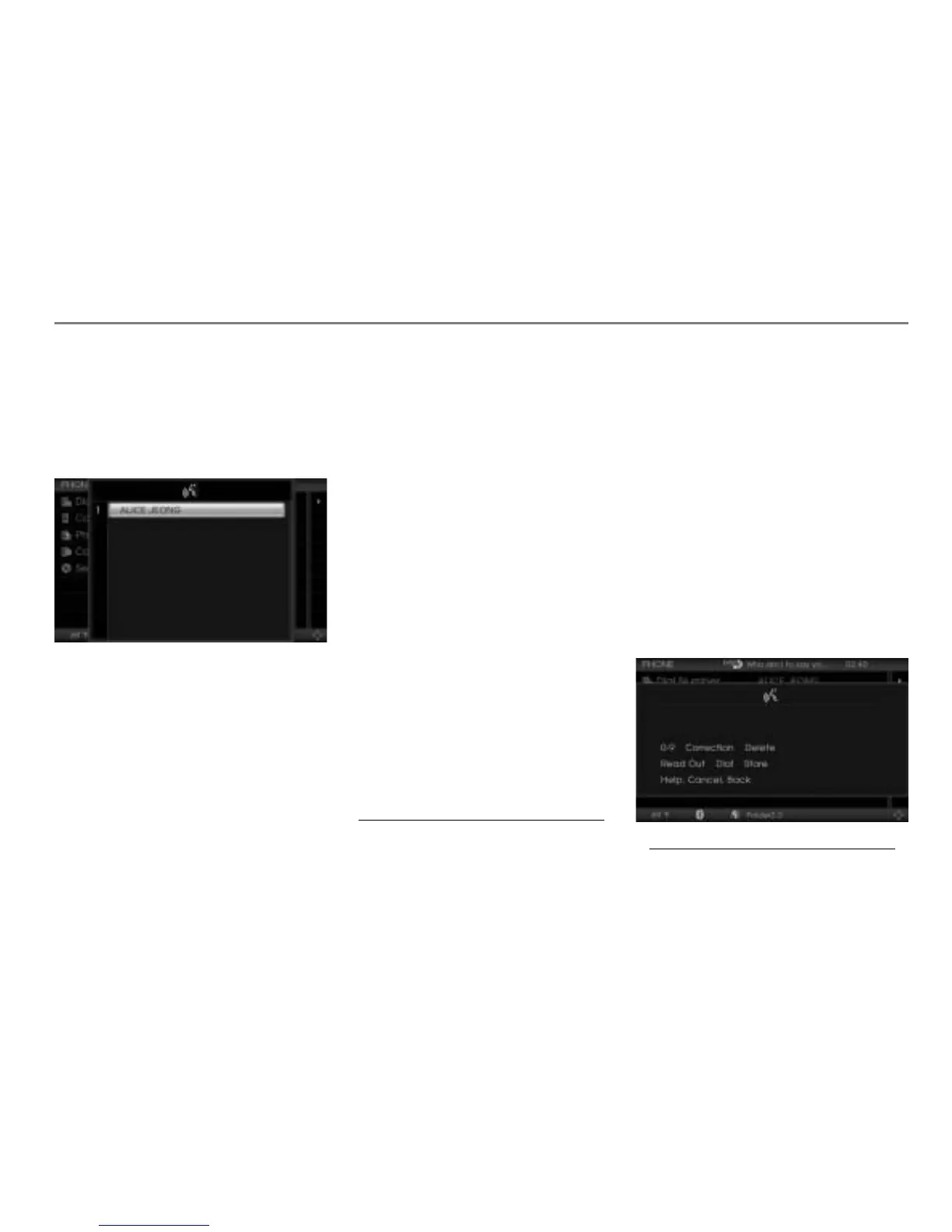
$ The first page of the phonebook picklist
is displayed.
# “Please say the name.”
Ping
%
! “Alice Jeong.”
# “Alice Jeong.
Which category do you want to dial:
work, home, or mobile?”
! “Home”
The corresponding number is dialed.
Option 2
Press the button on the steering
wheel.
# Ping %
! “Call...*
1
”
# “Call...*
2
.
Which category do you want to dial:
work, home, or mobile?”
! “Home”
The corresponding number is dialed.
Option 3
Press the button on the steering
wheel.
# Ping %
! “Call...*
3
Home.”
# “Call...*
4
Home.”
The corresponding number is dialed.
Other available commands are:
“Call...*
5
Work”
“Call...*
6
Mobile”
Storing a number and assigning it to an
existing phonebook entry
Press the button on the steering
wheel.
# Ping %
! “Store number.”
# “Store number.”
Ping
%
$ A number speller is displayed for
entering the phone number.
1. Name of the phonebook entry
2. Name of the phonebook entry
3. Name of the phonebook entry
4. Name of the phonebook entry
5. Name of the phonebook entry
6. Name of the phonebook entry



 To Next Page