50
FM and AM mode
Storing stations
In the Options menu, select the menu
item
Store Station Here.
The station is stored.
Storing stations using the Tune &
Seek menu
To request the Tune & Seek menu:
Open the FM or AM main menu, see
section “Switching to FM or AM mode”
on page 42.
In the FM or AM main menu, select the
menu item
Tune & Seek.
The Tune & Seek menu appears.
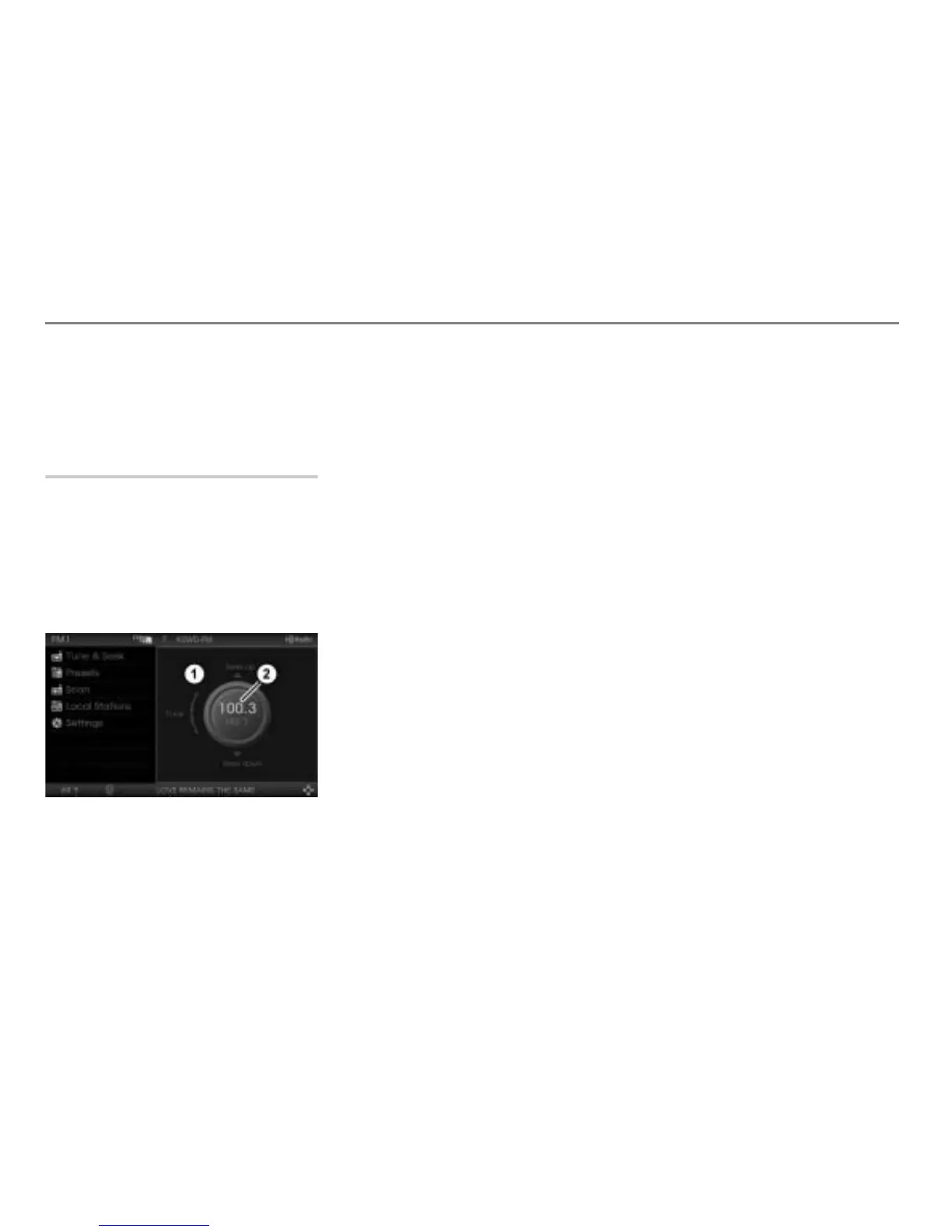
Tune & Seek menu
Currently tuned frequency
To tune to the desired station: See
section “Tuning to a station via a station
search” on page 45 or section “Tuning
to a station via manual tuning” on
page 46.
To request the station preset list:
Press and hold the controller
until
the station preset list appears.
To store the station: In the station
preset list, highlight the desired preset
and press the controller
.
The station is stored.



 To Next Page