199
PHONE
Phonebook
In the Options menu, select the menu
item
Delete All or Delete.
Depending on the menu item selected,
you will be prompted to confirm that you
wish to delete all entries or to delete the
highlighted entry.
Select
Yes or No.
Depending on the menu item and the
answer selected, all entries will be
deleted or retained, or the highlighted
entry will be deleted or retained.
Displaying details on an entry
Calling up the phonebook
Call up the phonebook, see the section
“Calling up the phonebook” on
page 188.
The phonebook appears in the form of
a list.
You will find an operating example for a list
in the section “Lists” on page 29 of the
chapter “Functional introduction”. There you
will also find the description of how to scroll
through a list.
Phonebook
Displaying details on the desired entry
Highlight the desired entry.
Push
the controller .
The Options menu appears.
Options menu
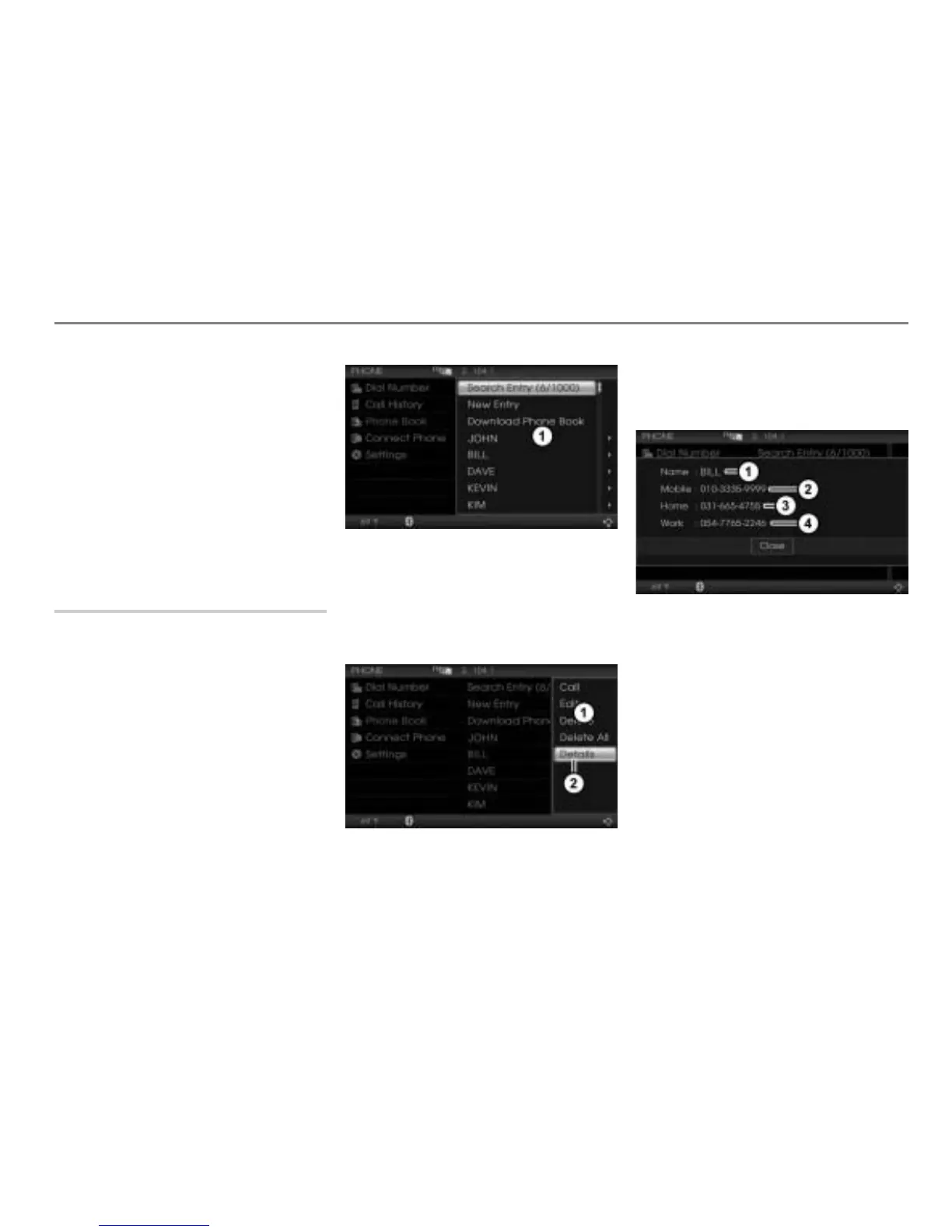
Menu item Details
In the Options menu, select the menu
item
Details.
The details screen appears.
Name of the phonebook entry
Mobile phone number
Home phone number
Work phone number
To close the details screen: Press the
controller
.



 To Next Page