153
PHONE
Pairing/connecting/disconnecting a mobile phone
For information on general system
operation, please refer to the chapter
“Functional introduction” from page 17.
General
Before you can use a mobile phone with the
Driver Information System, it must be
paired and connected with the system via
Bluetooth
®
.
Please refer to the section “Basic technical
prerequisites for mobile phones” on
page 150.
A precondition for pairing and connecting is
that Bluetooth
®
is activated on the mobile
phone.
Activating Bluetooth
®
on the mobile
phone
Proceed as described in the user
manual for your mobile phone.
Pairing a mobile phone
Please refer also to the section “Basic
technical prerequisites for mobile phones”
on page 150.
You can pair a maximum of 5 mobile phones
with the system. After pairing, the system
will connect the mobile phone automatically,
which causes disconnection of any mobile
phone already connected. If the connection
is not succesful, the autoconnection
process will be initiated, on condition that
the autoconnection function is switched on,
see section “Switching autoconnection
function on/off” on page 167. The
autoconnection process attempts to
reconnect with the last mobile phone
connected.
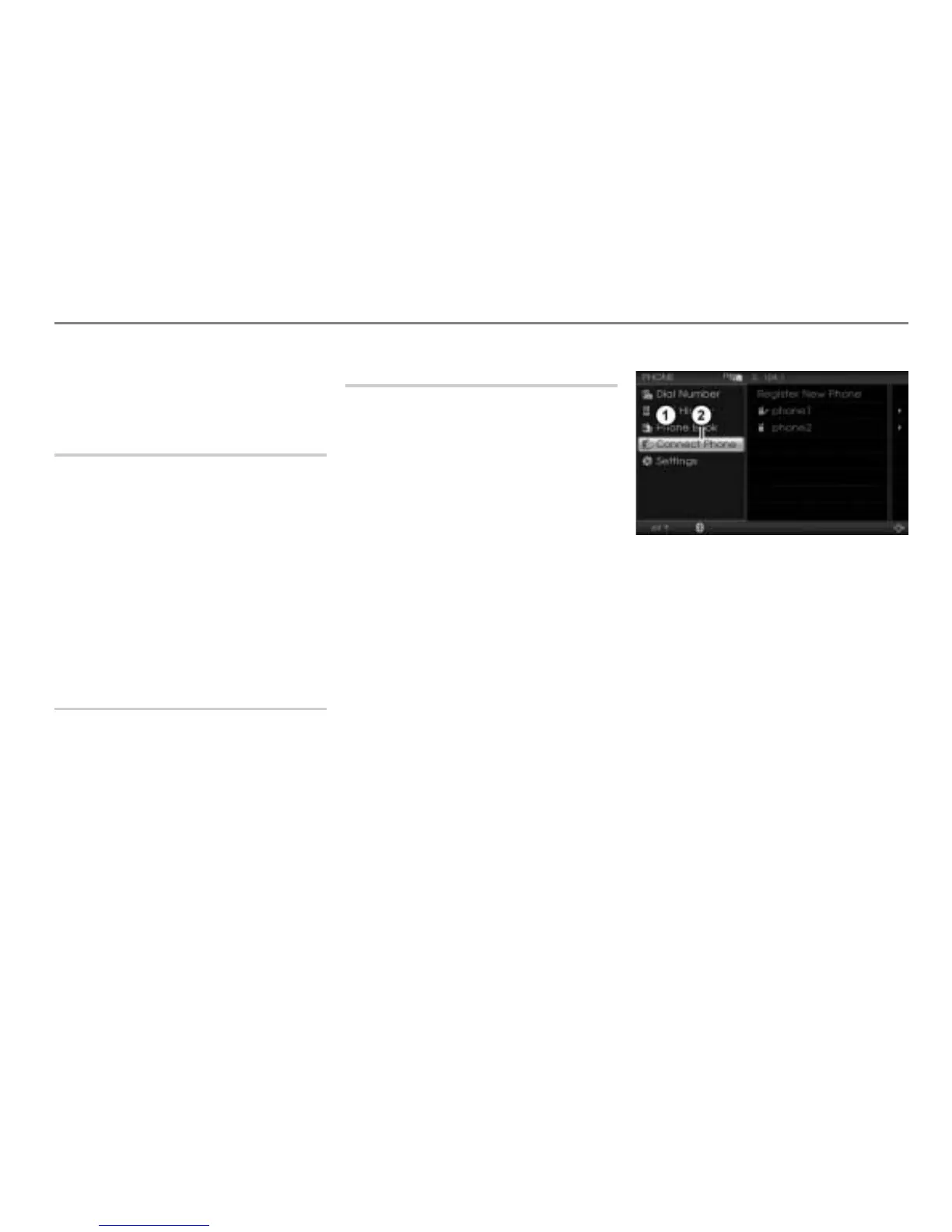
Open the PHONE main menu, see the
section “Opening the PHONE main
menu” on page 152.
PHONE main menu
Menu item Connect Phone
In the PHONE main menu, select the
menu item
Connect Phone.
The device list appears.



 To Next Page