154
PHONE
Pairing/connecting/disconnecting a mobile phone
Menu item Register New Phone
Device list
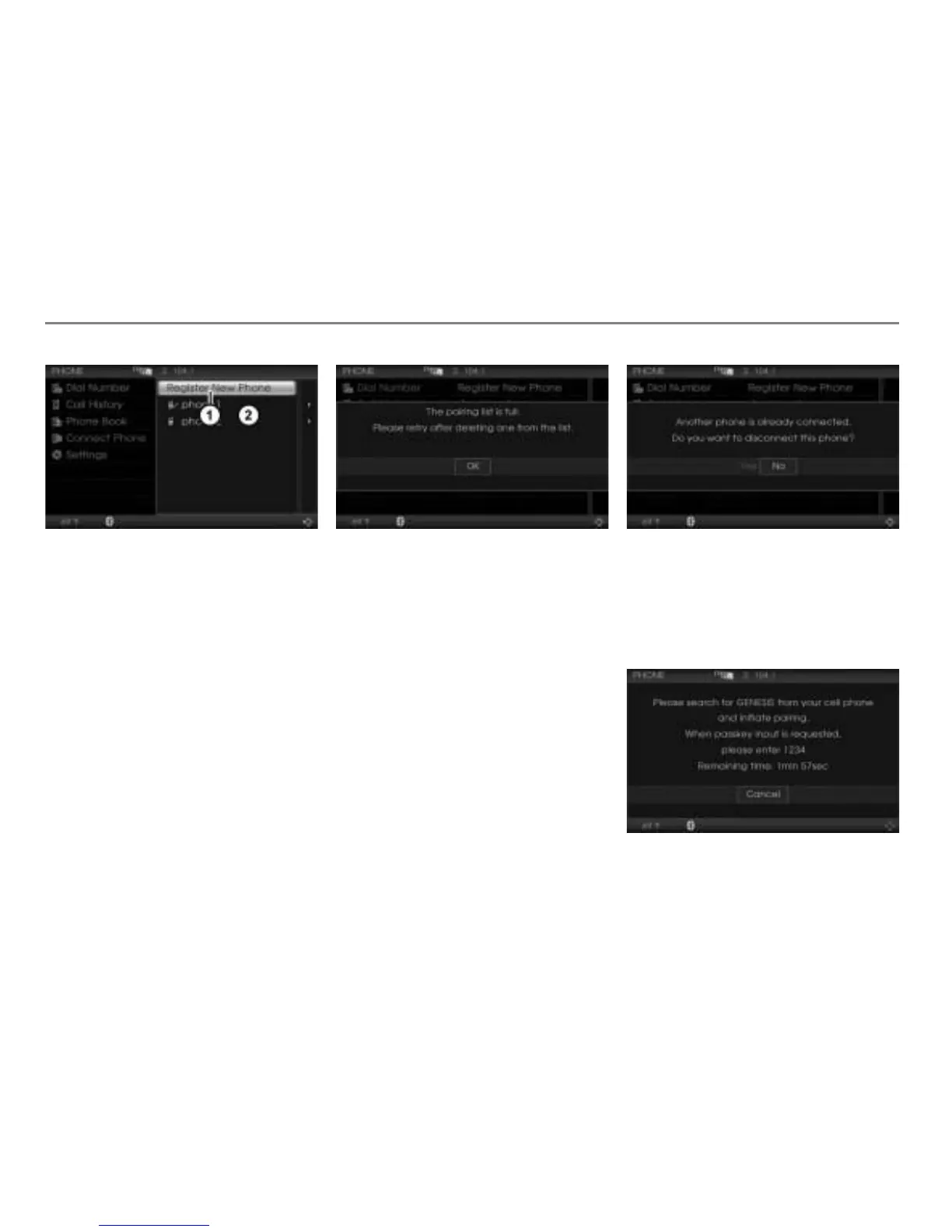
In the device list, select the menu item
Register New Phone.
If there are 5 mobile phones already
paired with the system, you will see an
appropriate message.
You must delete at least one mobile
phone pairing in order to be able to pair
a new mobile phone with the system.
To close the message: Press the
controller
.
To delete a mobile phone pairing:
See the section “Deleting a pairing”
on page 164.
If there are fewer than 5 mobile phones
paired with the system and another
phone is already connected to the
system, you will see a message
prompting you to disconnect the phone.
To cancel pairing: Select
No.
Pairing will be cancelled, and the device
list appears again.
To continue pairing: Select
Yes.
Pairing will be continued and you will
see the following message.



 To Next Page