161
PHONE
Options
For information on general system
operation, please refer to the chapter
“Functional introduction” from page 17.
Options menu
You can open the Options menu for each
mobile phone shown in the device list.
The Options menu includes the following
functions:
Renaming a phone, see page 161
Setting the default phone, see
page 163
Connecting/Disconnecting a mobile
phone, see page 163
Deleting a pairing, see page 164
Deleting all pairings, see page 165
Showing details, see page 166
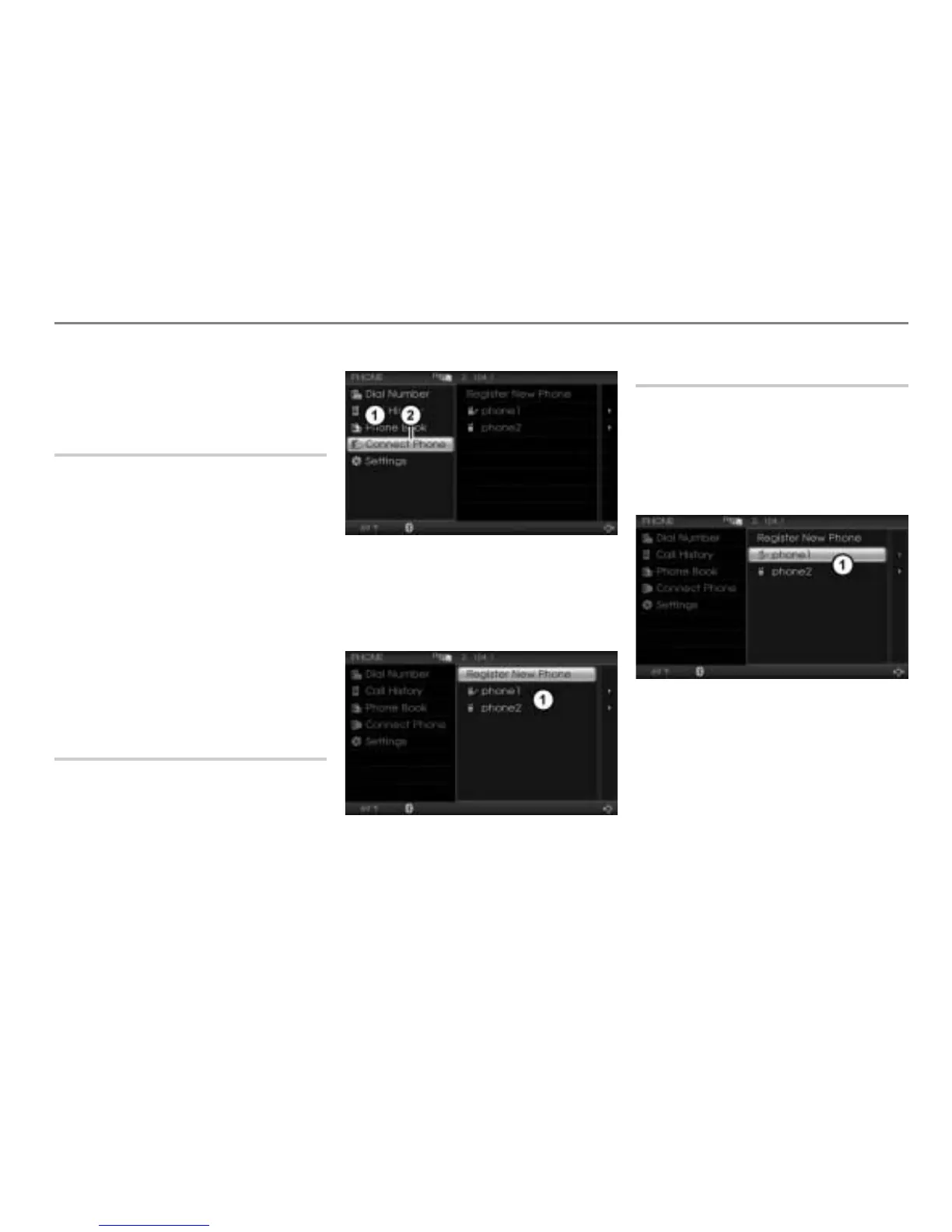
Calling up the device list
Open the PHONE main menu, see the
section “Opening the PHONE main
menu” on page 152.
PHONE main menu
Connect Phone menu item
In the PHONE main menu, select the
menu item
Connect Phone.
The device list appears.
Device list
Renaming a phone
The phone names shown in the device list
generally originate from the mobile phones
themselves. You can, however, also change
the names.
Call up the device list, see the section
“Calling up the device list” on page 161.
Device list
Highlight the desired mobile phone in
the device list
.
Push
the controller .
The Options menu appears.



 To Next Page