166
PHONE
Options
Select Yes.
All mobile phone pairings and
phonebook data are now deleted,
except for the currently connected
mobile phone.
Before you can reconnect these mobile
phones with the system you must pair
them with the system again, see the
section “Pairing a mobile phone” on
page 153.
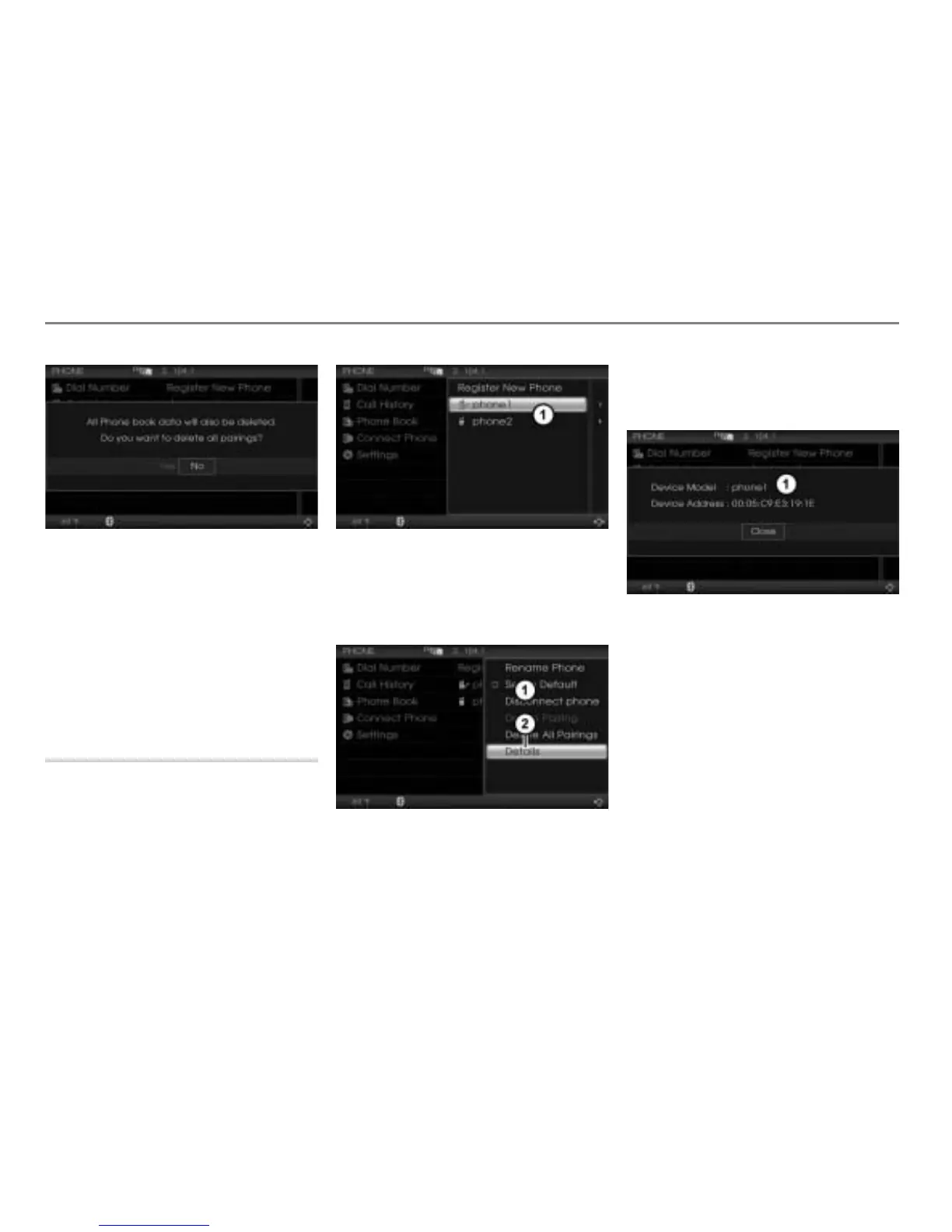
Showing details
This function shows you the Bluetooth
®
device name and address of a paired mobile
phone.
Call up the device list, see the section
“Calling up the device list” on page 161.
Device list
In the device list, highlight the desired
mobile phone and push
the
controller
once.
The Options menu appears.
Options menu
Menu item Details
In the Options menu, select the menu
item
Details.
The details screen appears.
Details screen
To close the details screen: Press the
controller
.



 To Next Page