158
PHONE
Pairing/connecting/disconnecting a mobile phone
Options menu
Connect Phone menu item
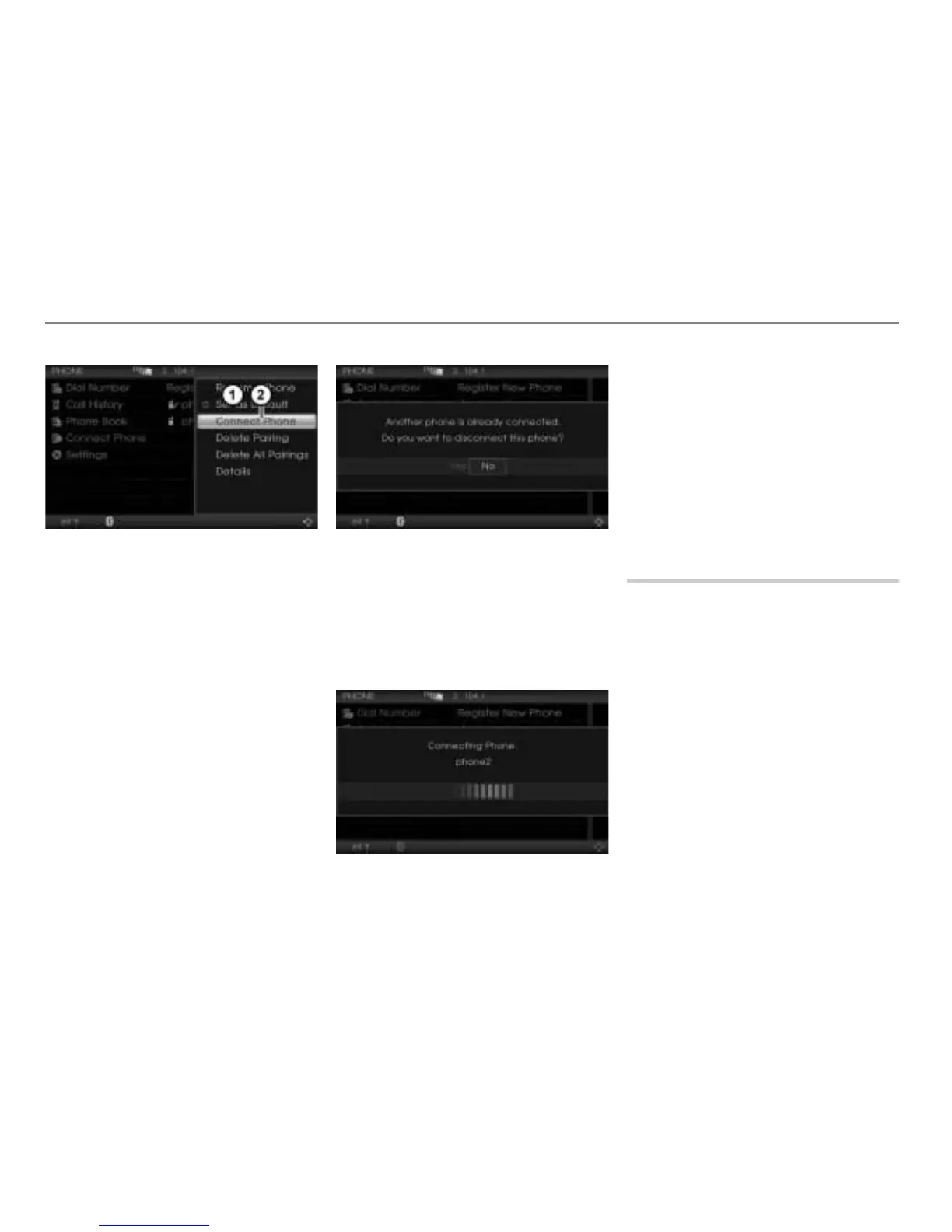
In the Options menu, select the menu
item
Connect Phone.
The system will start the connecting
process.
Connecting process
Only one mobile phone can be connected
with the system.
Option 1: If another mobile phone is
already connected, you will be prompted to
confirm that you wish to disconnect it.
Select
Yes to disconnect it.
The connection process starts, see next
illustration.
Option 2: If no another mobile phone is
already connected, the connection process
starts immediately, see the following
illustration.
If connection is successful, the icons in the
device list and the icon in the bottom status
line will change accordingly.
For information on that, please refer to the
section “Connecting manually” on
page 156.
If connection is not successful, you will see
the message
Connection Failed followed
by the phone name. The message
disappears after a short time.
Terminating a connection
If you terminate a connection, the
autoconnection process (see page 156) will
be suspended until the system is switched
off/on or until a phone will be connected
manually (see page 156).
Calling up the device list
Open the PHONE main menu, see the
section “Opening the PHONE main
menu” on page 152.



 To Next Page