139
AUX mode
USB playback
Repeating tracks or folders
This function will keep repeating a track or
folder until it is cancelled. Repetition of
folders is only possible if the tracks are
organized into folders. Tracks in subfolders
within the folder to be repeated will be
ignored.
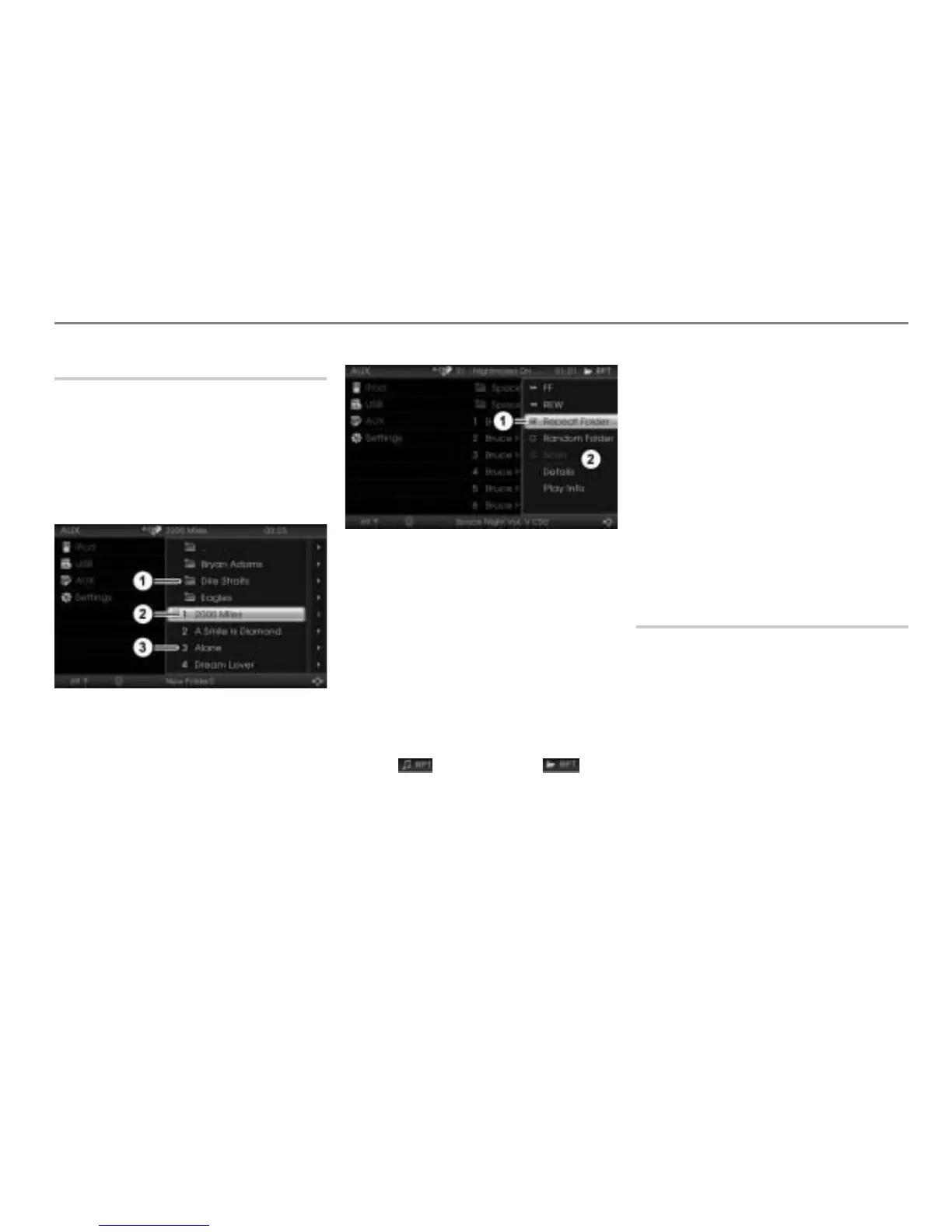
Highlight the desired track or folder.
Folder
Highlighted track
Track
To open the Options menu: Push
the controller
.
Status display
Options menu
To switch the function on/off: In the
Options menu, select the menu item
Repeat Track or Repeat Folder.
Depending on the previous status, the
function will be switched on or off. The
status display
changes accordingly.
Display
= function switched on
Display
= function switched off
When the function is switched on, the
icon (repeat track) or
(repeat folder) additionally appears on
the right in the top status line.
The repeat track function switches off
automatically when you select another
track.
The repeat folder function switches off
automatically when you select a track in
another folder.
Both functions are switching off
automatically when you:
switch to a different audio or video
signal source, for example to FM,
switch the system off and back on
again.
Random play
Switching random play of all tracks on/
off
Random play of all tracks plays all tracks on
the USB memory stick in random order.
Highlight the track currently playing.



 To Next Page