130
AUX mode
iPod playback
iPod
®
menu
The iPod
®
menu is nearly the same as the
“MUSIC” menu on the iPod
®
itself. The
Driver Information System cannot access
any of the other iPod
®
menus.
Opening the iPod
®
menu
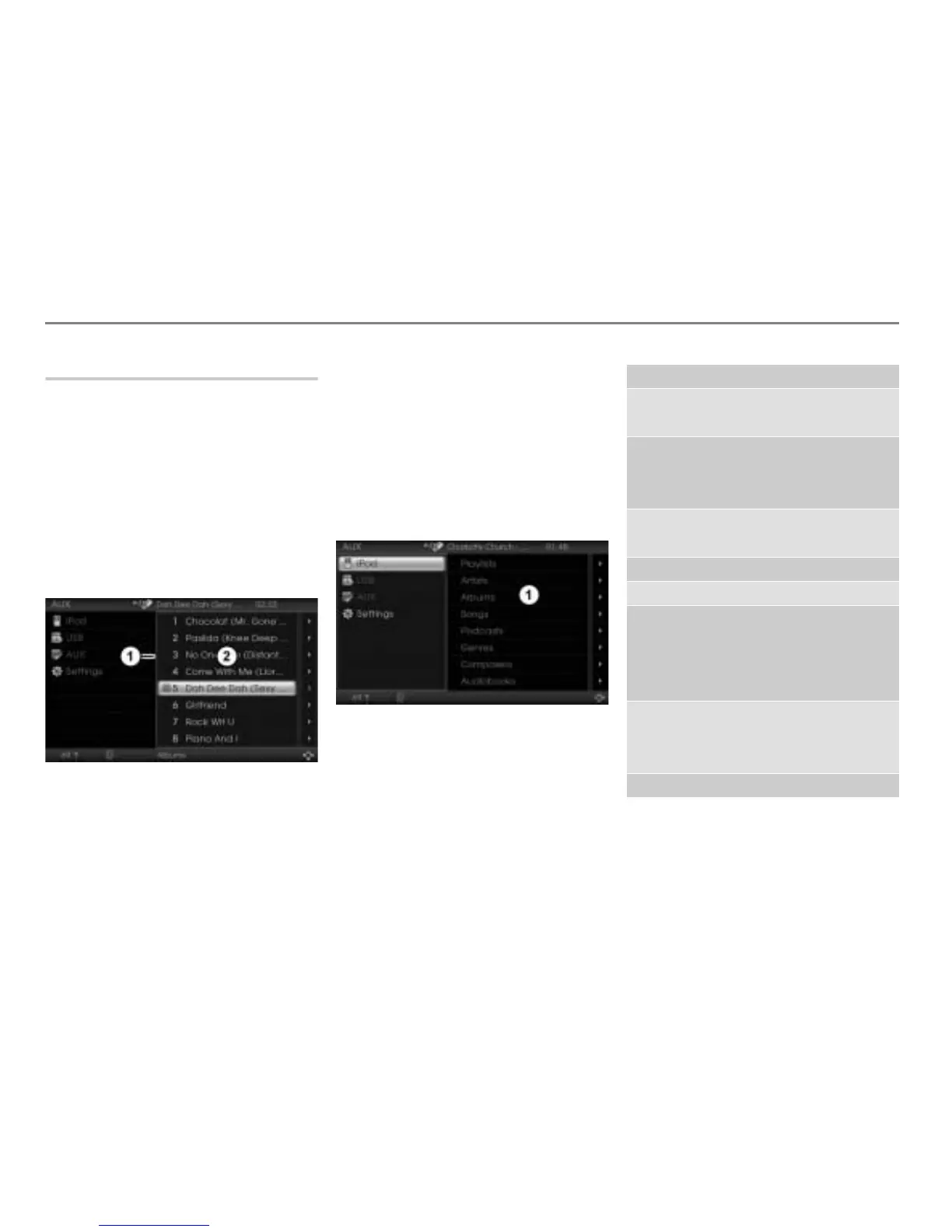
To activate the content area: Push
the controller until the content
area is active.
You can tell the active content area by
the blue frame around it.
Blue frame
Content area
With the content area active, press
the button repeatedly until the
iPod
®
menu appears.
The iPod
®
searching process can be
different depending on iPod
®
models.
The iPod
®
menu has eight main menu
items in total, each of which contains at
least one submenu item, see the
following list.
iPod
®
menu
The contents of the submenu items
“List of...” are depending on the connected
iPod
®
.
Main menu item Submenu items
Playlists > List of Playlists
> List of Tracks
Artists > List of Artists
> List of Albums
> List of Tracks
Albums > List of Albums
> List of Tracks
Songs > List of Tracks
Podcasts > List of Podcasts
Genres > List of Genres
> List of Artists
> List of Albums
> List of Tracks
Composers > List of Composers
> List of Albums
> List of Tracks
Audiobooks > List of Audiobooks



 To Next Page