114
DISC mode
Video CD playback
Open the native video CD menu, see
section “Opening the native video CD
menu” on page 111.
Native video CD menu
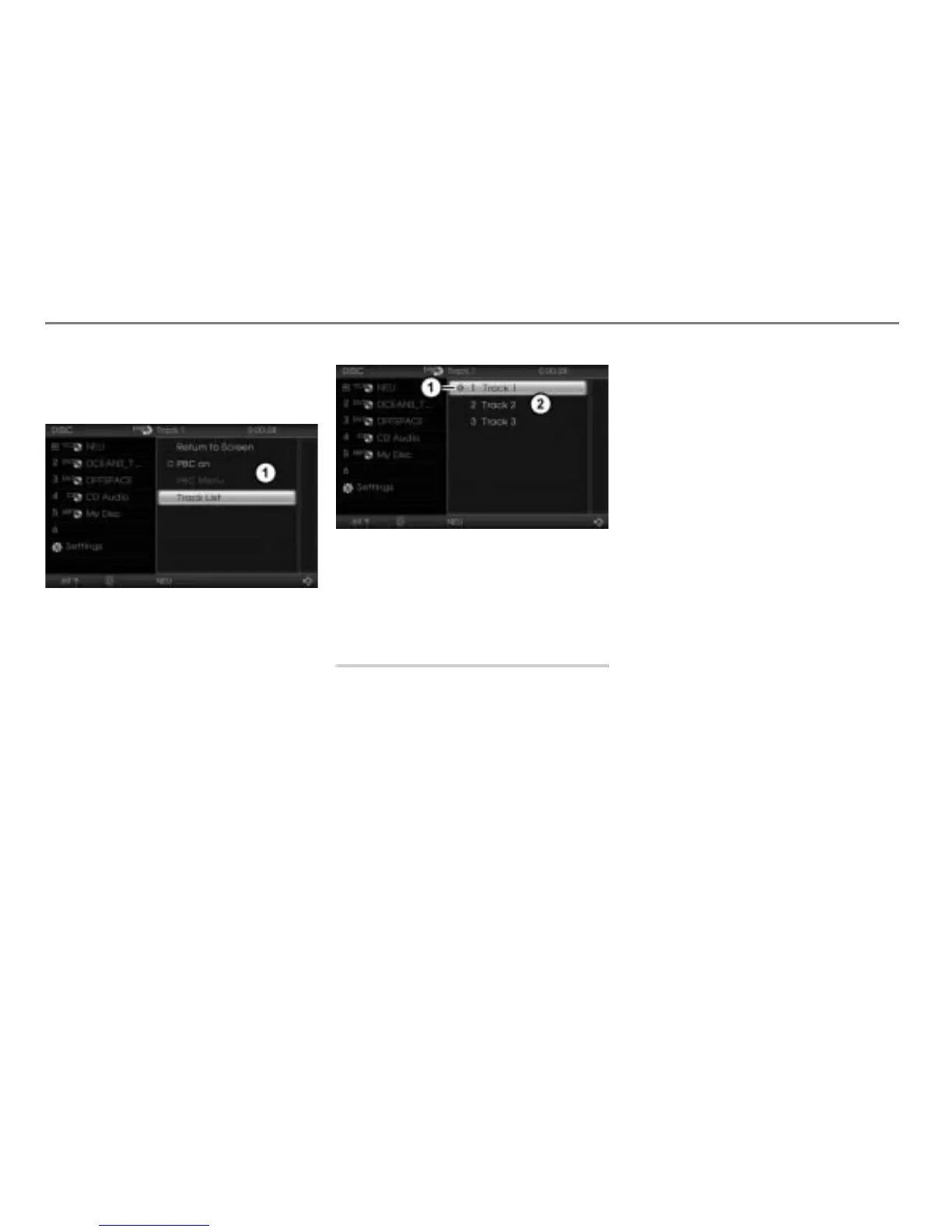
To call up the track list: In the native
video CD menu, select the menu item
Track List.
The track list appears.
Play icon for the track currently
playing
Track list
To play a track: Select the desired
track.
On-screen menu
You can call up the following in the on-
screen menu:
The native video CD menu, see
page 115.
Either the PBC menu or the track list,
see page 116.
In addition you can control the following
playback functions:
Pausing or resuming playback, see
page 106
Skipping tracks forward/back, see
page 116
Fast forwarding/reversing, see
page 117
Depending on the content of the video CD
currently playing, certain menu items may
have no function even though they are
displayed.
Opening the on-screen menu
During video playback, press the
controller
.
The on-screen menu will be shown over
the video currently playing.



 To Next Page