237
Navigation
Functions during route guidance
For information on general system
operation, please refer to the chapter
“Functional introduction” from page 17.
Suspending route guidance
To call up the map display in
position mode: Briefly press the
button.
The map display appears.
To open the Options menu: Press the
controller
.
The Options menu appears.
In the Options menu, select the menu
item
Cancel/Suspend.
Route guidance is suspended; you
will see an appropriate display that
disappears after a short time.
Resuming route guidance
You can resume route guidance after
suspension without having to re-enter the
destination.
To call up the map display in
position mode: Briefly press the
button.
The map display appears.
To open the Options menu: Press the
controller
.
The Options menu appears.
In the Options menu, select the menu
item
Resume Guidance.
You will see an appropriate display that
automatically disappears after a short
time. The system then resumes route
guidance.
Show route
During route guidance, you can display the
complete calculated route again.
To display the route again: Press
the button.
The Navigation main menu appears.
In the Navigation main menu, select the
menu item
Show Route.
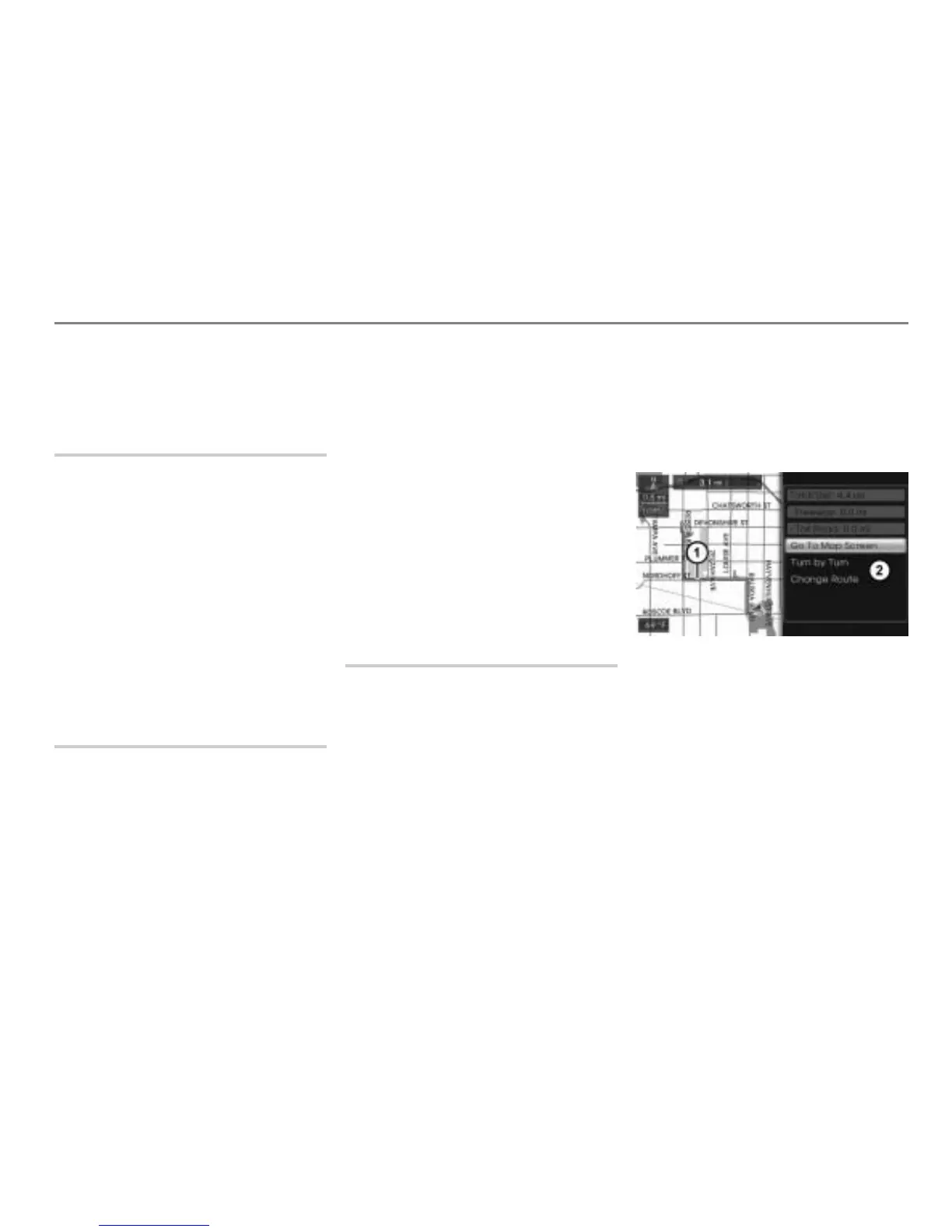
You will once more see the map display
with the calculated route and the
Options menu.
Map display shows day mode
Calculated route
Options menu



 To Next Page