279
Voice control
PHONE mode
PHONE commands can be used only while
a
Bluetooth
®
mobile phone is connected
to the system, see chapter “PHONE”,
section “Pairing/connecting/disconnecting a
mobile phone” on page 153.
Calling up PHONE mode
Press the button on the steering
wheel and say the command
“Bluetooth” after the signal tone.
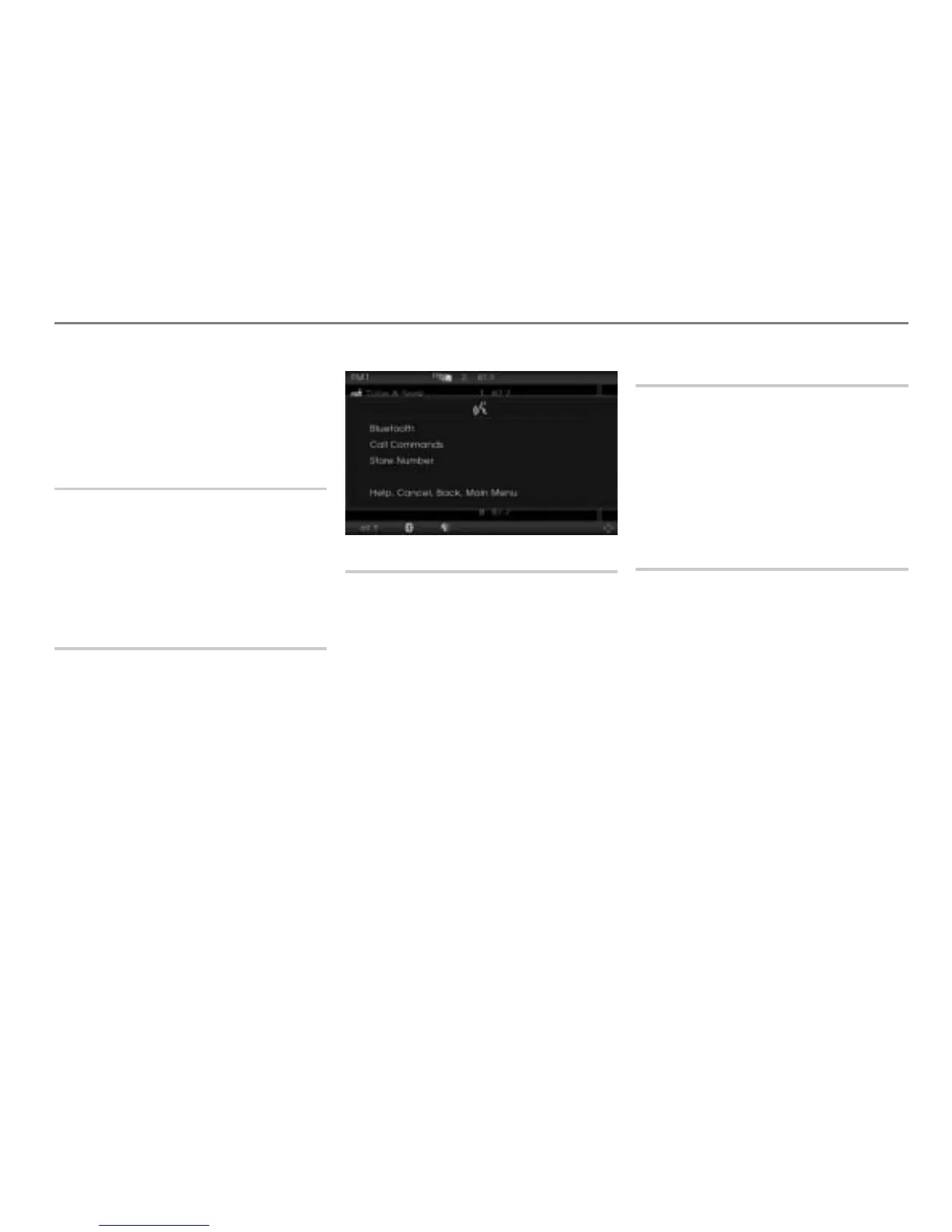
PHONE mode is called up and the
appropriate main menu appears on the
display.
Phone help
You can use the command “Phone
commands” to show all the commands that
are available for your phone.
Press the button on the steering
wheel and say the command “Phone
commands”.
The teleprompter is opened with the
possible commands.
Dialing a number
You can use the command “Dial number” to
dial a phone number.
Use the numbers “zero” to “nine” to enter
the number.
State the phone number in blocks of digits,
separated by short pauses. After each
sequence of numbers, the voice control
system repeats the recognized digits.
The recognized digits are also shown on
the display.
See also “Dialing a phone number” on
page 280 in the section “Operating
examples”.
Redialing
You can use the command “Redial” to
redial the last number dialed.
Press the button on the steering
wheel and say the command “Redial”
after the signal tone.
The system starts redials the
corresponding number.
Storing numbers in the phonebook
You can use the command “Store number”
to store phone numbers in your phone's
phonebook.
See also “Storing a number and assigning
it to an existing phonebook entry” on
page 281 and “Storing a number and
creating a new phonebook entry” on
page 282 in the section “Operating
examples”.



 To Next Page