70
XM Satellite Radio mode
Status screens and messages
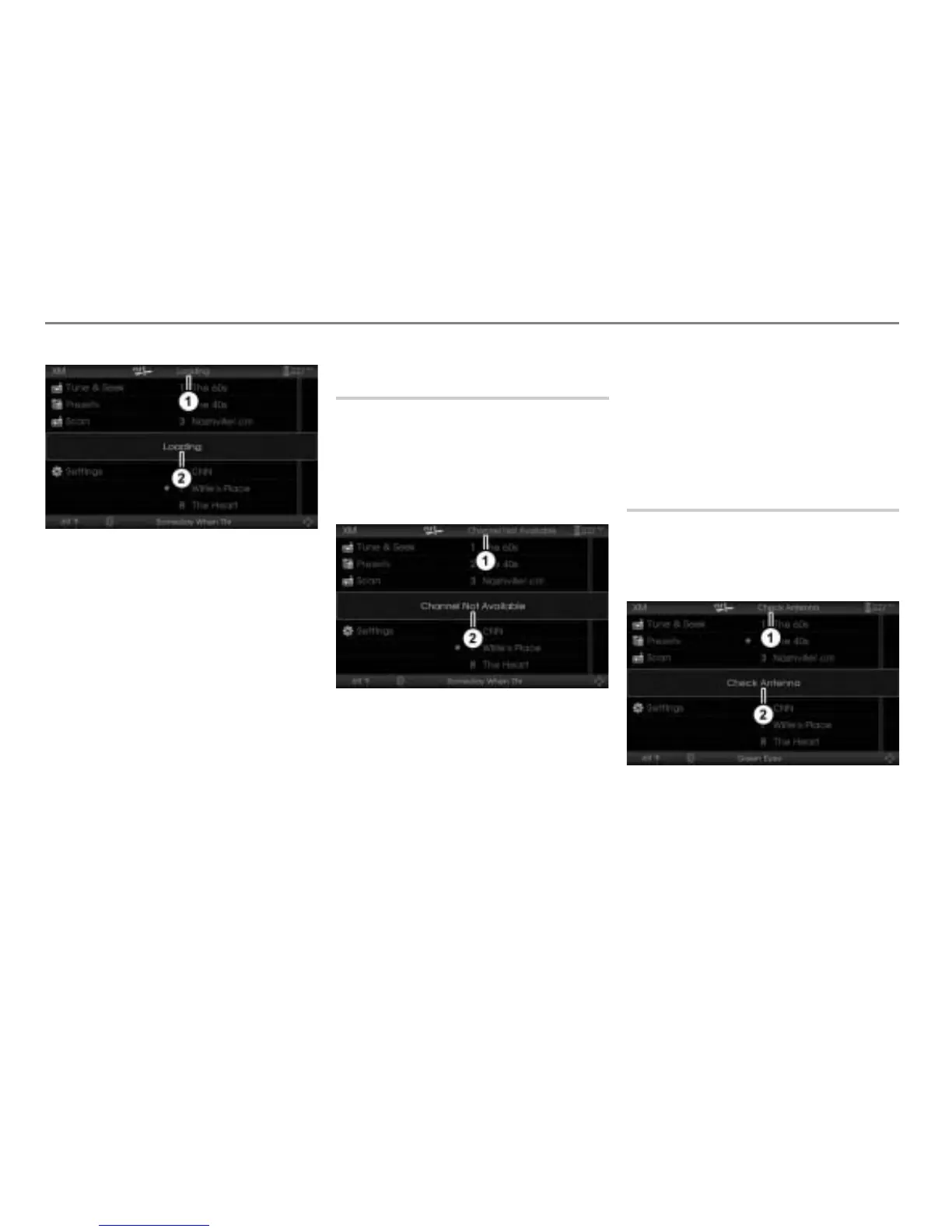
Status message Loading
Status screen
To close the status screen: Press the
controller
.
The status screen
disappears, but
the status message will be displayed
unitl the process has been finished.
In this state, operation of the system is
possible, but the status screen
appears
again, as soon as you try to tune to another
channel.
If the process has been finished, the status
message
disappears and the system
tunes automatically to your last tuned
channel.
Status screen Channel Not
Available
If you tune from the presets to a channel
which is no longer available or if the
currently tuned channel is no longer
available, the status screen
shown
below appears. Additionally, the upper
status line shows the status message
.
Status message Channel Not
Available
Status screen
To close the status screen: Press the
controller
.
The status screen and status message
disappears.
If you have tried to tune to a channel
which is no longer available, the system
tunes to the channel heard before.
If the currently tuned channel was no
longer available, the system tunes to
channel 1.
Status screen Check Antenna
If the antenna is not connected properly,
the status screen shown below appears.
Additionally, the upper status line shows
the status message
.
Status message Check Antenna
Status screen



 To Next Page