292
Voice control
Various commands
Various commands help
You can use the command “Various
commands” to listen to the available
various commands.
Press the button on the steering
wheel and say the command “Various
commands” after the signal tone.
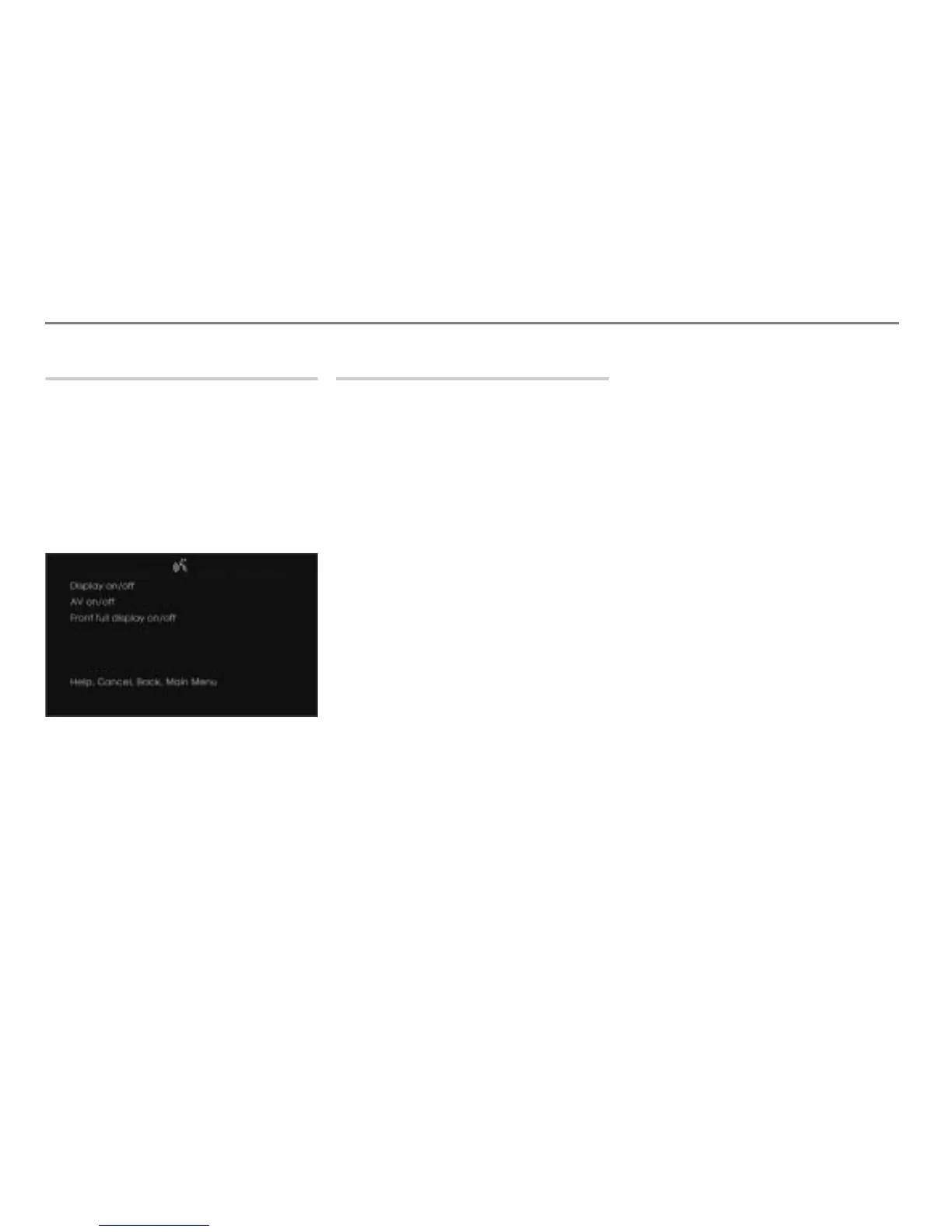
The teleprompter is opened with the
possible commands.
Other available commands
Switching the display off/on
Certain vehicle-specific information will
continue to be displayed even when the
display is switched off. Certain events or the
initiation of certain functions will also result
in corresponding displays that automatically
disappear after a certain time.
You can use the commands “Display off” or
“Display on” to switch the display off/on.
Press the button on the steering
wheel and say the command “Display
off” or “Display on” after the signal tone.
The display switches off or on.
Switching the display completely off/on
Using this function, you can completely
switch off the display. In contrast to the
function “Display off”, no information will be
displayed any longer when using this
function.
You can use the commands “Front full
display off” or “Front full display on” to
switch the display off/on.
Press the button on the steering
wheel and say the command “Front full
display off” or “Front full display on”
after the signal tone.
The display switches completely off or
on again.
Switching audio/video playback off/on
With the system switched on, you can switch
audio/video playback off and on
independently. Whether audio/video
playback is switched on or off, you can
switch the system on and off without
affecting it.
The following functions are still available
when audio/video playback is switched off:
Voice control system
PHONE
Navigation
INFO
You can use the commands “AV off” or “AV
on” to switch the audio/video playback off/
on.
Press the button on the steering
wheel and say the command “AV off” or
“AV on” after the signal tone.
The audio/video playback will be
switched off or on.



 To Next Page