31
Functional introduction
Basic functions
Switching the system on
After switching the system on, the boot
process starts. During the boot process you
cannot operate the system. It takes some
time until all system functions are ready,
especially for the voice control system.
Vehicles without Start button
Insert the ignition key into the ignition
and turn to the ACC or IGN position.
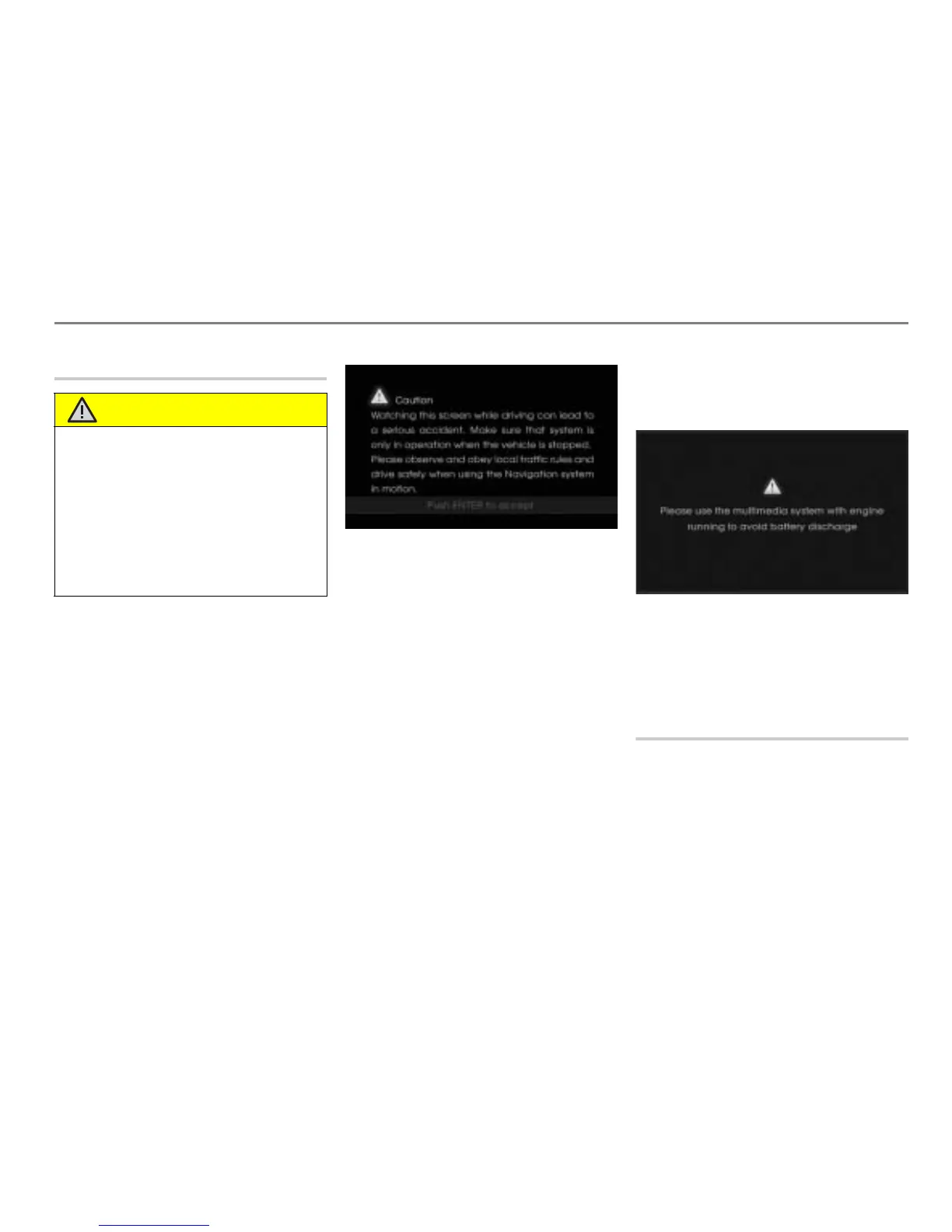
The system will switch on and a safety
instruction will be displayed after a short
time.
To confirm the safety instruction:
Press the controller
.
Vehicles with Start button
Press the vehicle’s Start button once.
If you have not applied the brakes, ACC
and the system is switched on.
If you have applied the brakes, IGN and
the system is switched on and the
vehicle engine starts.
In both cases, the safety instruction
mentioned above will be displayed.
To confirm the safety instruction:
Press the controller
.
Battery warning message
Please use the system with the vehicle’s
engine running.
The message disappears automatically
when you start the vehicle’s engine.
Prolonged usage of the system with the
engine not running may cause complete
discharge of the battery.
Switching the system off
Vehicles without Start button
Turn the ignition key to the OFF
position.
The system will switch off.
WARNING
Hearing damage due to high volume
level
!
When switching the Driver Information
System on, a sudden burst of high volume
may be a cause of hearing damage.
When the system switches on, be careful of
the volume level. Set the volume to an
acceptable level before switching the
system off.



 To Next Page