51
FM and AM mode
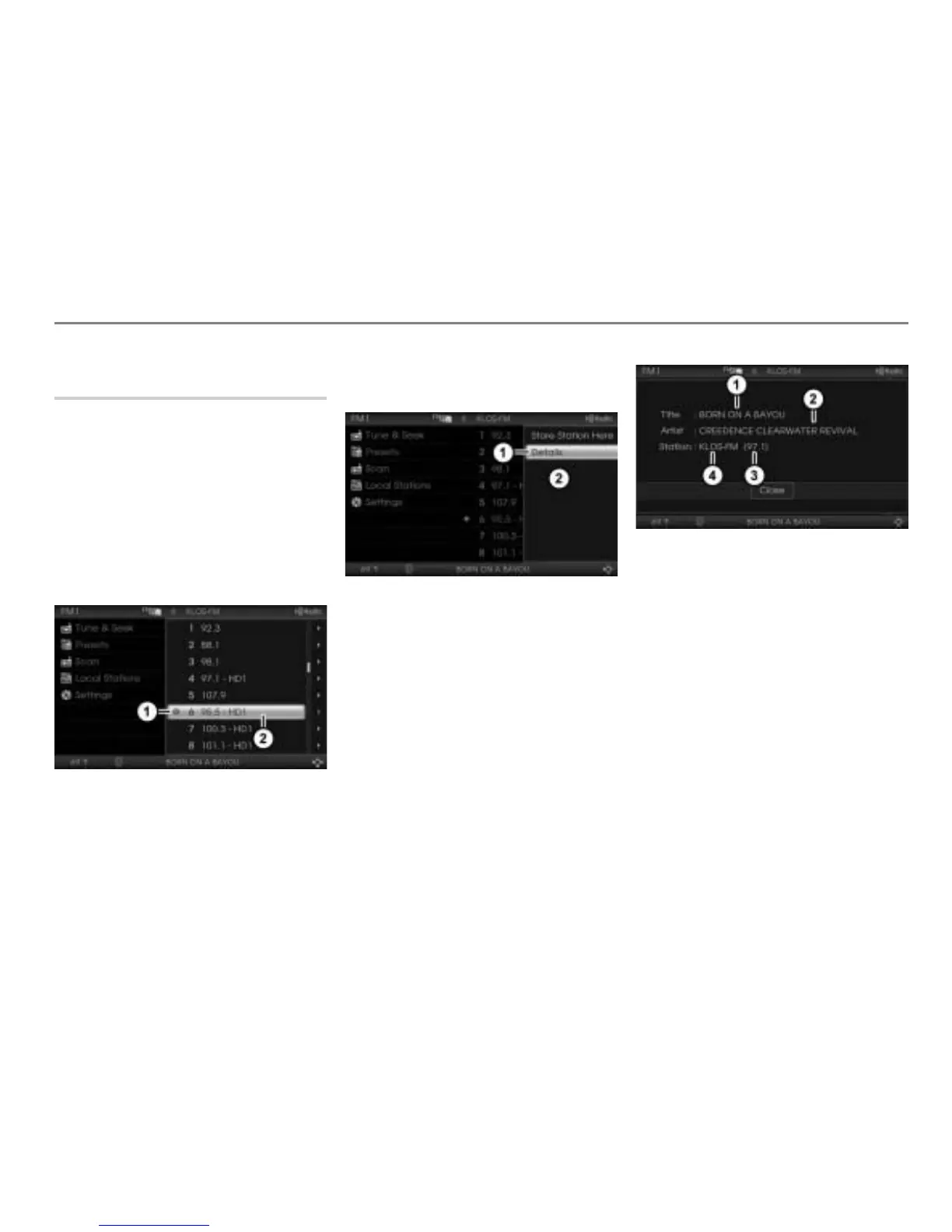
Showing station details
Showing details of the currently
tuned HD Radio
TM
station
The system is able to show the following
details of the currently tuned HD Radio
TM
station:
Name and the frequency of the currently
tuned HD Radio
TM
station,
the title name and the artist name of the
title currently playing.
To open the Options menu: In the
station list or in the presets, highlight
the currently tuned station.
Icon for the currently tuned station
Highlighted preset
Push the controller .
The Options menu appears.
Menu item Details
Options menu
To open the details screen: In the
Options menu, select the menu item
Details.
You will see the details screen.
The menu item Details cannot be selected
if the highlighted station is not the currently
tuned station or if it is not a HD Radio
TM
station.
Song title name
Artist name
Frequency
Station name
To close the details screen: Press the
controller
.



 To Next Page