101
DISC mode
Video DVD playback
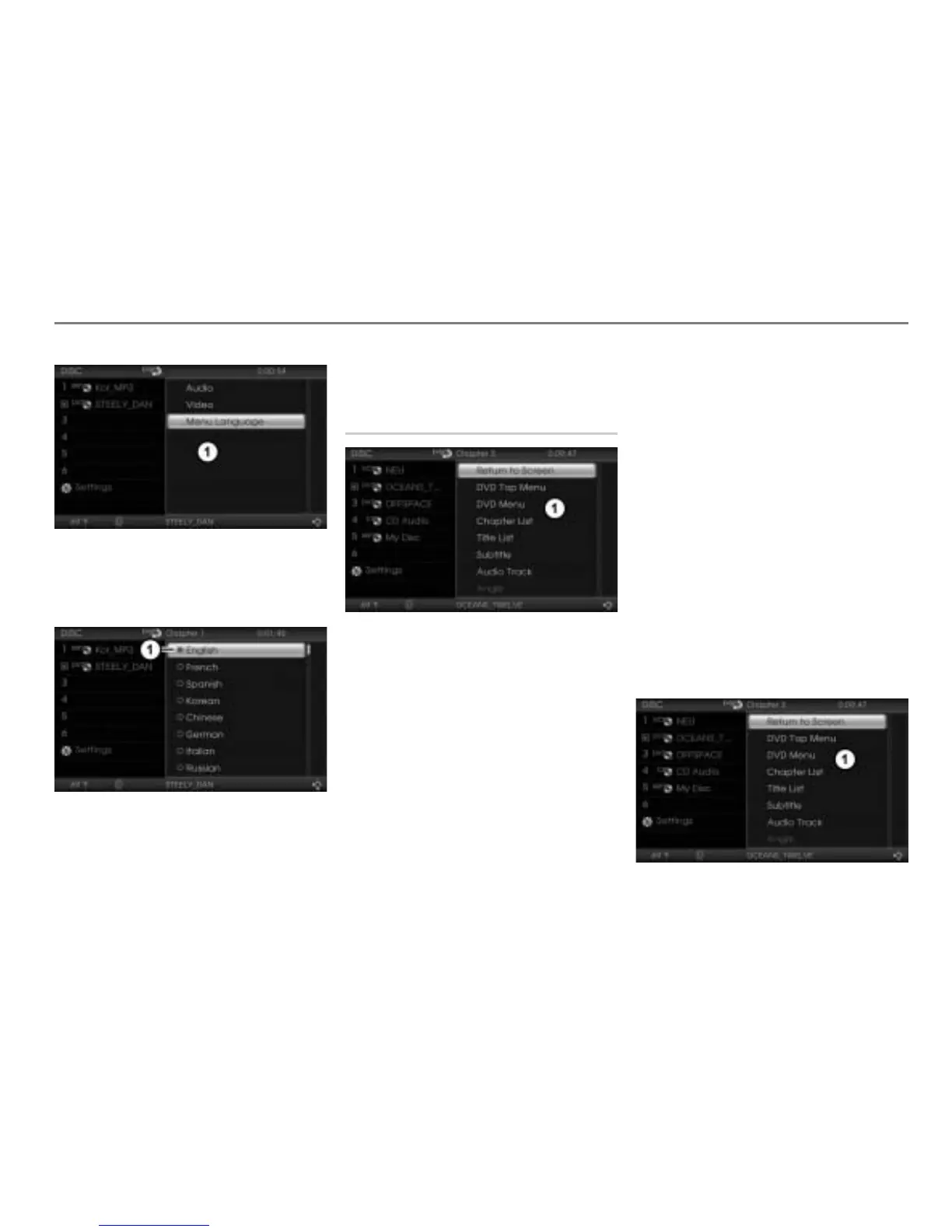
Selection menu
In the selection menu, select the menu
item
Menu Language.
The Language menu appears.
Icon for currently active setting
To change the language: Select the
desired language.
Native DVD menu
Native DVD menu
The native DVD menu includes the
following functions:
Closing the native DVD menu and
returning to video full-screen display,
see page 102
DVD top menu/DVD menu, see
page 102
Chapter list, see page 102
Title list, see page 103
Subtitle, see page 103
Audio track, see page 104
Viewing angle, see page 104
Depending on the content of the DVD
currently playing, certain menu items may
have no function even though they are
displayed.
Opening the native DVD menu
This function is also available in the
on-screen menu, see the section “Opening
the native DVD menu” on page 105.
During video playback, briefly press
the button.
The native DVD menu appears
(video playback continues invisibly in
the background).
Native DVD menu



 To Next Page