284
Voice control
Navigation mode
Calling up Navigation mode
Press the button on the steering
wheel and say the command
“Navigation” after the signal tone.
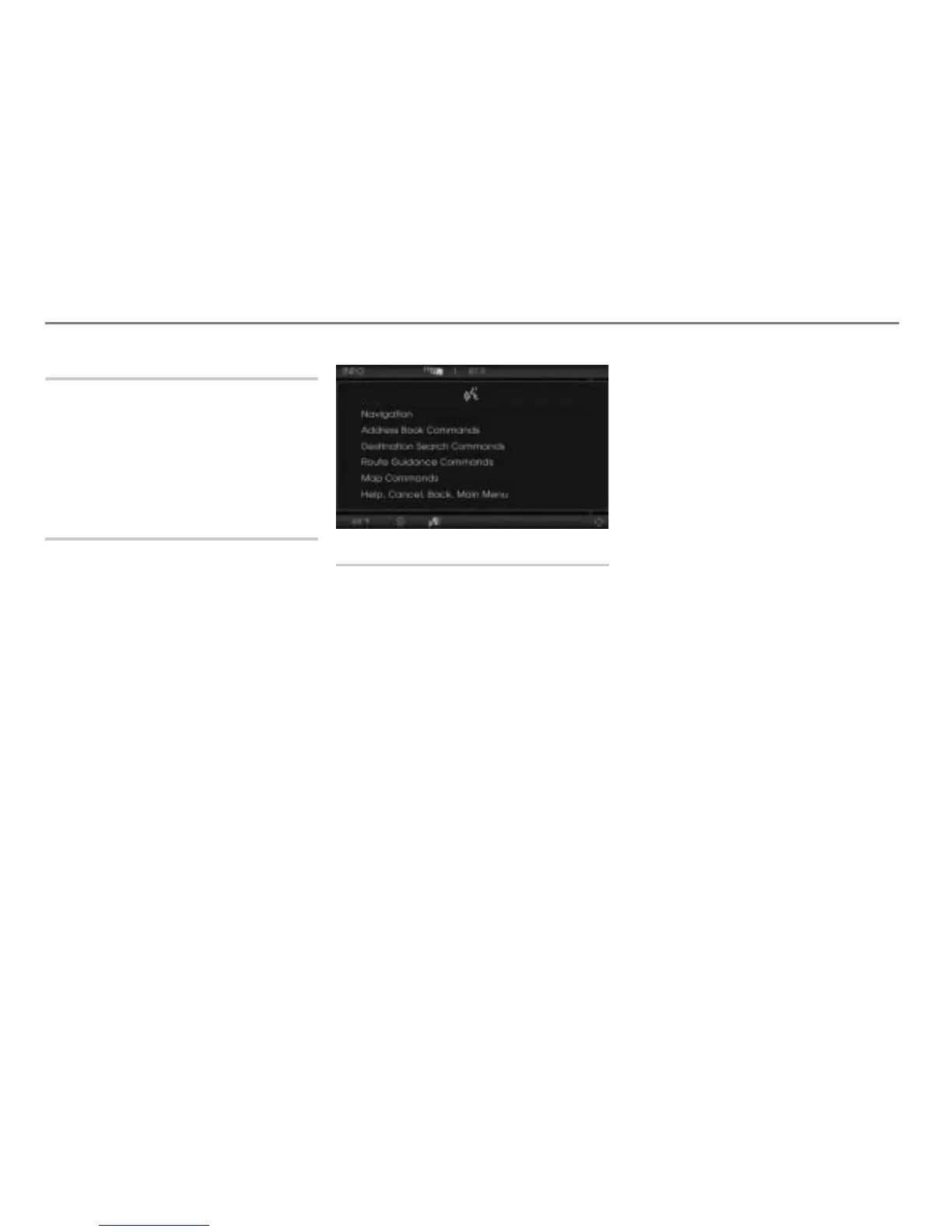
The navigation system is called up and
the appropriate main menu appears on
the display.
Navigation mode help
You can use the command “Navigation
commands” to listen to all the commands
that are available for your navigation
system.
Press the button on the steering
wheel and say the command
“Navigation commands” after the signal
tone.
The teleprompter is opened with the
possible commands.
Entering a destination
You have a number of options for entering
destinations using the voice control
system.
Entering state/province
You can use the command “Enter state” or
“Enter province” to initiate a dialog for
entering the state or the province for a
destination.
Press the button on the steering
wheel and say the command “Enter
state” or “Enter province” after the
signal tone.
# “Enter state” or “Enter province”.
Please continue at “Entering the state
or the province” on page 287 in the
section “Operating examples”.
Entering a city
You can use the command “Enter city” to
initiate a dialog for entering the city for a
destination.
Press the button on the steering
wheel and say the command “Enter
city” after the signal tone.
If no state or province has been entered
yet:
# “No state or province entered yet”.
Please continue at “Entering the state
or the province” on page 287 in the
section “Operating examples”.
If a state or province has been entered
already:
Please continue at “Entering the city” on
page 288 in the section “Operating
examples”.



 To Next Page