127
AUX mode
General operation
For information on general system
operation, please refer to the chapter
“Functional introduction” from page 17.
Switching to AUX mode
Option 1: Connect a signal source to
the system, see the section “Signal
sources” on page 121.
This option works if you are connecting an
iPod
®
mobile digital device, an USB
memory stick or an AUX audio/video signal
source.
If you are connecting an iPod
®
mobile
digital device, playback of the currently
active track in the iPod
®
will be
continued.
If you are connecting an USB memory
stick and it contains playable files, USB
playback will be started.
If you are connecting an AUX signal
source, you will hear or see the signal
source, on condition that playback has
been started on the signal source itself.
Option 2: Press the button.
The system will switch to either AUX or
DISC mode.
If the system switches to DISC mode:
Press the button again.
Option 3: Press the button on the
steering wheel repeatedly until the
system switches to AUX mode.
If Navigation, INFO or PHONE is the active
mode, switching to AUX mode on the
steering wheel does not switch the display,
only the audio source will be switched
accordingly. If you want to switch the display
also, you must use the
button on the
control panel.
After choosing option 2 or 3, you will hear or
see the last active signal source if the
following conditions are met:
The signal source is still connected.
The signal source contains playable
files.
Playback has been started on the signal
source itself (AUX signal source only).
Opening the AUX main menu
From iPod
®
or USB playback: Press
and hold the button.
From AUX video playback: Press
the button.
In both cases, the AUX main menu
appears.
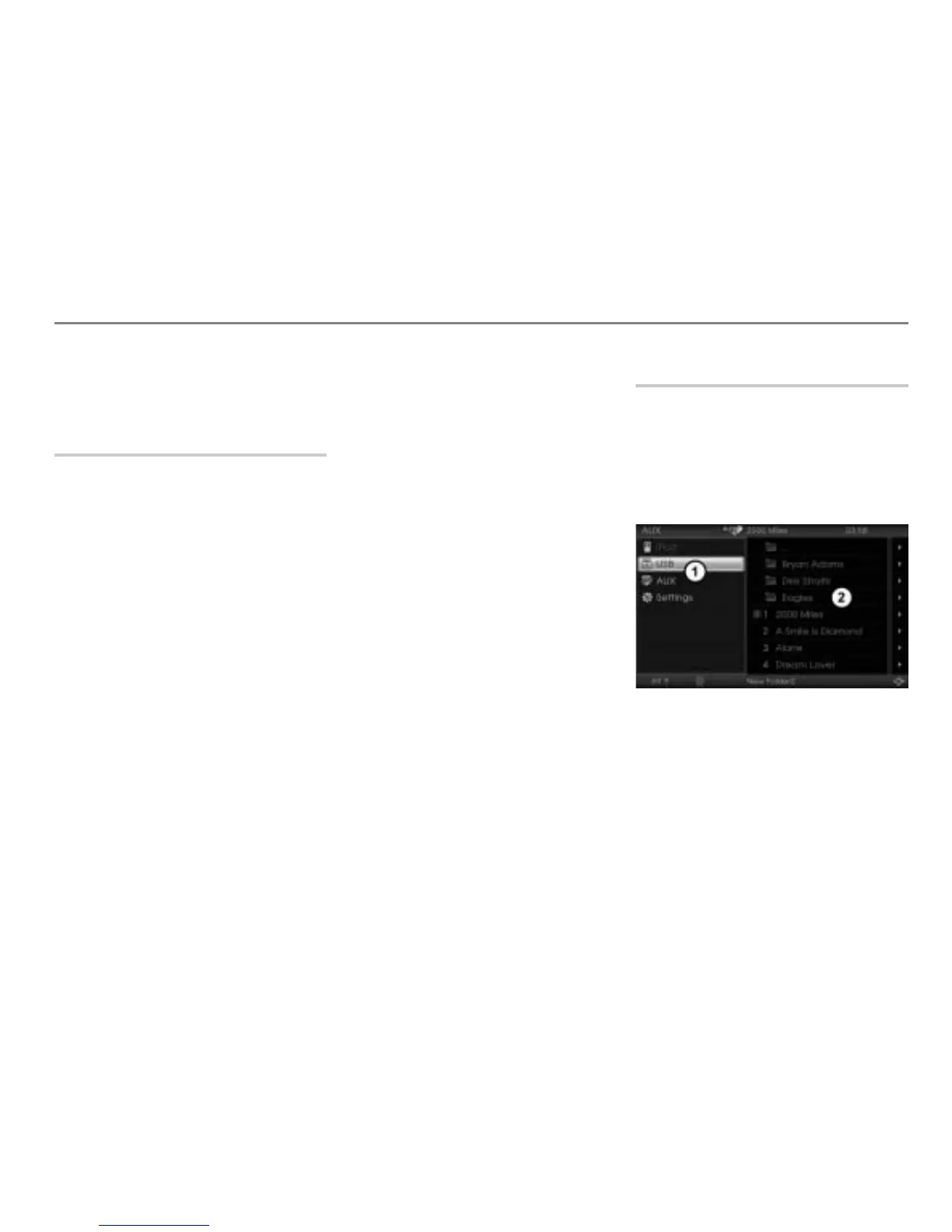
This sample illustration shows the AUX main
menu during USB playback
AUX main menu with the available
signal sources
AUX content area



 To Next Page