179
PHONE
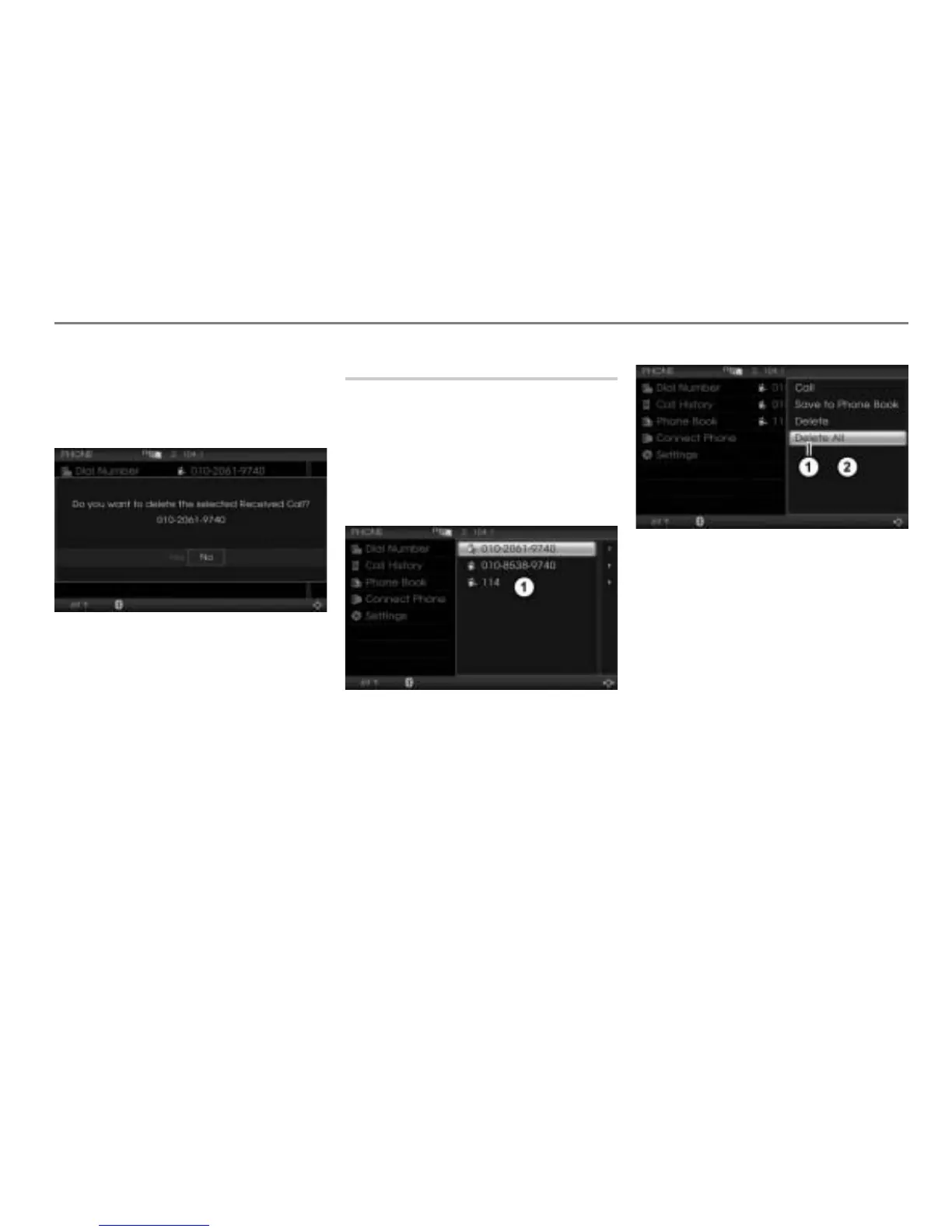
Call history list
In the Options menu, select the menu
item
Delete.
You will be prompted to confirm that
you really want to delete the entry.
Select
Yes or No.
The entry will be deleted or retained,
depending on the answer selected.
Deleting all list entries
This function deletes all entries in the call
history list of the currently connected mobile
phone stored in the Driver Information
System.
Call up the call history list, see the
section “Calling up the call history list”
on page 176.
Call history list
In the call history list, push
the
controller
once.
The Options menu appears.
Menu item Delete All
Options menu
In the Options menu, select the menu
item
Delete All.
You will be prompted to confirm that
you really want to delete all entries in
the call history list currently open.



 To Next Page