109
DISC mode
Video CD playback
After video playback starts, the system will
show the video content as a full-screen
display. You will see either the film or the
PBC (Playback Control) menu stored on
the video CD.
What you see depends on the video CD
itself and also on whether the display of the
PBC menu is switched on or off.
You can switch the display of the PBC
menu on or off in the native video CD
menu, see page 111.
You can open the following menus during
playback:
DISC main menu, see page 96
Native video CD menu, see page 111
On-screen menu, see page 114
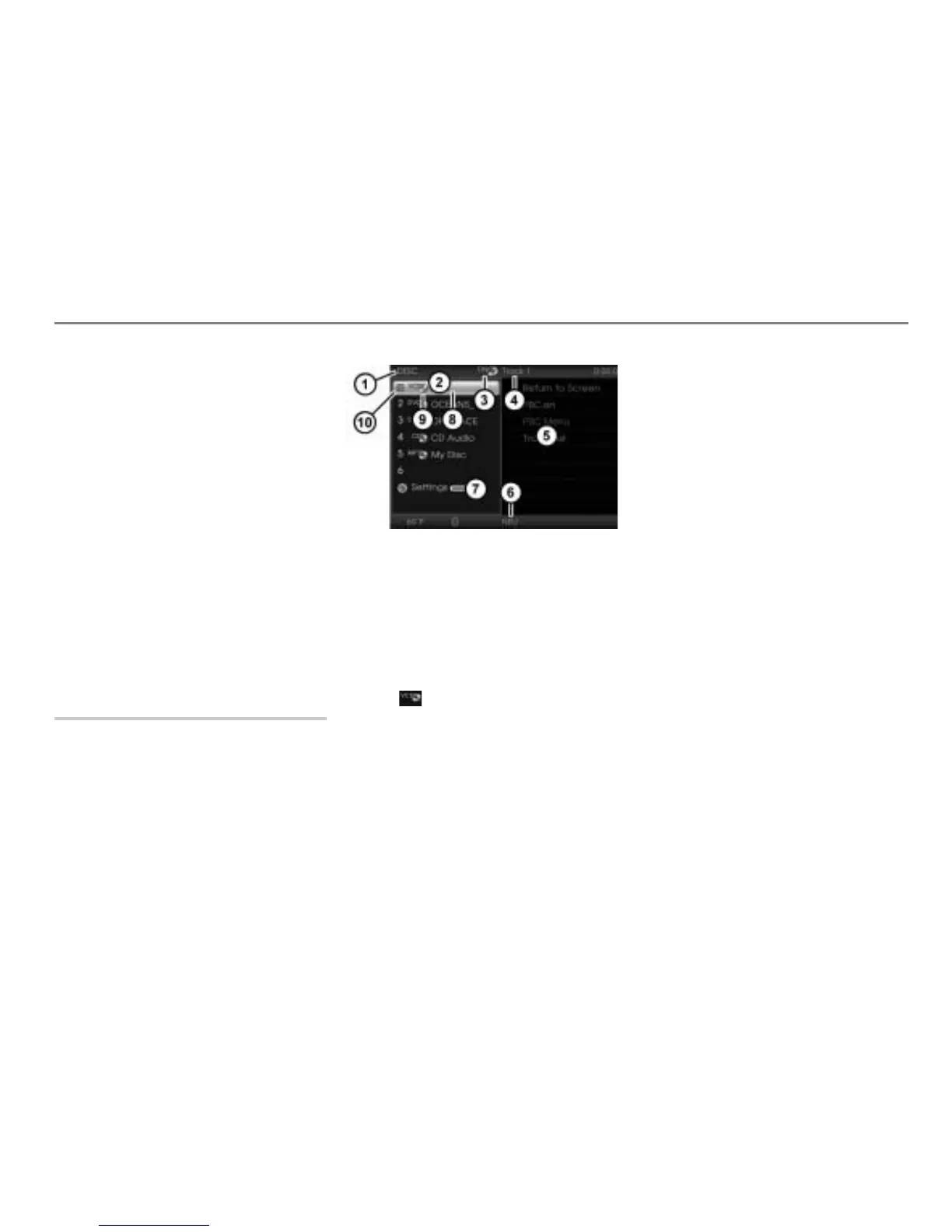
DISC main menu
Opening the DISC main menu
During video playback, press and hold
the button until the DISC main
menu appears.
Currently active main function
DISC main menu with list of discs
Currently active entertainment source
Track currently playing
Content area with native video CD
menu
Name of the disc currently playing
Open the Settings menu
Disc currently playing
Icon for a video CD
Play icon for the disc currently
playing
Video playback continues in the background
when the DISC main menu is open.
Closing the DISC main menu and
returning to video playback
Option 1: In the content area
with
the native video CD menu select the
menu item Return to Screen.
Option 2: Press the button.
Displaying the disc name
The list of discs in the DISC main menu
shows the discs available in the magazine
by their names, provided the names are
stored on the discs. If there are no names
stored, the respective disc type will be
displayed.
If a video CD is highlighted in the list of
discs in the DISC main menu
, then the
content area will display the native video
CD menu.
Unknown discs
Discs that have not yet been played after
the magazine has been loaded are not
known to the system. They are displayed
as follows.



 To Next Page