108
DISC mode
Video CD playback
For information on general system
operation, please refer to the chapter
“Functional introduction” from page 17.
Functional restrictions
It may be the case that some functions or
actions may not be possible at certain
times, or may not be possible in general,
depending on the video CD.
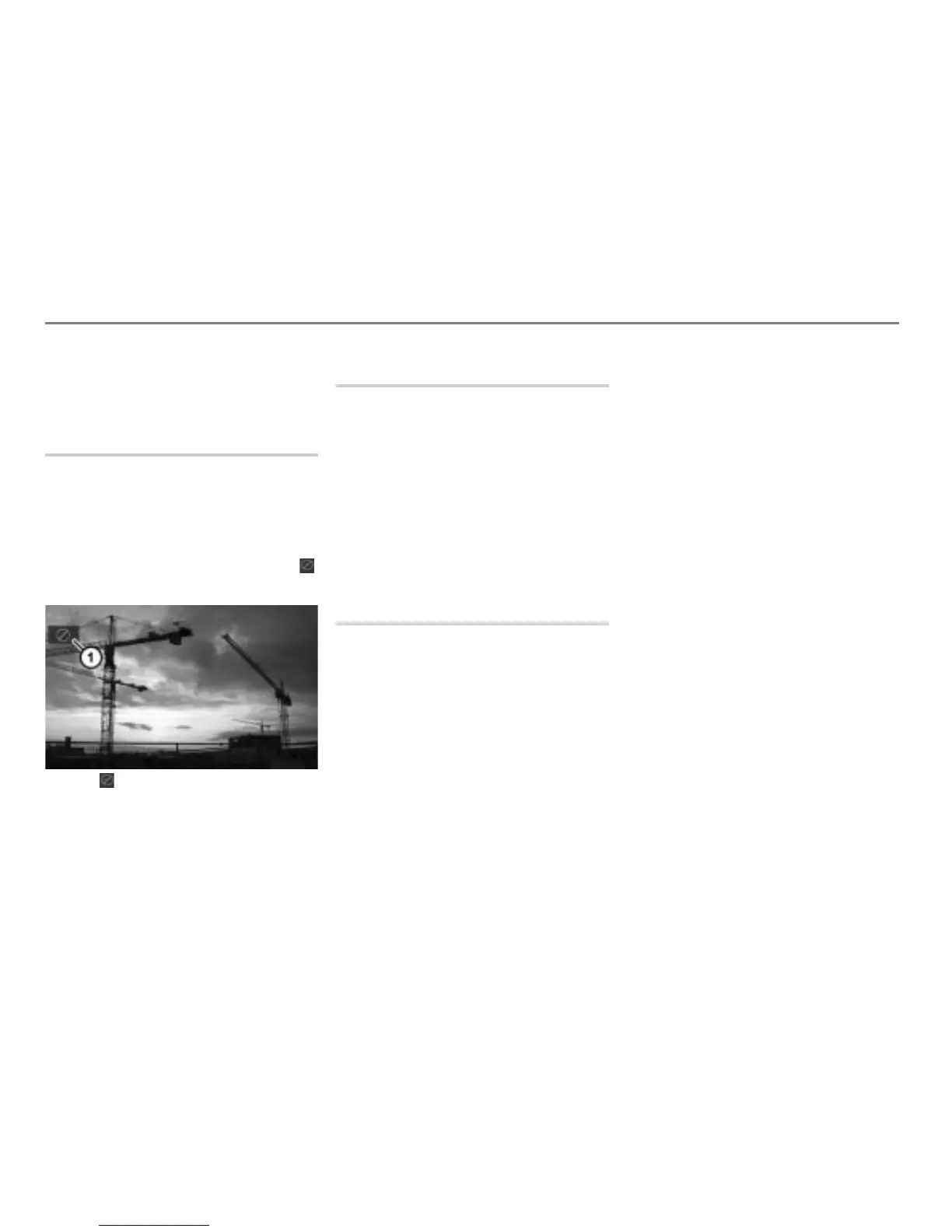
When such functions or actions are
activated, they are indicated by the icon
in the display.
Icon
Notes on PBC (PlayBack Control)
PBC is a feature that allows users to
navigate the content of a VCD (in
MPEG1 version 2.0 VCD) with one or
more interactive menus.
PBC feature only works with VCD
version 2.0.
PBC feature may have different
behavior depending on how the VCD
was developed.
Switching to DISC mode and
playing discs
Option 1: Load the magazine with an
appropriate disc, see the section
“Loading the disc changer magazine”
from page 79.
Option 2: Press the button.
The system will switch to either DISC or
AUX mode.
If the system switches to AUX mode:
Press the button again.
Option 3: Press the button on the
steering wheel repeatedly until the
system switches to DISC mode.
If Navigation, INFO or PHONE is the active
mode, switching to DISC mode on the
steering wheel does not switch the display,
only the audio source will be switched
accordingly.
If you want to switch the display also, you
must use the
button on the control
panel.
After switching to DISC mode, the system
will resume playing the last disc played if
available, otherwise it will play the next
available disc.
If it is an audio disc, please select a video
CD in the DISC main menu, see the section
“Selecting and playing discs” on page 87.
If it is a video DVD, please select a video
CD in the DISC main menu, see the section
“DISC main menu” on page 96.
If the magazine is empty, the message
No
playable disc available
appears. If this
happens, load the magazine with an
appropriate disc, see the section “Loading
the disc changer magazine” from page 79.



 To Next Page