210
Navigation
Entering destinations
For information on general system
operation, please refer to the chapter
“Functional introduction” from page 17.
When entering a destination, you can only
enter the data stored in the digital map.
Available options
The following options are available for
entering a destination:
Entering a destination via the address,
see page 210
Entering a destination via the Previous
Destinations, see page 215
Entering a destination via Intersection
input, see page 215
Entering a POI destination via POI
name, see page 216
Entering a POI destination via POI
category, see page 220
Entering a POI destination via POI
phone number, see page 223
Entering a POI destination via a vicinity
search, see page 224
Entering a destination via the Address
Book, see page 227
Entering an emergency destination, see
page 228
Entering a destination via the map, see
page 229
Entering a destination via the
address
Opening the address input menu
Open the Navigation main menu, see
section “Opening the Navigation main
menu” on page 209.
In the Navigation main menu, select the
menu item
Destination.
A selection list appears.
In the selection list, select the item
Address.
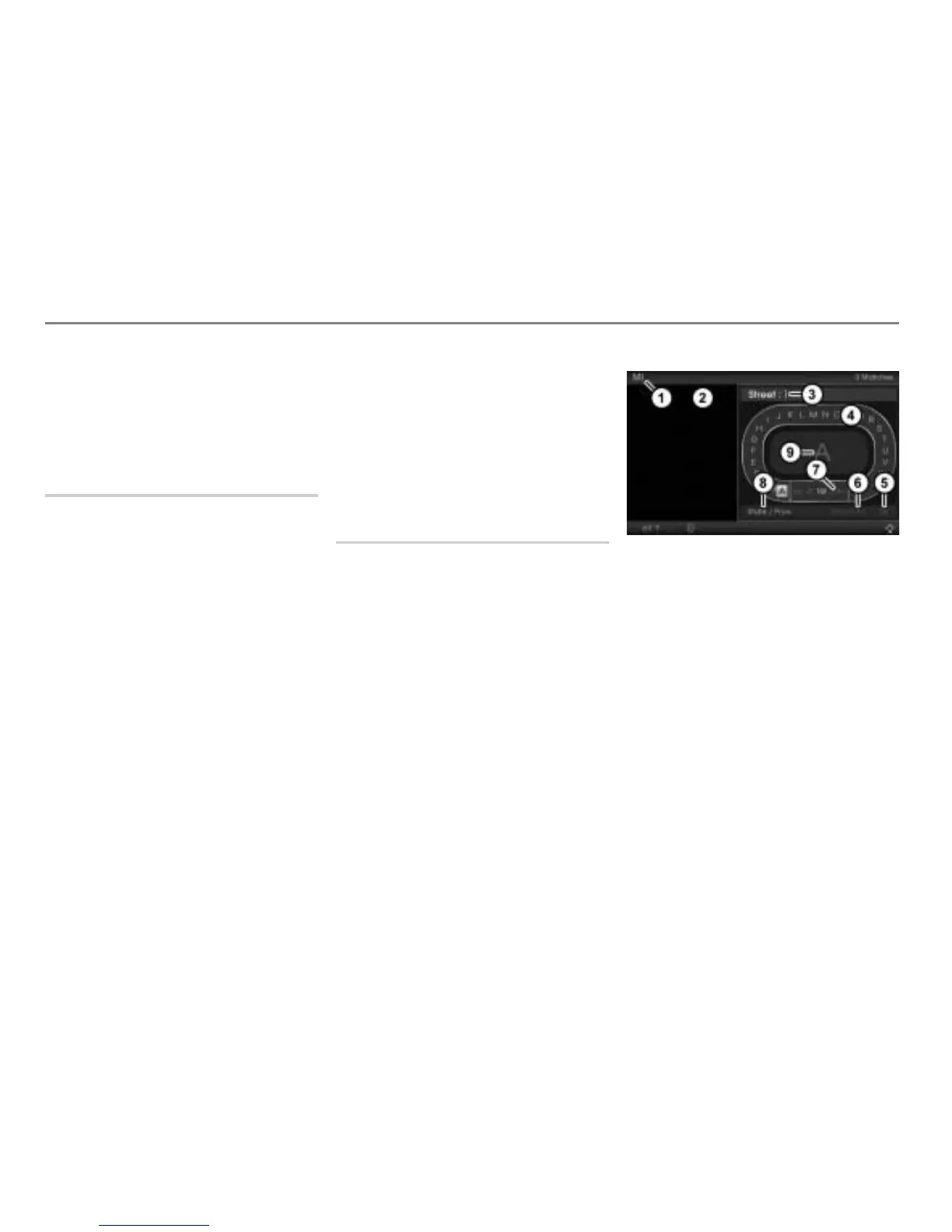
The address input menu appears.
Input progress display (in the example
currently entered state/province)
Hit list (empty if no address has been
entered)
Input field
Predictive speller
Confirm entry
Delete all characters in the input field
Delete the last character in the input
field
Menu item for entering the state/
province
Enlarged display of the currently
highlighted character in the predictive
speller



 To Next Page