301
INFO
Car Settings
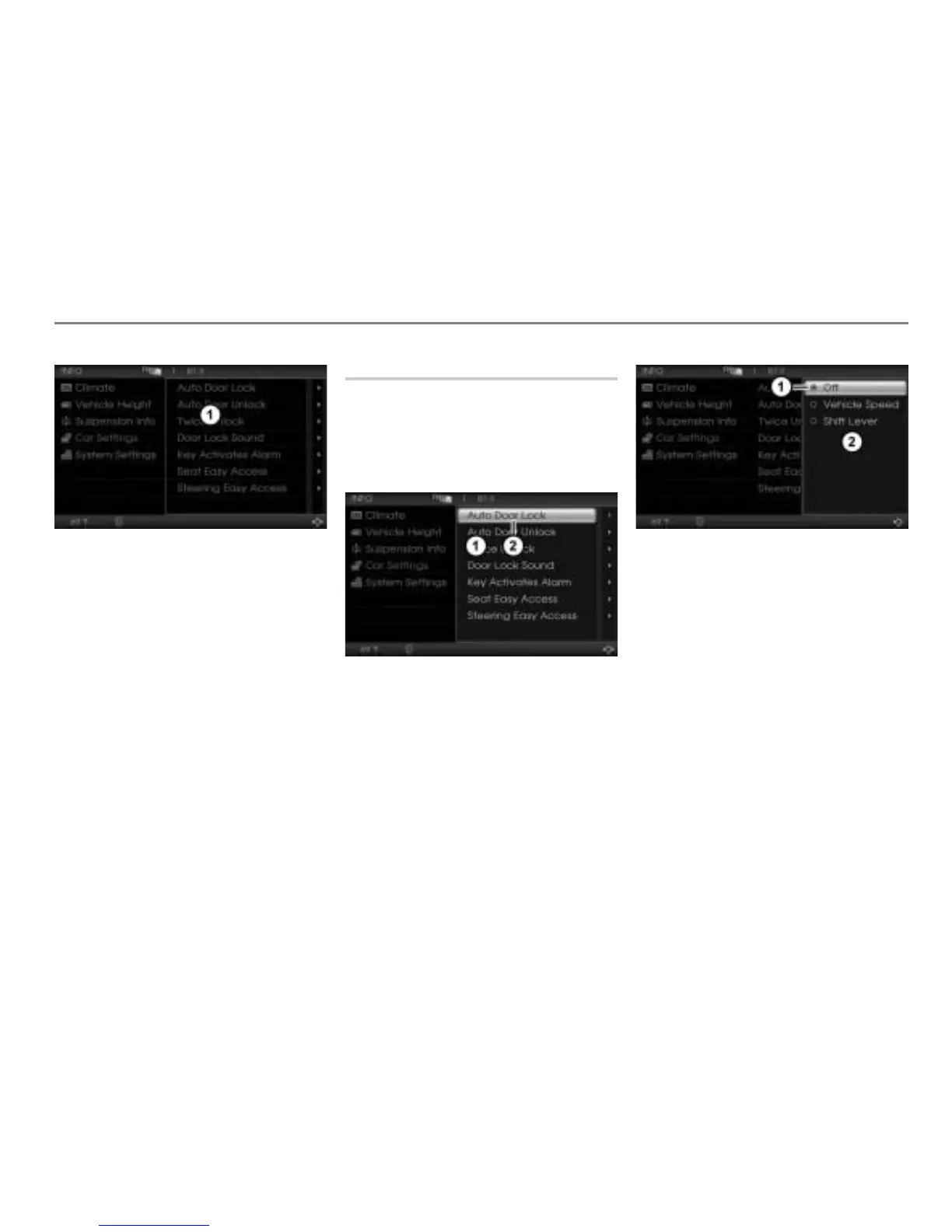
Illustration shows the Car Settings menu
while the vehicle is driving
Car Settings menu without highlight
cursor and with menu items shown in
gray color
Since all menu items are shown in gray
color, none of them can be selected.
You can always use the button to go
back to the next higher menu level.
Auto Door Lock
This function automatically locks the doors
as soon as a specific condition is met.
Open the Car Settings menu, see
section “Opening the Car Settings
menu” on page 300.
Car Settings menu
Auto Door Lock menu item
In the Car Settings menu, highlight the
menu item
Auto Door Lock.
Push
the controller once.
The Options menu containing the
respective setting options appears.
Icon for currently active setting
Options menu
To change the setting: Select another
setting.
Off = Function is switched off.
Vehicle Speed = Doors will be
locked as soon as a specific vehicle
speed is exceeded.
Shift Lever = Doors will be locked
as a function of the shift lever
position.



 To Next Page