45
FM and AM mode
Tuning to stations
Tuning to a station via a station
search
Using the steering wheel
Press and hold the or button.
The search proceeds upwards or
downwards. After releasing the button,
it stops at the next receivable station.
Using the central control panel
Opening the Tune & Seek menu
Open the FM or AM main menu, see
section “Switching to FM or AM mode”
on page 42.
In the FM or AM main menu, select the
menu item
Tune & Seek.
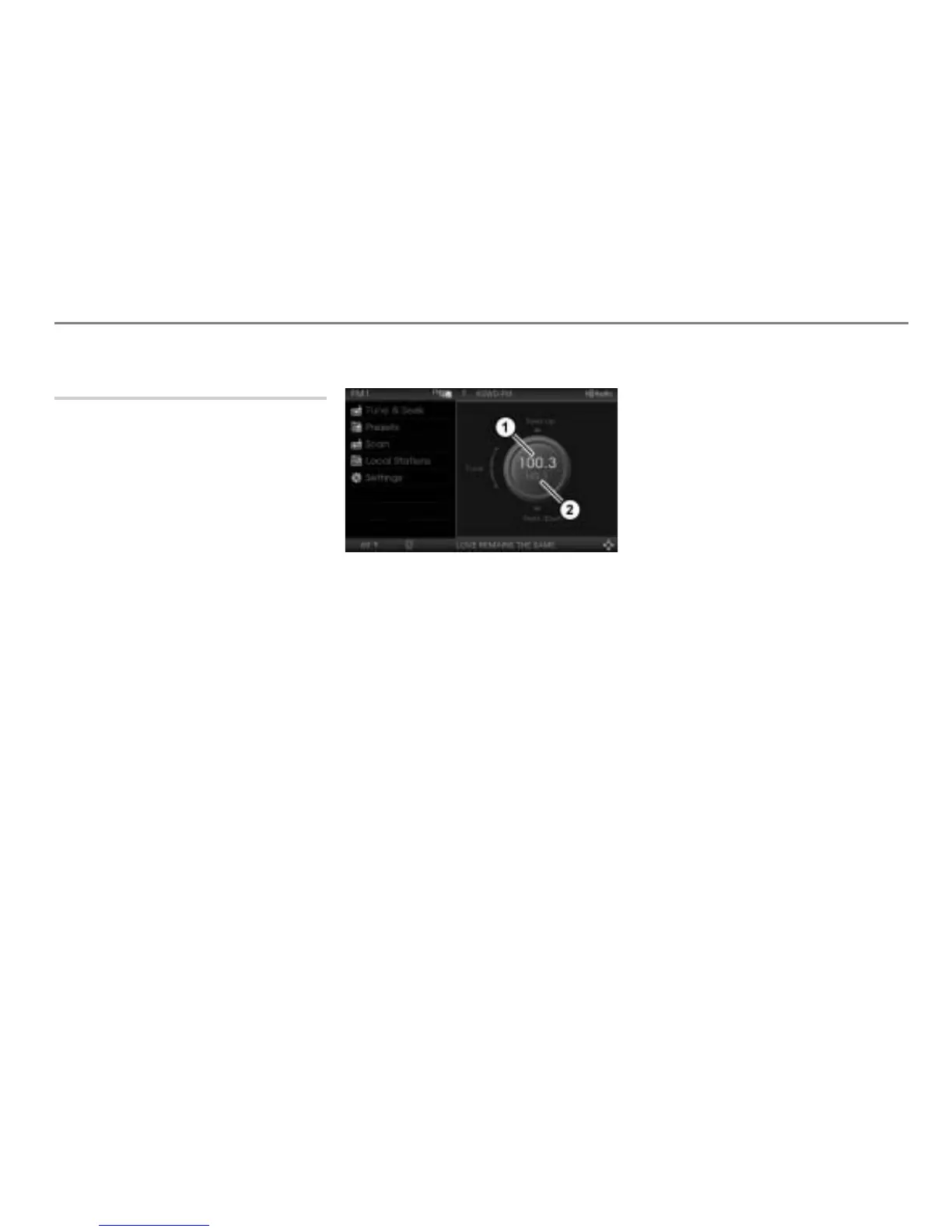
The Tune & Seek menu appears.
Tune & Seek menu
Frequency indicator (shows the
currently tuned frequency)
HD Radio
TM
indicator.
The HD Radio
TM
indicator shows one of
the following:
HD followed by a number between 1 - 8
(in case HD on is set in the settings and
the tuned station is a multicasting HD
Radio
TM
station). Number 1 is the main
channel, numbers 2 - 8 are the sub
channels.
HD - - (in case HD on is set in the
settings and the tuned station is a non-
multicasting HD Radio
TM
station or it is
not a HD Radio
TM
station)
No display in case
HD on is not set in
the settings
If HD on is not set in the settings (see
section “HD on” on page 52), you have only
access to analog radio stations.
Tuning to a station
Option 1: Briefly push
the
controller .
The seek proceeds upwards or
downwards and stops at the next
receivable station.
Option 2: Push
or push and hold
the controller .
The frequency decreases or increases.
After releasing the controller
, the
seek stops at the next receivable
station.
Tuning to a sub channel
Tuning to a HD Radio
TM
sub channel is only
possible if HD on is set in the settings and
the tuned station is a multicasting HD
Radio
TM
station.
You can tell this by the HD Radio
TM
indicator .
For further information about the HD
Radio
TM
indicator, please see section “Tune
& Seek menu” on page 45.



 To Next Page